The complete customer system for appliance repair companies
Name the unit. Capture the symptoms. Keep every visit and parts decision connected.
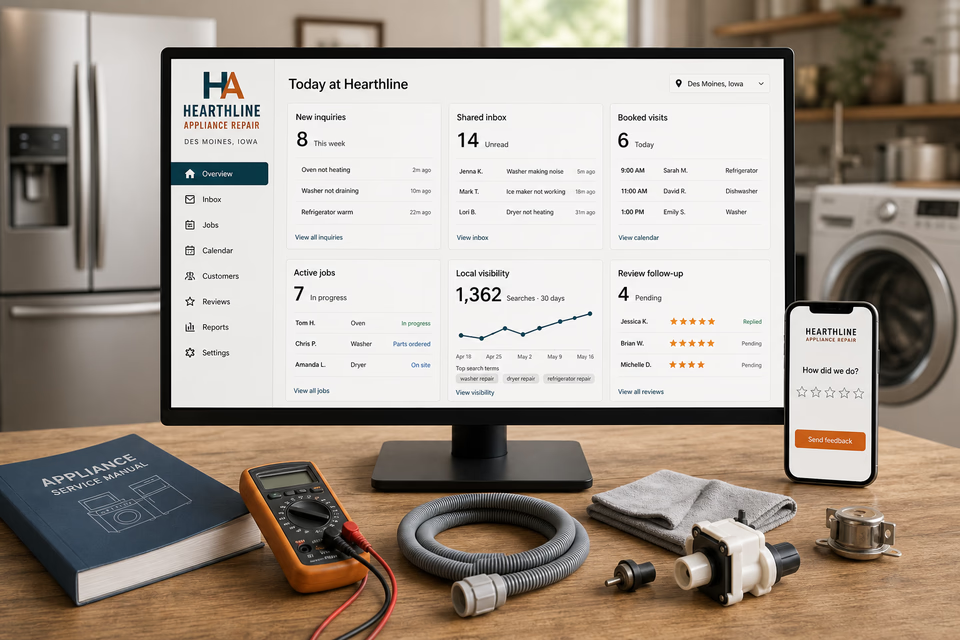
Appliance customers may be protecting refrigerated food, trying to restore a laundry routine, dealing with a leaking dishwasher, coordinating a rental turnover, or planning service for light-commercial equipment. We connect the website, calls, messages, model and symptom details, appointments, diagnostic records, approvals, parts updates, service closeout, reviews, and follow-up so the customer understands the next step and the team keeps every unit attached to one clear conversation.
Hearthline Appliance RepairWebsite, response, search, reviews, and follow-up
What the complete setup should do
Be useful before, during, and after the service call.
A useful appliance-repair request starts with the appliance type, reported symptoms, model and serial information when safely accessible, photos, age or installation context, power, water, or gas observations that the customer can report without disassembly, prior service, property access, and scheduling needs. The customer system should organize those facts without claiming an exact diagnosis from a form, promising same-day service, setting an unverified fixed price, guaranteeing parts availability, or guaranteeing a repair outcome.
01
Start with the exact appliance and reported symptom
The request path should separate a warm refrigerator, noisy washer, non-heating dryer, leaking dishwasher, non-heating oven, and other unit-specific concerns. Gather what the customer sees, hears, smells, or notices without turning those observations into a remote diagnosis or asking the customer to open panels.
02
Capture model and installation context safely
Model and serial information, appliance age when known, clear exterior photos, location, clearance, hookups, error displays, prior service, and safe access notes help the office prepare. Ask only for information the customer can reach without moving a heavy unit, disconnecting utilities, or exposing electrical, gas, water, or refrigerant components.
03
Keep findings, approvals, parts, and scheduling together
Technician observations, diagnostic notes, customer approvals, parts status, follow-up visits, property contacts, and schedule changes should stay connected to the same appliance and customer conversation. The record should distinguish an assessment, an approved repair, and completed work rather than implying success before the visit is finished.
04
Close out with an honest appliance service record
A useful handoff can organize the reported symptom, work completed, parts used, technician notes, manufacturer-aligned care guidance, customer feedback, and restrained follow-up. It should not expand a manufacturer warranty, promise future lifespan, or treat a completed visit as proof that every possible issue is resolved.
The appliance repair system
Three parts. One customer journey.
Each part is built around refrigerator, washer, dryer, dishwasher, range, oven, ice maker, and carefully scoped light-commercial appliance service, and every service below links to the full explanation of what it does.
01
Get found for the appliance customers actually need serviced
Give refrigerator, washer, dryer, dishwasher, cooking-appliance, and genuine commercial work distinct pages.
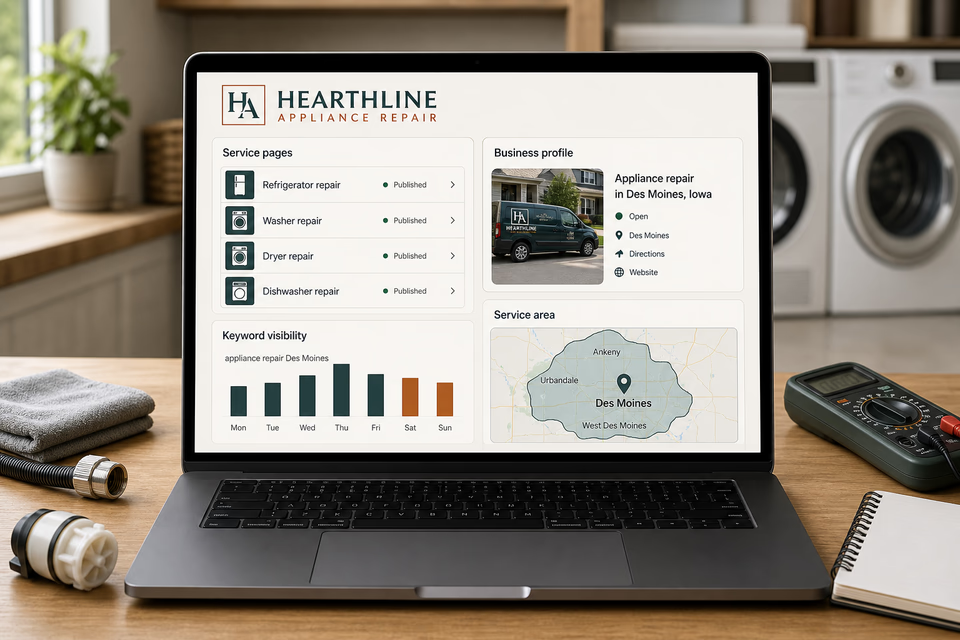
Build focused pages around the equipment the company truly services, the symptoms customers commonly report, the residential or commercial settings supported, and the communities actually covered. Keep local visibility accurate without same-day, all-brand, fixed-price, parts-availability, certification, or repair-success claims.
Turn a symptom report into a prepared service visit
Keep the unit, model details, safe photos, access, and appointment window together.
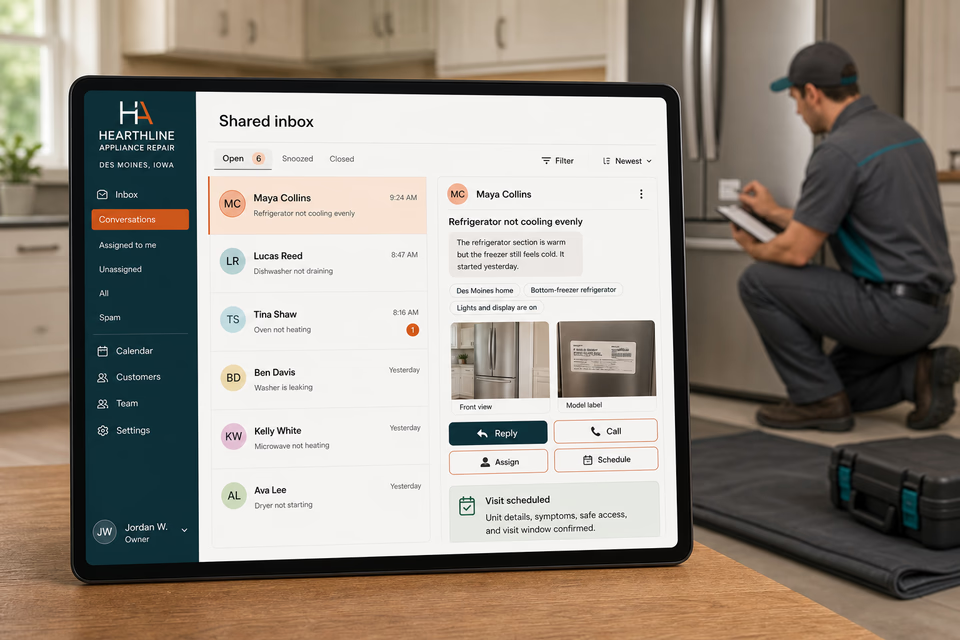
A form, missed call, or message can become one owned conversation. Appliance type, reported symptoms, model and serial details when safely accessible, installation context, safe photos, property contact, reply, assignment, and appointment window stay attached without asking the customer to troubleshoot energized or connected equipment.
Make the completed visit easier to confirm, reference, and follow up on.
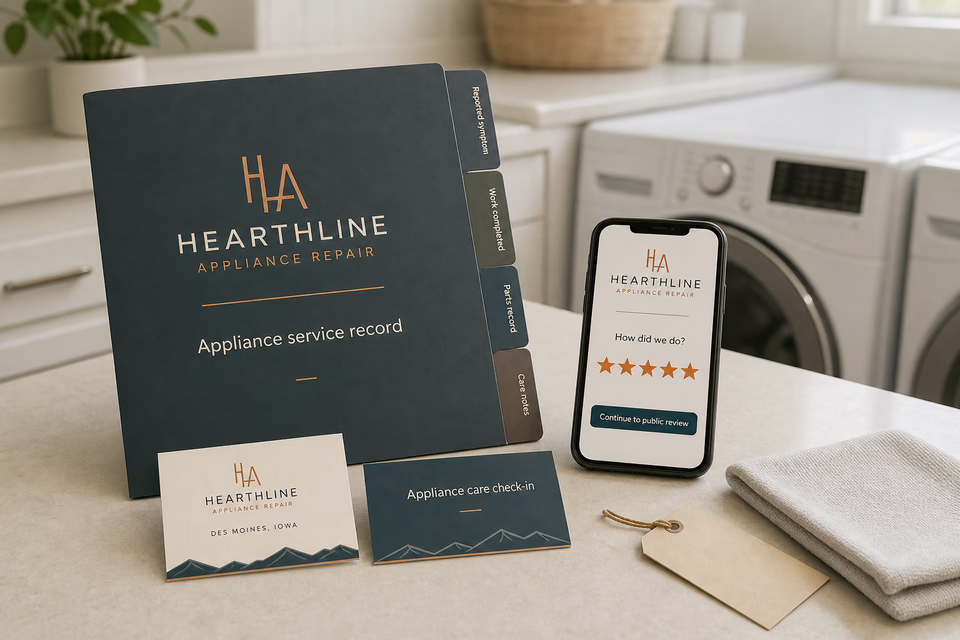
Provide an organized service record with the reported symptom, work completed, parts record, care notes, and a feedback path. Send restrained appliance-care or property-turnover check-ins only when they fit the actual unit and company policy, without promising performance, lifespan, or warranty coverage.
Pages built around the unit, symptom, and service path
One “services” page is not enough.
Refrigerators, freezers, ice makers, washers, dryers, dishwashers, ranges, ovens, cooktops, microwaves, rental-turnover appliances, commercial laundry equipment, and light-commercial kitchen appliances create different customer questions. Give each service the company genuinely performs a focused path that explains what details help the team prepare, how an appointment proceeds, and where the scope stops without claiming every brand, every failure, or every facility is covered.
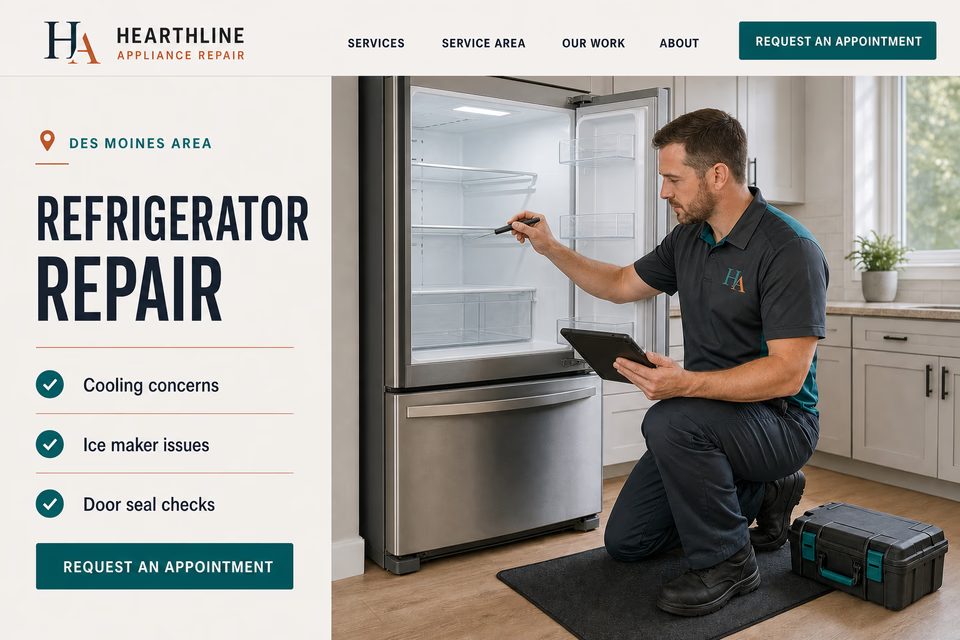
Refrigerator repair
Freezer repair
Ice maker repair
Washing machine repair
Dryer repair
Dishwasher repair
Range + oven repair
Cooktop repair
Microwave repair—only when genuinely offered and safely scoped
Rental + property-turnover appliance service
Commercial laundry equipment repair—only for supported equipment
Light-commercial kitchen appliance service—only for the equipment and facilities actually covered
Service-area pages for the communities you really cover
From search to the next job
The handoffs are the whole point.
The website should not end at a form, and a completed job should not end at an invoice. Each useful step gives the next person context.
01
They find the right service
A useful page or local listing matches the problem and gives the customer one obvious way to act.
02
The request stays alive
The call, form, or message lands in the same customer record with the service, location, and conversation attached.
03
A person owns the next step
The owner or office can reply, call, qualify, assign, and schedule with the history already in front of them.
04
The finished job keeps working
Feedback, reviews, print, referrals, and useful customer follow-up help one completed job create the next opportunity.
Appliance repair questions, straight answers
Clear unit details. Organized service records. No timing, price, or repair guarantees.
01Is this just an appliance repair website package?
No. The website is the front door. The complete setup can connect calls, texts, forms, appliance and symptom details, safe photos, model and serial information, the shared inbox, appointments, assessment notes, approvals, parts updates, service records, reviews, local search, print, and branding around the way the company actually moves a request from first contact to documented closeout.
02Can the website diagnose the appliance or provide a fixed repair price from a form or photo?
No. A form can help the team prepare, but an accurate diagnosis and price can depend on the specific unit, model, installation, symptoms, condition, access, testing, parts, labor, and what the technician finds on site. Keep any fee, estimate, or approval language aligned with the company's real process.
03Can the page promise same-day service, every brand, available parts, or a successful repair?
No. State only the hours, territory, equipment, brands, parts process, and appointment approach the company can consistently support. A completed visit, part replacement, or common symptom does not justify a universal timing, availability, lifespan, warranty, or repair-outcome guarantee.
04Should commercial refrigeration, gas piping, electrical repair, dryer-vent cleaning, and disposal work all appear under appliance repair?
Only when the company genuinely has the equipment, qualifications, and operating model for that scope. Refrigeration systems, gas connections, branch-circuit work, vent systems, plumbing connections, and commercial facilities can overlap other specialized trades, so the site should identify the supported equipment and route work outside the company's scope appropriately.
Want to see the complete setup for your appliance repair company?
Bring the old site. Or the lack of one.
We will show you how the website, calls, messages, local search, reviews, and follow-up can work as one practical customer system.