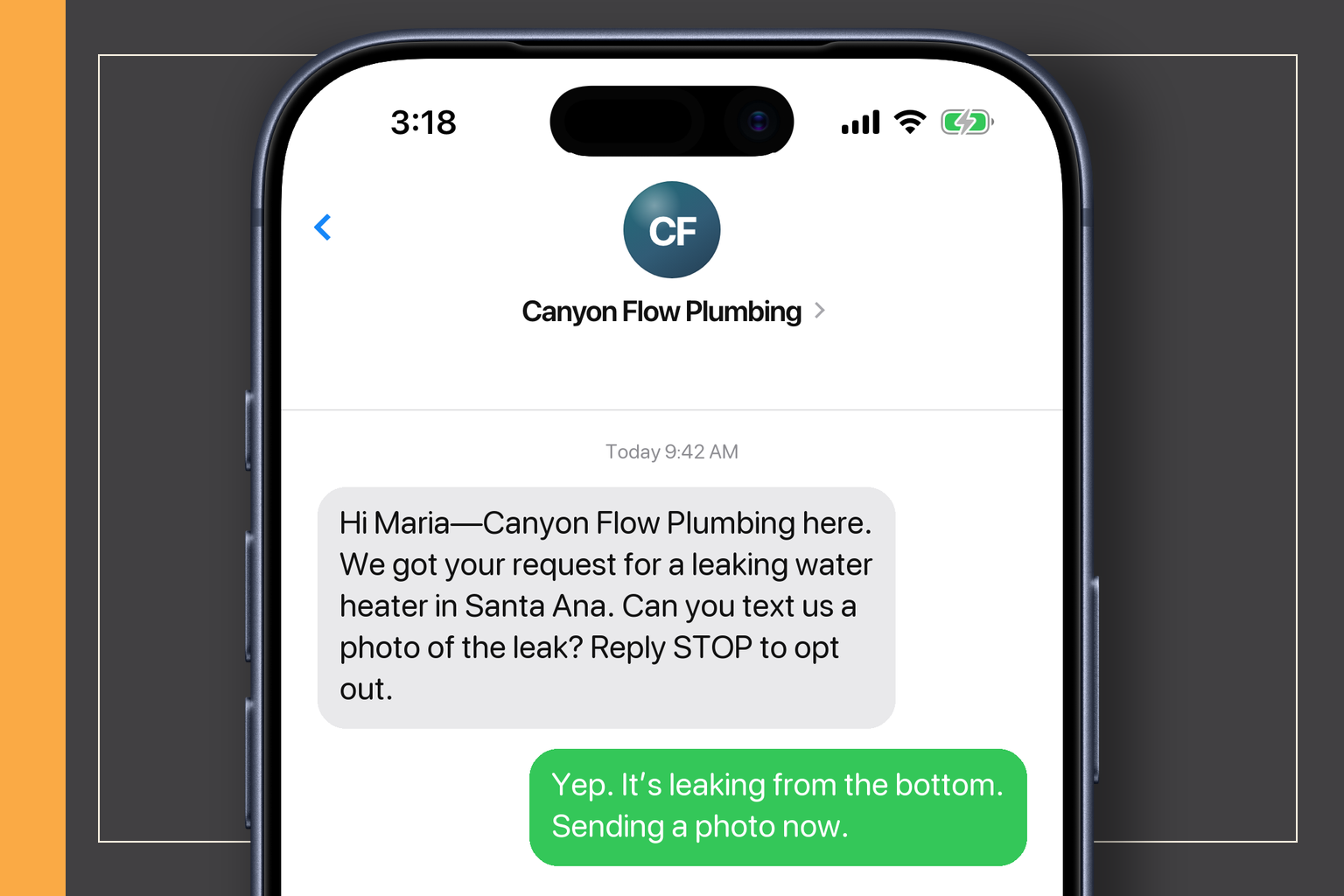
This is not a robot pretending to be you. It is a quick receipt, a few useful nudges, and a clean handoff to a real conversation.
Why this exists
A good request should not disappear between two jobs.
Customers do not know you are driving, carrying lumber, or under a sink. They only know they filled out a form and heard nothing. A fast acknowledgement buys clarity while you finish the job in front of you.
What this looks like
Three small steps after somebody reaches out.
The customer gets a quick receipt. You get the job details. A real person takes over before the system says anything it should not.
01 · Request received
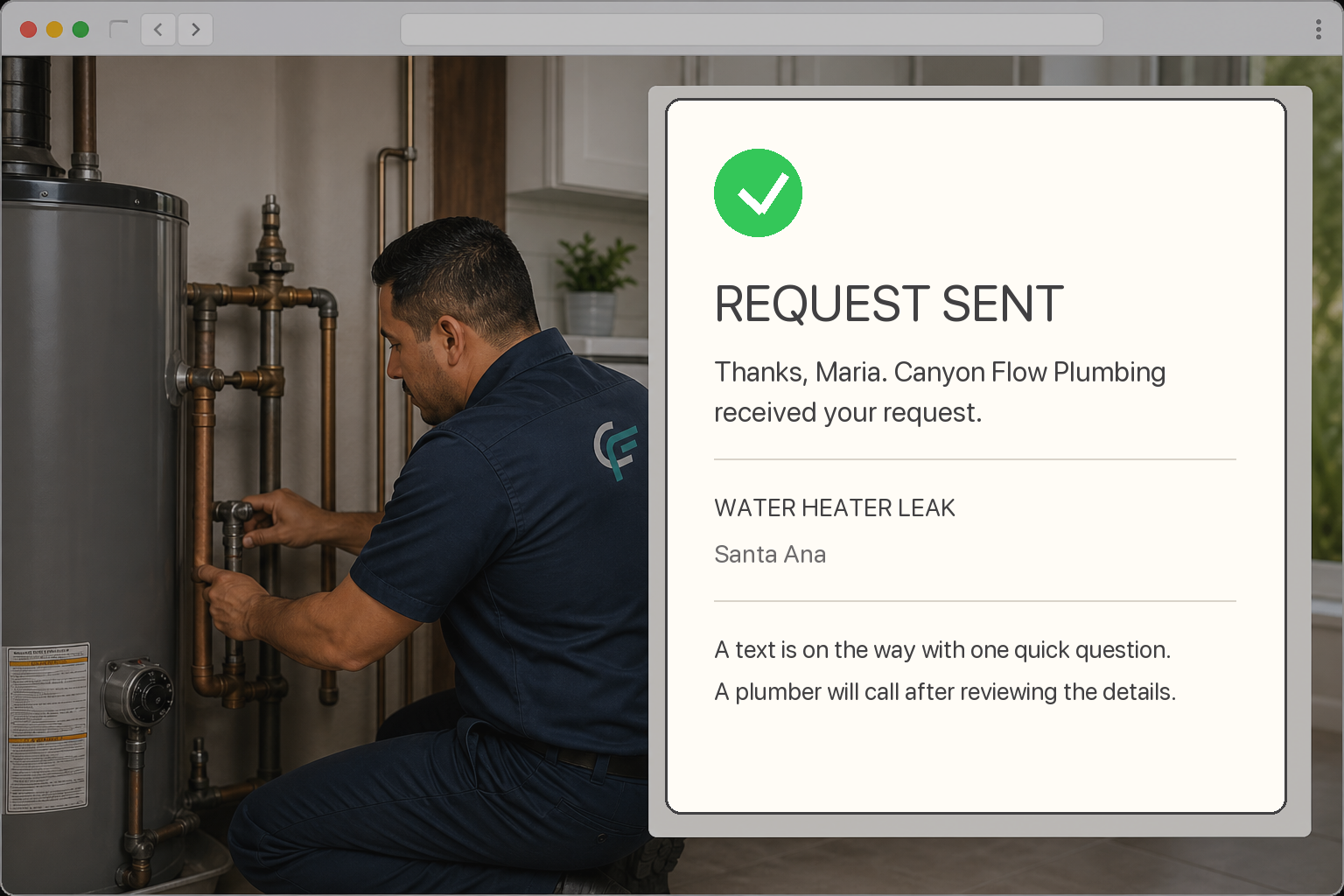
The website tells them what happens next.
The confirmation repeats the job and town, says a text is coming, and explains that a plumber will call after reviewing the details. No vague ‘thanks’ screen and no made-up arrival time.
Confirms the right job
Sets a plain next step
No fake schedule promise
02 · Job details
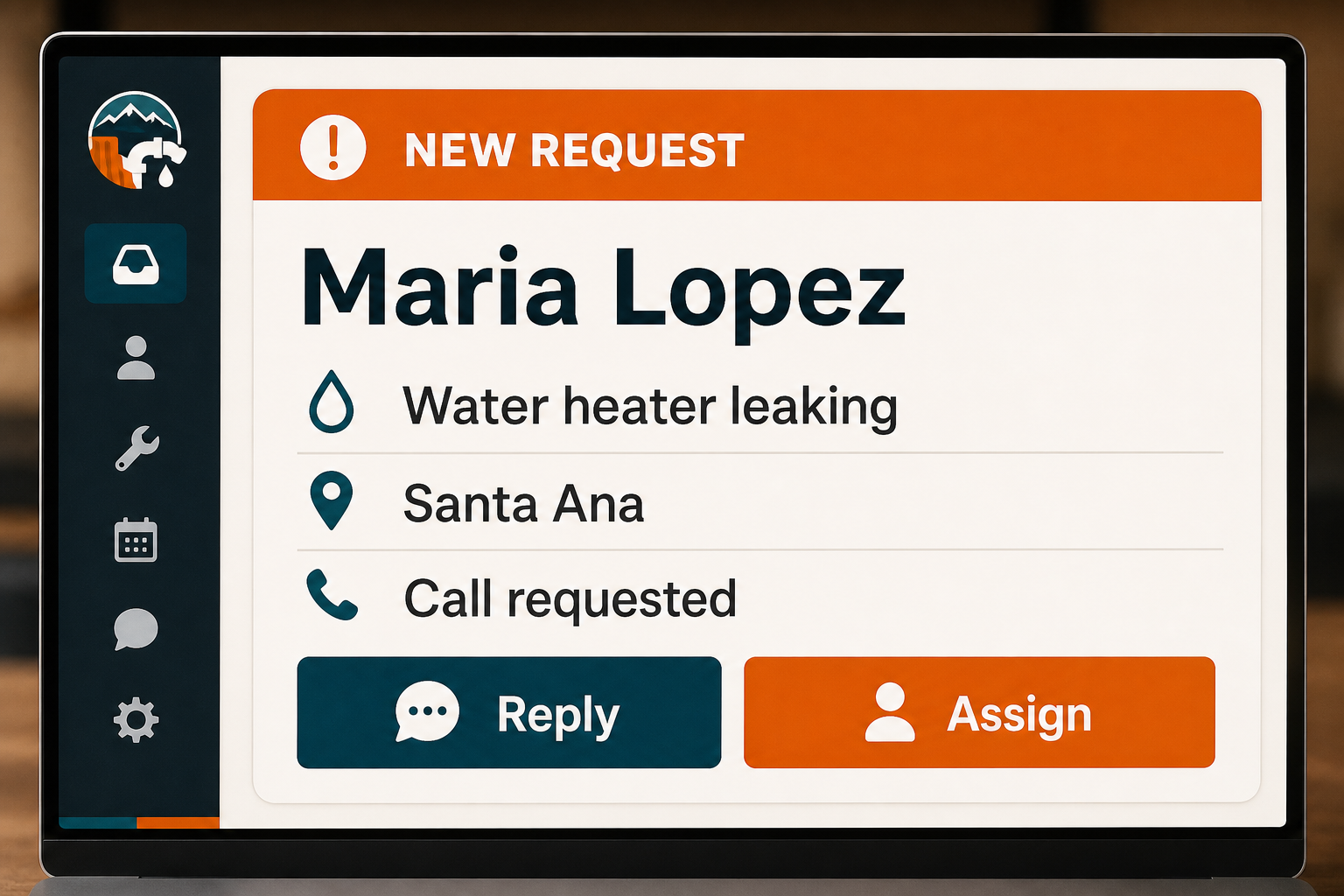
You see what they need before you call.
The name, number, service, location, and customer note land together. You do not have to search through an email thread to figure out why they reached out.
Name and number
Job and location
Request source
03 · Real handoff
A person takes over from there.
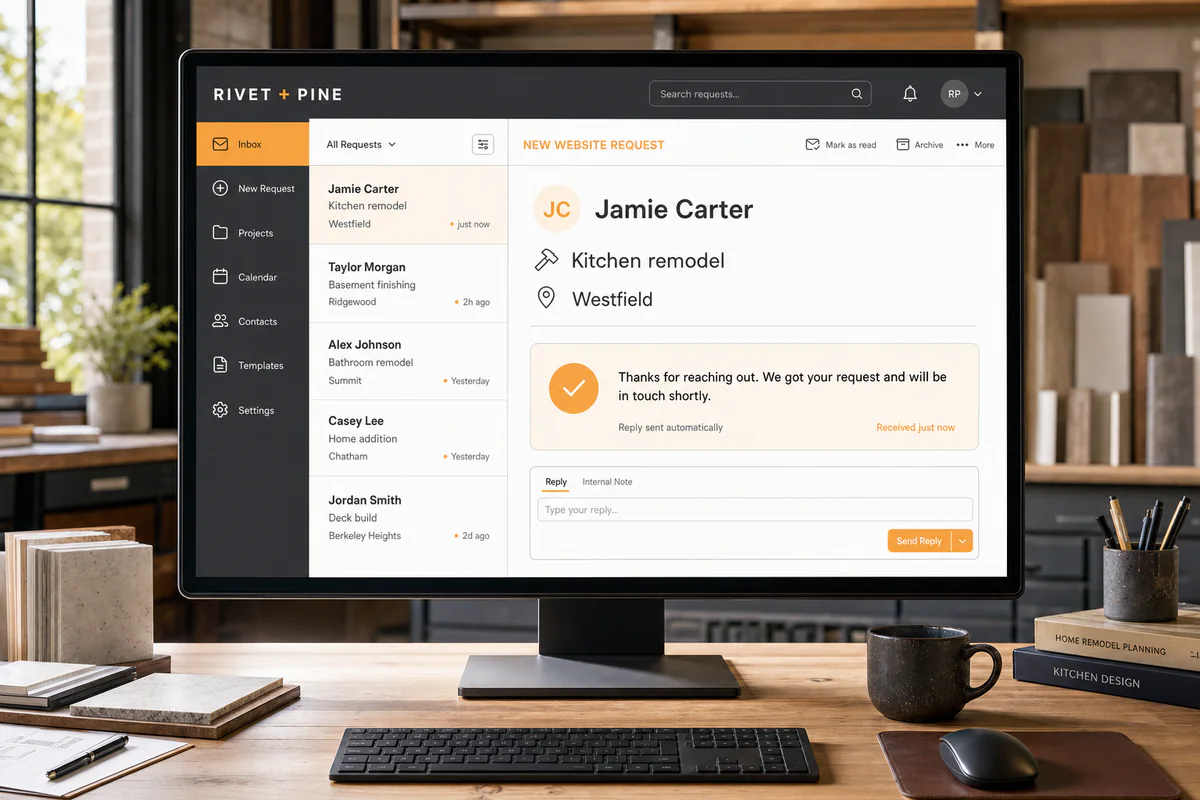
The request is ready in the shared inbox for you or the office. Replies, bookings, and opt-outs stop the follow-up from blindly carrying on.
Reply from the work number
Assign it to the right person
Stop when the customer answers
How it actually works
From setup to a real customer conversation.
01
Request arrives
A customer submits a website form or starts a chat.
02
Receipt goes out
They get a short acknowledgement by the channel they agreed to use.
03
You get notified
The request and source appear in the shared inbox and customer record.
04
Follow-up stops when it should
Replies, bookings, opt-outs, and status changes keep the sequence from blindly continuing.
What is included
Everything you need to get started.
The exact setup follows the business, but this is the working scope behind the service—not a pile of vague “optimization” line items.
Form acknowledgement by text and/or email
Internal new-request notification
Short follow-up sequence
Shared inbox handoff
Source and page tracking
STOP handling for SMS
Basic status controls
Message copy written in your voice
Good fit
Yep.
Website requests sometimes sit too long because the person doing the work is also answering the phone.
Bad fit
Nope.
You want endless automated texts, bought-list blasting, or a fake AI salesperson making promises you did not approve.
Questions people actually ask
Straight answers before the sales call.
01Will this text everyone forever?
No. The sequence is short, tied to a real request, and stops on replies, bookings, opt-outs, or the rules we set together.
02Can the messages sound like us?
Yes. We write them short and direct, then adjust anything that feels too polished or too pushy.
03What if somebody only wants email?
The workflow can respect the channel they provided and the permissions attached to it.
04Do I still need to respond?
Absolutely. The system covers the first acknowledgement and basic reminders. It does not inspect a roof, price a job, or replace a real conversation.