Your customer list is not a slot machine. Send something useful, keep it occasional, and only use marketing channels people agreed to receive.
Why this exists
Your easiest customers are the ones who already know your work.
They already know what it was like to hire you. A useful seasonal note, referral request, or simple offer makes it easy to start another conversation without rebuilding trust from zero.
What this looks like
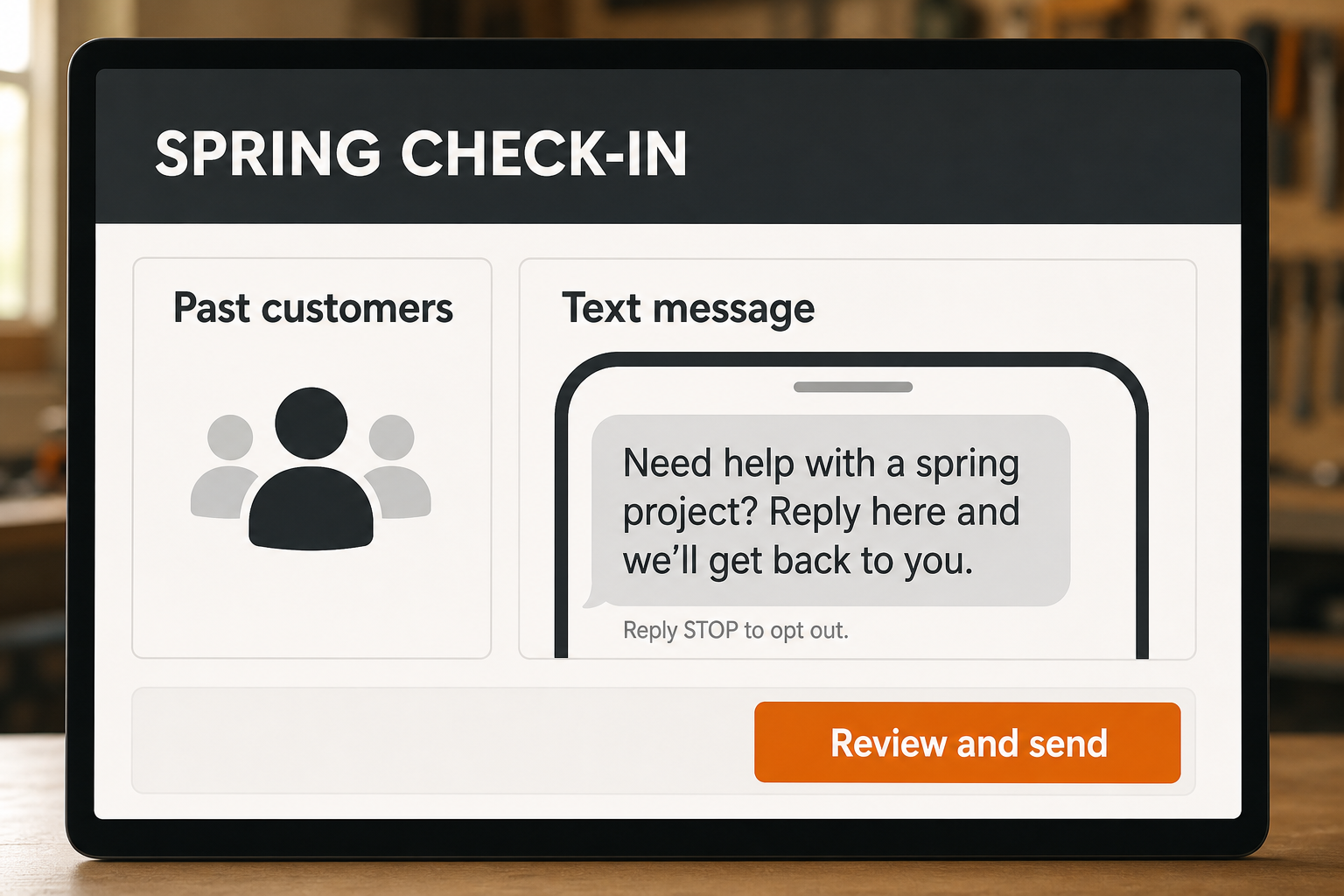
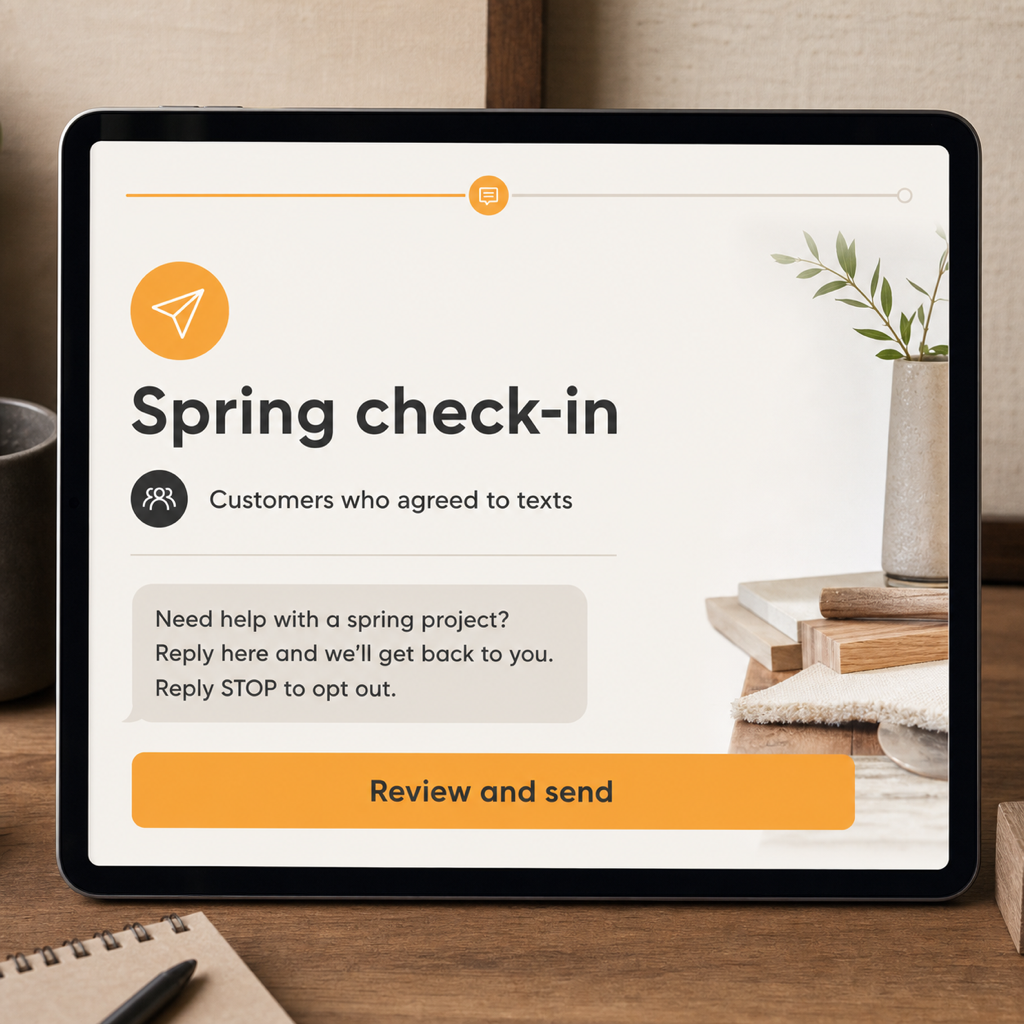
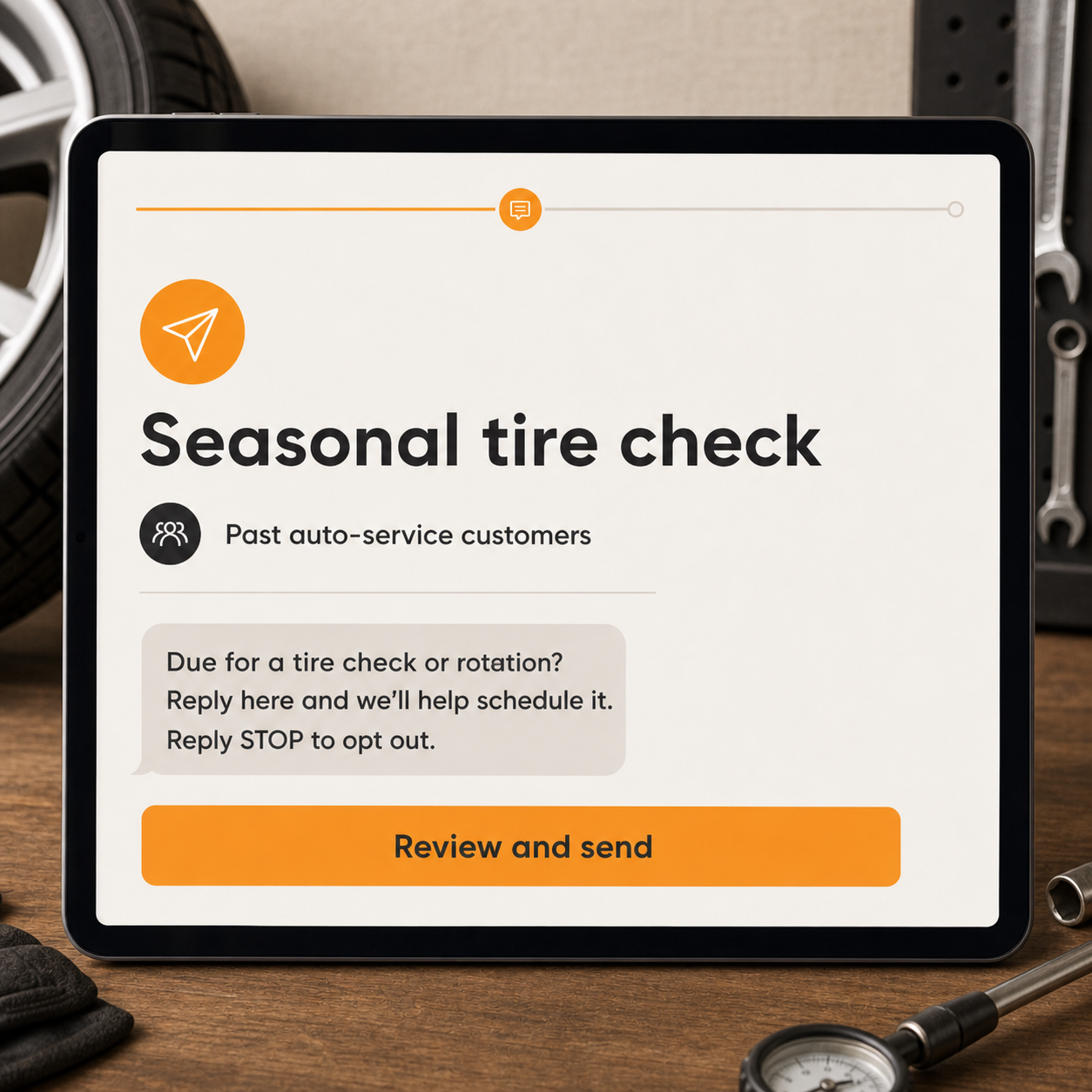
Pick the right people. Read the message. Then send.
These are occasional messages for real past customers who agreed to hear from you—not a bought list or a blast-everybody button.
01 · Right audience
Start with customers who actually fit the message.
A spring project note belongs with past customers who agreed to marketing. It does not belong with every number that ever called the shop.
Past-customer lists
Useful tags
Permission-aware sending
02 · Review before send
You read the message before it goes out.
Check the audience, wording, link, timing, and opt-out line. The last step is a human choice, not a mystery automation.
Short useful message
Clear opt-out
Human review
03 · Real replies
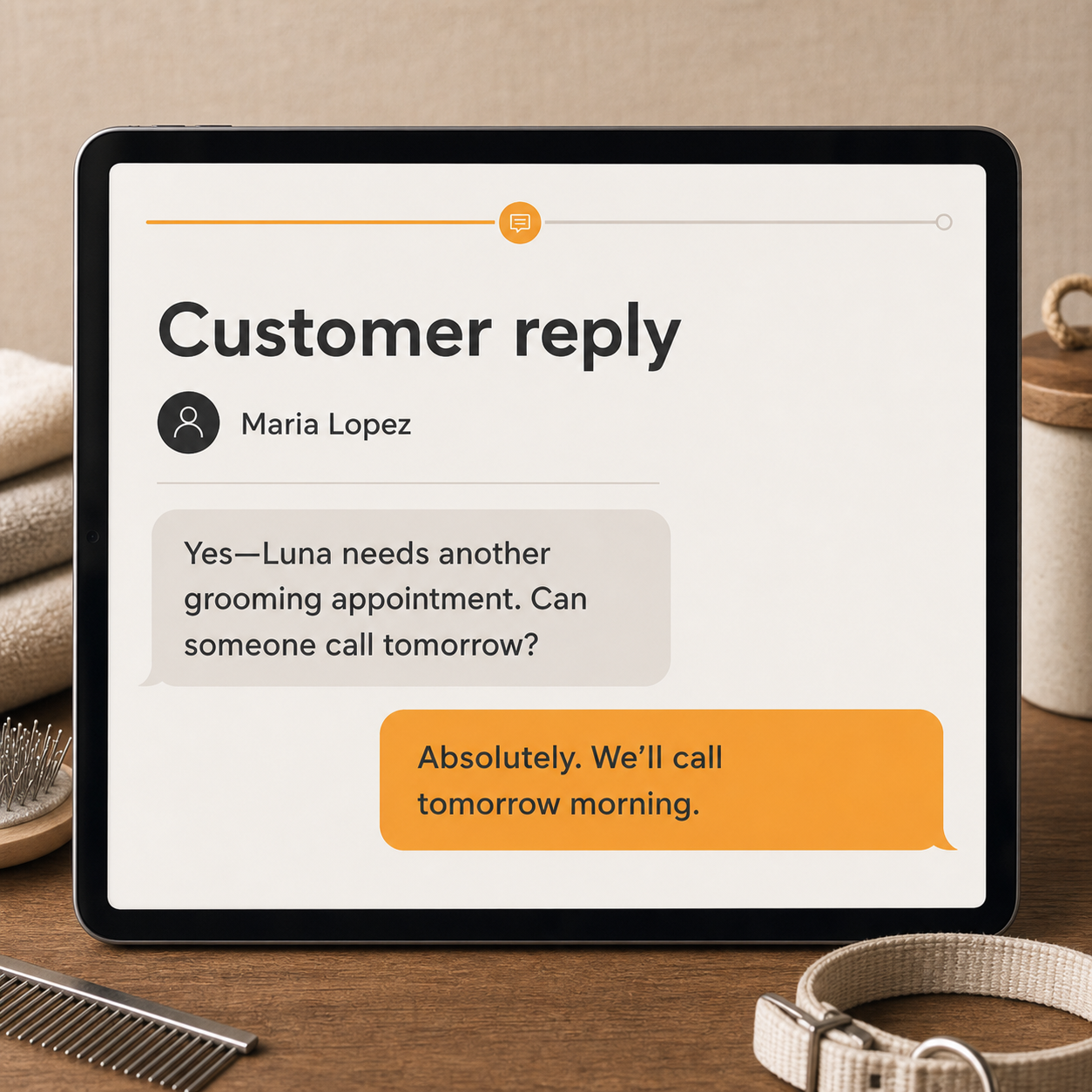
Replies go back to the same inbox.
If a past customer needs help, their answer becomes a normal conversation for you or the office to handle.
Reply from the business number
Customer history stays attached
A person takes over
How it actually works
From setup to a real customer conversation.
01
Pick the audience
Choose the customer group that actually fits the message.
02
Choose the campaign
Start with an approved referral, seasonal, or follow-up message.
03
Review before sending
Check the offer, timing, links, and opt-out language.
04
Send and handle replies
Responses come back into the same inbox for a real person to manage.
What is included
Everything you need to get started.
The exact setup follows the business, but this is the working scope behind the service—not a pile of vague “optimization” line items.
Referral campaign templates
Seasonal reminder templates
Past-customer follow-up
Audience tags and basic segments
SMS and/or email delivery
Opt-out handling
Shared-inbox replies
Plain-English send reporting
Good fit
Yep.
You have a real customer list, clear permission, and something genuinely relevant to say once in a while.
Bad fit
Nope.
You want to buy a list, blast strangers, send daily offers, or disguise a marketing message as a service update.
Questions people actually ask
Straight answers before the sales call.
01Do these send automatically?
Some can be scheduled; others are deliberately one-click so you review the audience and message before they go out.
02Can I text every customer I have ever had?
Not automatically. Marketing texts depend on the consent and relationship attached to each contact. We set up the lists accordingly.
03Will you write the campaigns?
Yes. We provide short starting messages in your voice and adjust them for the trade and season.
04Where do replies go?
Back into the all-in-one inbox, attached to the customer record.