The point is not to look like a call center. The point is to make the number usable by the business, even when more than one person needs to answer.
Why this exists
Your personal phone should not be the whole company.
When every customer has the owner’s cell, vacations are fake and handoffs are painful. A business number can ring the right people, keep the history with the company, and support the missed-call workflow.
What this looks like
A real business number with simple rules.
The number can ring the right people, keep calls and texts together, and switch to an honest after-hours message when the shop is closed.
01 · Call routing
Ring the people who can actually answer.
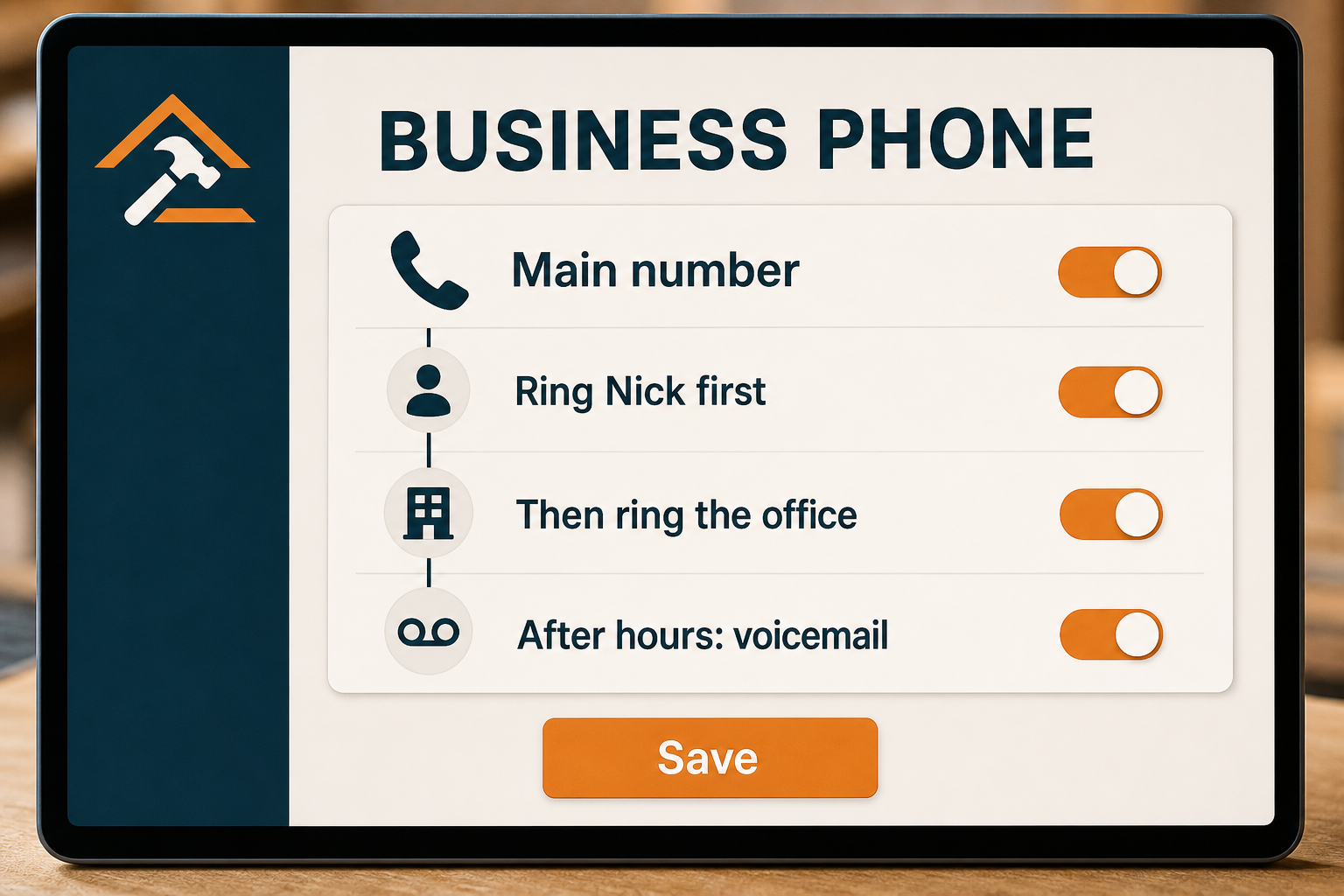
Start with the owner, then the office, then voicemail after hours. The order follows the way your shop works.
Simple ring order
Business-hours rules
Normal voicemail fallback
02 · Calls and texts
Customers use one work number.
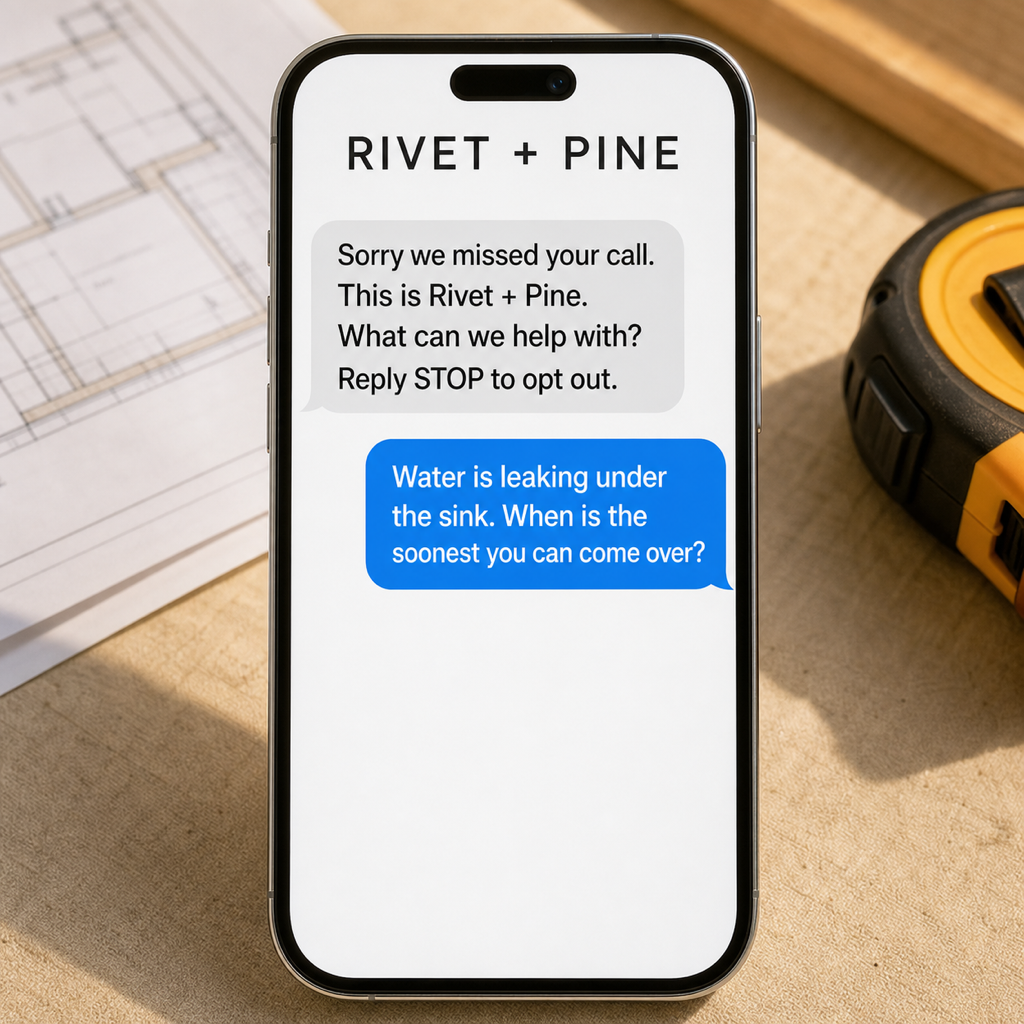
A customer can call, get a missed-call text when allowed, and reply in the same business conversation.
One public number
Call and text history
Clear business identity
03 · Team access
The work number does not live on one personal phone.
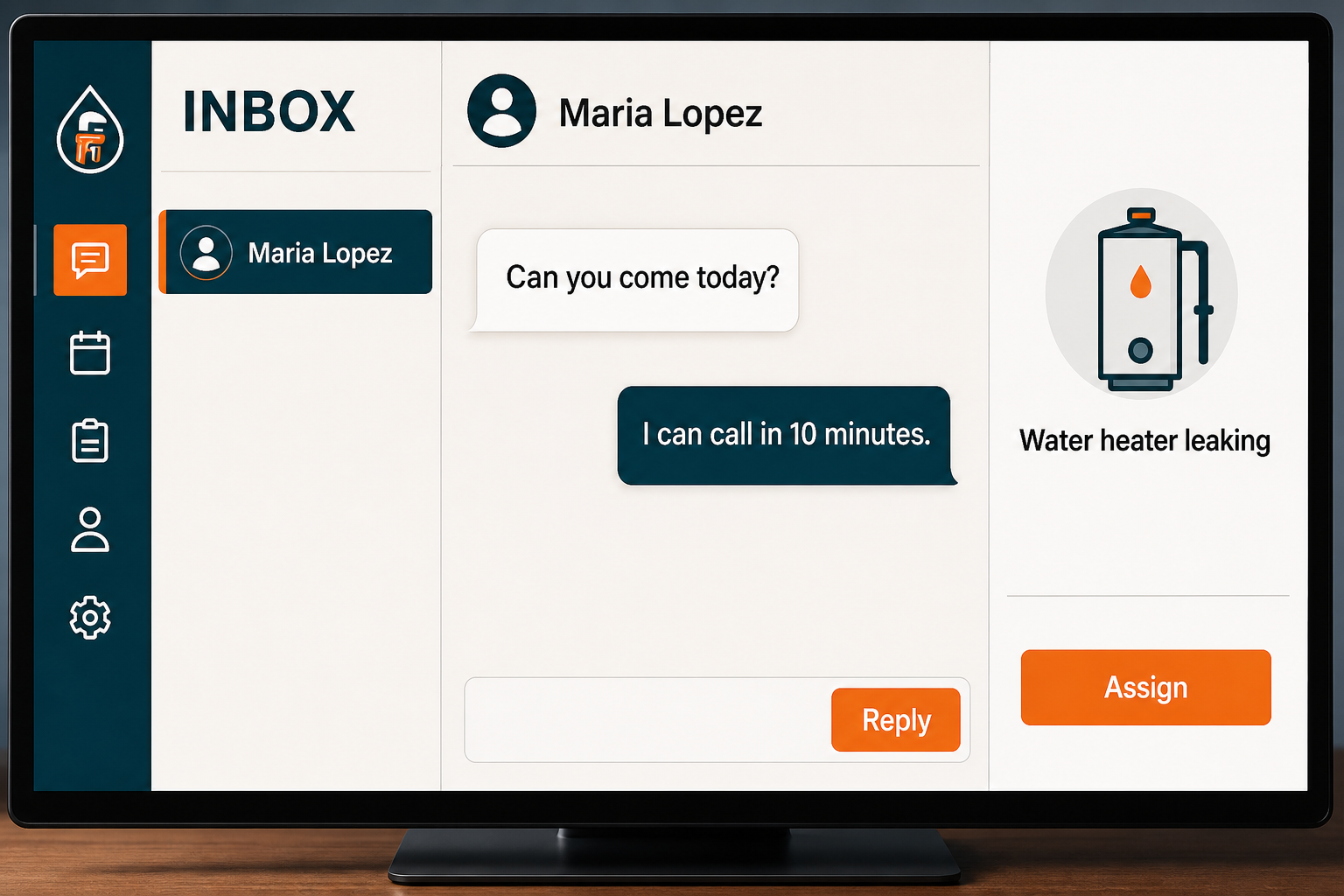
You and the office can see the conversation and answer from the business without handing around somebody's private cell.
Desktop and mobile access
Shared history
Keep personal numbers private
How it actually works
From setup to a real customer conversation.
01
Choose the number path
Use a new business number or review whether your existing number can be moved.
02
Set the routing
Decide who rings, when, and what happens after hours.
03
Connect the inbox
Calls, voicemails, texts, and photos appear with the customer history.
04
Use it like a normal phone
Answer from the app or routed device without exposing personal numbers.
What is included
Everything you need to get started.
The exact setup follows the business, but this is the working scope behind the service—not a pile of vague “optimization” line items.
Business phone number
Voice calling
SMS and MMS
Call routing
Voicemail
Missed-call text-back
Shared conversation history
Web and mobile access
Good fit
Yep.
Your personal cell has become the company switchboard, or multiple people need to handle customer calls and texts.
Bad fit
Nope.
You need a complex enterprise call center, emergency dispatch system, or unlimited telecom usage included in the base fee.
Questions people actually ask
Straight answers before the sales call.
01Is phone usage included?
Usage is billed separately from the base service. We explain the rates and setup before anything is moved.
02Can I keep my current number?
Possibly. Porting depends on the number, carrier, account ownership, and current setup. We verify it first.
03Can more than one person answer?
Yes. Routing and team access can be configured around how your shop actually works.
04Can customers send photos?
Yes. MMS lets customers send job photos into the same business conversation.