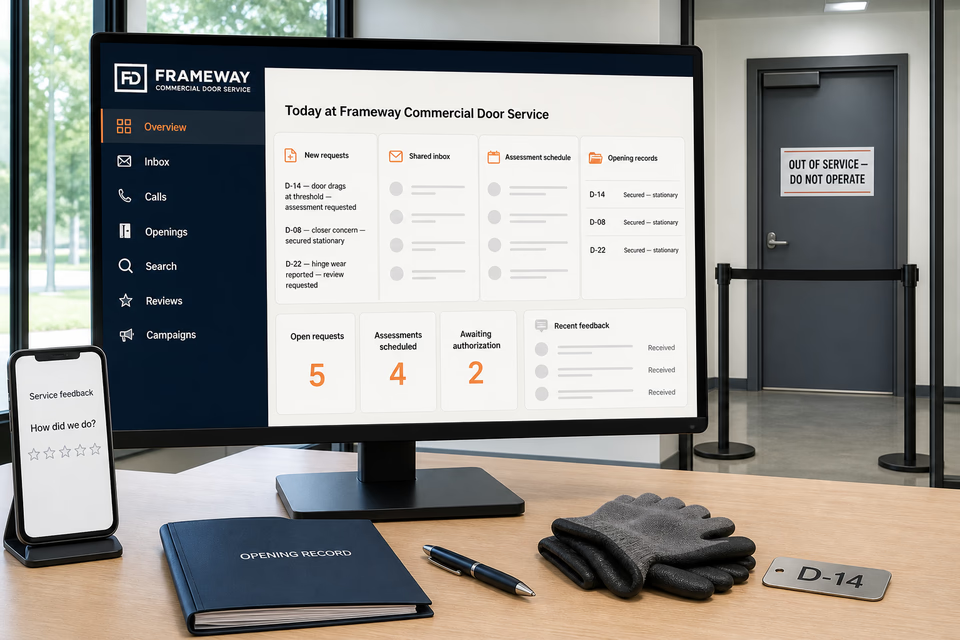
The complete customer system for commercial door service companies
Identify the opening. Record the door and hardware. Keep assessment, authorization, and service history connected.
Commercial-door service requests begin with the account and facility, opening or door ID, door and frame material, swing and location, operator-reported behavior, visible condition, hardware present, current secured and stationary status, traffic and access windows, prior work, safe closed-door photos, site contact, and authorization limits. We connect the website, calls, messages, local search, stationary assessment visits, conditional findings, estimates, approvals, parts and product updates, service records, closeout, reviews, and multi-site planning so property teams, facility managers, advisors, and technicians keep the same facts without turning a form, photo, or operator report into a diagnosis, price, response-time promise, security conclusion, egress or code determination, certification, or permission to operate an abnormal door.
Frameway Commercial Door ServiceWebsite, response, search, reviews, and follow-up
What the complete setup should do
Be useful before, during, and after the service call.
A hollow-metal service door that drags, an aluminum entrance door that will not latch consistently, a closer concern, worn hinges or pivots, exit-hardware service, threshold or weather-seal work, an automatic-operator assessment, and a planned multi-opening replacement are different requests. The customer system should organize the exact opening, stationary-door status, door and frame, visible hardware, reported behavior, site use, traffic-control and access window, technician observations, estimate assumptions, customer authorization, parts status, completed-work record, limitations, and next step while keeping garage and overhead doors, locksmithing and key control, glass and glazing, storefront windows, electronic security and access control, and general carpentry on their own qualified paths.
01
Start with the facility, exact opening, and secured-door status
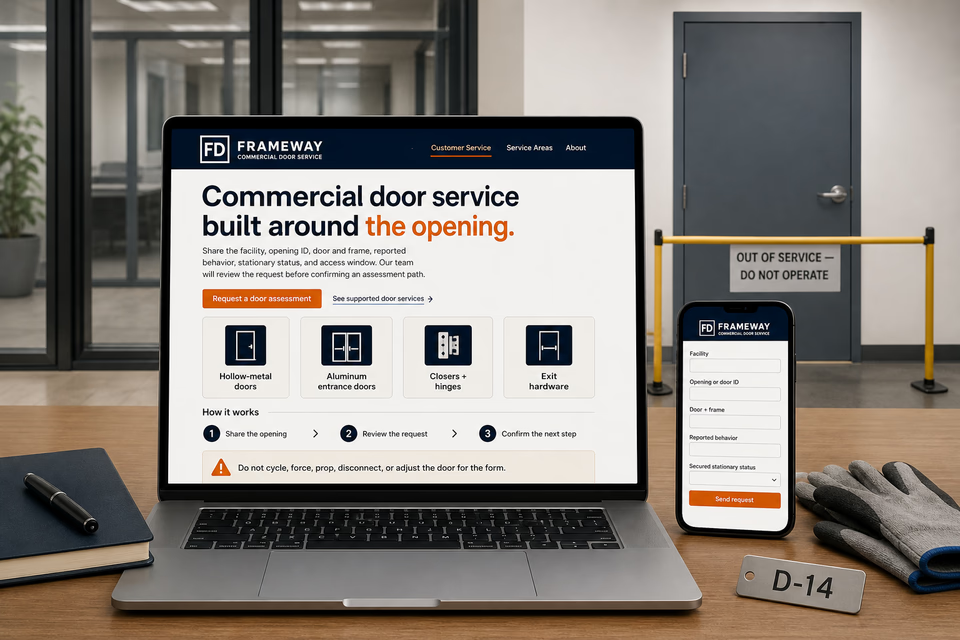
Collect the account and site, opening or door ID, location and level, door and frame material, swing, visible hardware, operator-reported behavior, when it occurs, current secured and stationary status, site use, normal traffic pattern, access window, prior work, and safe photos taken only while the door remains stationary. Do not ask a customer to cycle, force, hold, prop, remove, adjust, disconnect, or reach into door hardware for the form.
02
Separate the customer report from a controlled door assessment
Keep reported dragging, rubbing, latching, closing, noise, loose-hardware, or operator behavior distinct from technician observations, door and frame condition, hardware identification, isolation or traffic-control steps, access limits, product documentation, unresolved questions, and recommendations. A photo or movement report does not establish a root cause, egress condition, code status, security performance, or complete repair scope.
03
Keep estimates, authorization, parts, and opening coordination attached
Assessment charges, traffic and access plans, estimate assumptions, authorization limits, declined work, parts or product references and availability, added findings, schedule changes, technician notes, adjacent-trade referrals, and customer decisions should stay with the same facility and opening. An assessment request is not authorization for every repair, product change, lock, access-control, glazing, or carpentry scope.
04
Close out with a useful opening record, not a compliance certificate
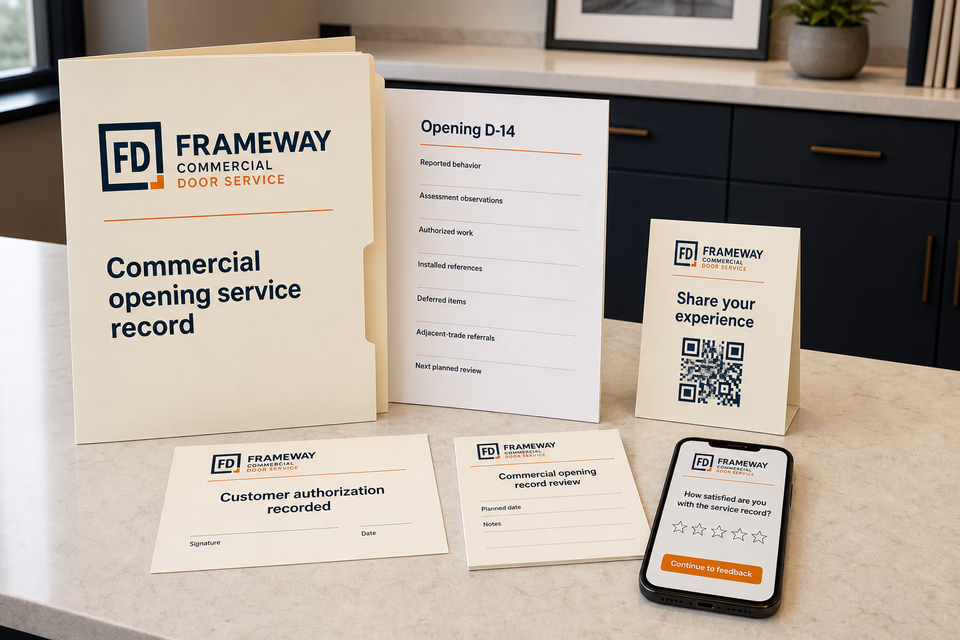
A practical handoff can organize the opening ID, reported behavior, stationary assessment observations, customer-authorized work, installed product and hardware references, company-recorded checks, approved final photos, limitations, deferred items, and referrals. It should document the visit without certifying egress, fire rating, accessibility, code compliance, security, automatic-door performance, or future operation unless a qualified process and exact supporting documentation separately establish the statement.
The commercial door service system
Three parts. One customer journey.
Each part is built around supported commercial pedestrian door and frame intake, stationary door-assessment visits, hollow-metal and aluminum entrance door service, hinge and pivot work, closer and exit-hardware assessment, threshold and weather-seal work, customer-authorized repairs or replacements, documented closeout, and multi-location opening records, and every service below links to the full explanation of what it does.
01
Get found for the commercial opening and door assembly the facility actually needs reviewed
Give hollow-metal, aluminum entrance, hinge, pivot, closer, exit-hardware, threshold, operator, and genuine replacement work distinct room to explain itself.
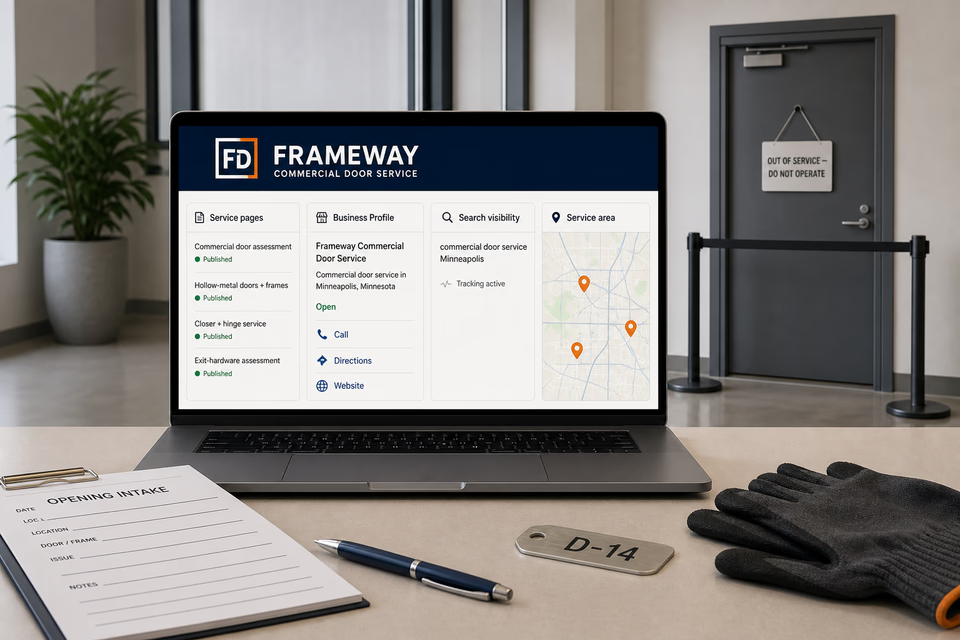
Build focused pages around the commercial pedestrian doors and mechanical hardware the company actually supports, its stationary assessment and authorization process, documented projects, facility types, and service territory. Keep local profiles accurate without ranking, emergency-response, fixed-price, parts, completion-time, security, egress, accessibility, fire-rating, code, certification, or future-performance claims.
Keep the site, opening, stationary status, reported behavior, hardware, and access window together
Turn a facility-manager message into a prepared commercial-door assessment request with one owned record.
Account, facility, site contact, opening or door ID, location, door and frame, swing, visible hardware, reported behavior, secured and stationary status, traffic pattern, access window, prior work, safe photos, authorization limits, reply, assignment, and assessment request stay attached for the advisor and technician without coaching a customer through door movement or hardware adjustments.
Close out with useful opening and hardware history
Make observations, authorized work, installed references, limitations, referrals, and future planning easier to review.
Provide an organized opening record with the reported behavior, stationary assessment observations, customer-authorized work, installed product and hardware references, company-recorded checks, approved final photos, deferred items, limitations, and adjacent-trade referrals. Send restrained planning check-ins without implying that a prior visit certifies egress, accessibility, fire rating, code, security, or future door operation.
Pages built around commercial pedestrian openings, assemblies, and controlled service paths
One “services” page is not enough.
Hollow-metal doors and frames, aluminum entrance doors, interior commercial doors, hinges and pivots, closers, exit devices, thresholds, weather seals, alignment concerns, automatic operators, and replacement planning require different opening details, access controls, stored-energy and pinch-point safeguards, product documentation, authorization, and records. Give each service the company genuinely supports a focused request path without merging garage doors, locksmithing, glazing, storefront-window systems, electronic security, or finish carpentry into one generic door claim.
Commercial pedestrian door assessment + service
Hollow-metal door + frame service
Aluminum entrance door service—door assembly scope, with glazing routed separately
Interior commercial door service
Commercial hinge + pivot service
Continuous-hinge assessment + replacement
Commercial door closer assessment + service
Exit-device + panic-hardware service—hardware scope without egress certification
Threshold, sweep + weather-seal service
Commercial door alignment + operation assessment
Automatic door operator assessment—only within qualified scope and without public adjustment instructions
Commercial door + frame replacement planning
Multi-opening + multi-location door records
Service-area pages for the commercial markets you really cover
From search to the next job
The handoffs are the whole point.
The website should not end at a form, and a completed job should not end at an invoice. Each useful step gives the next person context.
01
They find the right service
A useful page or local listing matches the problem and gives the customer one obvious way to act.
02
The request stays alive
The call, form, or message lands in the same customer record with the service, location, and conversation attached.
03
A person owns the next step
The owner or office can reply, call, qualify, assign, and schedule with the history already in front of them.
04
The finished job keeps working
Feedback, reviews, print, referrals, and useful customer follow-up help one completed job create the next opportunity.
Commercial door service questions, straight answers
Clear opening records. Stationary assessment. No egress, security, code, or certification promises.
01Is this just a commercial door repair website package?
No. The website is the front door. The complete setup can connect calls, messages, account and facility details, opening IDs, door and frame information, operator-reported behavior, secured and stationary status, safe photos, the shared inbox, assessment appointments, conditional findings, estimates, authorizations, product updates, completed opening records, reviews, local visibility, print, and planning follow-up around the way the company actually moves a commercial door from reported concern to documented next step.
02Can the website diagnose the door or ask a customer to cycle, force, prop, disconnect, or adjust it?
No. A safe stationary-door photo and operator report can identify a starting point, but frame condition, clearances, alignment, hinges, pivots, closer forces, latching, exit hardware, automatic operators, prior work, traffic controls, and what the technician observes can change the assessment and scope. The request path should never direct a customer into pinch points, stored-energy hardware, powered operators, exposed electrical work, or abnormal door movement.
03Can the page promise egress, accessibility, fire rating, code compliance, security, certification, or future door performance?
No. Those conclusions can depend on the full opening assembly, listed products, labels, installation, adjustments, building use, related systems, applicable requirements, and the qualified authority or documented process. Marketing copy and a routine service summary should record only what the company actually assessed and completed without inventing a blanket approval or guarantee.
04How is commercial door service different from garage doors, locksmiths, glazing, storefront windows, security systems, and carpentry?
This route is for supported commercial pedestrian door and frame assemblies and their mechanical operating hardware. Overhead and garage systems, locks and key control, glass fabrication and installation, complete storefront-window systems, electronic access and alarms, and general wood or finish work have different hazards, products, qualifications, records, and customer paths and should keep their own profession pages and referrals.
Want to see the complete setup for your commercial door service company?
Bring the old site. Or the lack of one.
We will show you how the website, calls, messages, local search, reviews, and follow-up can work as one practical customer system.