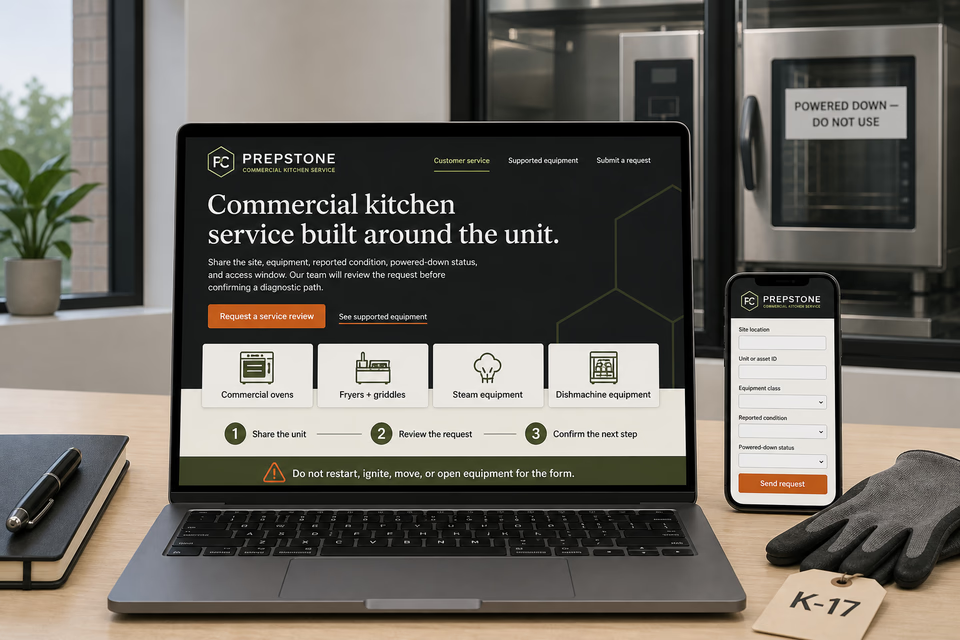
The complete customer system for commercial kitchen service companies
Name the kitchen. Identify the unit. Keep diagnostics, authorization, parts, and service history connected.
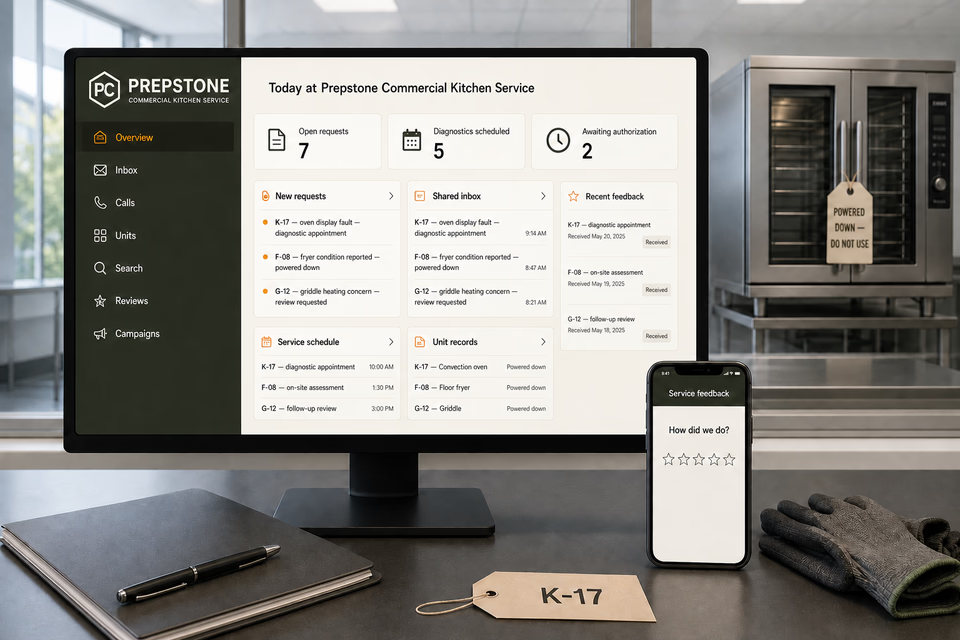
Commercial-kitchen service requests begin with the account and location, equipment type, unit or asset ID, make and model, reported symptoms, when the condition occurs, displayed messages, energy source as reported, current powered-down status, recent work, service records, site contact, access window, operational constraints, photos that can be taken without opening or moving equipment, and authorization limits. We connect the website, calls, messages, local search, appointments, safeguarded diagnostic findings, estimates, approvals, parts updates, service records, closeout, reviews, and planned follow-up so restaurant operators, facility teams, service advisors, and technicians keep the same facts without turning a form, photo, display message, or reported symptom into a remote diagnosis, repair promise, food-safety conclusion, code determination, response-time commitment, or return-to-use decision.
Prepstone Commercial Kitchen ServiceWebsite, response, search, reviews, and follow-up
What the complete setup should do
Be useful before, during, and after the service call.
A convection oven with a reported display fault, a fryer that was powered down after an operator-noted condition, a griddle heating concern, a steamer or kettle issue, a dishmachine equipment fault, and planned service for several locations are different requests. The customer system should organize the exact location and unit, reported behavior, normal-use context, powered-down status, access and operating window, safeguarded diagnostic observations, estimate assumptions, customer authorization, parts status, completed-work record, deferred items, and next interval while keeping residential appliance repair, commercial refrigeration, building HVAC, fire-protection systems, and facility plumbing on their own qualified service paths.
01
Start with the location, exact unit, and operator-reported condition
Collect the account and site, location contact, equipment type, unit or asset ID, make and model, serial information when safely visible, reported symptom, when it occurred during normal use, display messages, energy source as reported, current powered-down status, recent work, service records, and safe closed-equipment photos. Do not ask a customer to restart, heat, ignite, move, disconnect, open, reach behind, remove a panel from, or test equipment for the form.
02
Separate the operator report from safeguarded diagnostic findings
Keep the customer's account and display information distinct from technician observations, isolation and tag-off records, test conditions, access limits, component findings, unresolved questions, and recommendations. A reported symptom or code can guide preparation but should not be presented as a confirmed cause, repair scope, food-safety determination, or permission to return equipment to use.
03
Keep estimates, authorization, parts, and site coordination attached
Diagnostic charges, operating-window constraints, isolation needs, estimate assumptions, authorization limits, declined work, parts references and availability, added findings, schedule changes, technician notes, and customer decisions should stay with the same site and unit. A diagnostic appointment or preliminary review is not authorization for every possible repair or adjacent building-system work.
04
Close out with a useful equipment record, not a food-safety or performance guarantee
A practical handoff can organize the reported concern, equipment identity, safeguarded diagnostic observations, customer-authorized work, parts and labor entries, company-recorded checks, approved final photos, limitations, deferred items, other-trade referrals, and the next planned interval. It should document the visit without certifying food safety, sanitation, code compliance, future equipment life, energy performance, cooking results, or universal readiness for use.
The commercial kitchen service system
Three parts. One customer journey.
Each part is built around supported commercial cooking, warming, warewashing, and food-preparation equipment intake, safeguarded diagnostics, estimate and authorization, parts coordination, documented service, planned equipment care, and multi-location account records, and every service below links to the full explanation of what it does.
01
Get found for the commercial kitchen equipment operators actually need serviced
Give ovens, ranges, fryers, griddles, steam equipment, warewashing, food preparation, and genuine planned service distinct room to explain themselves.
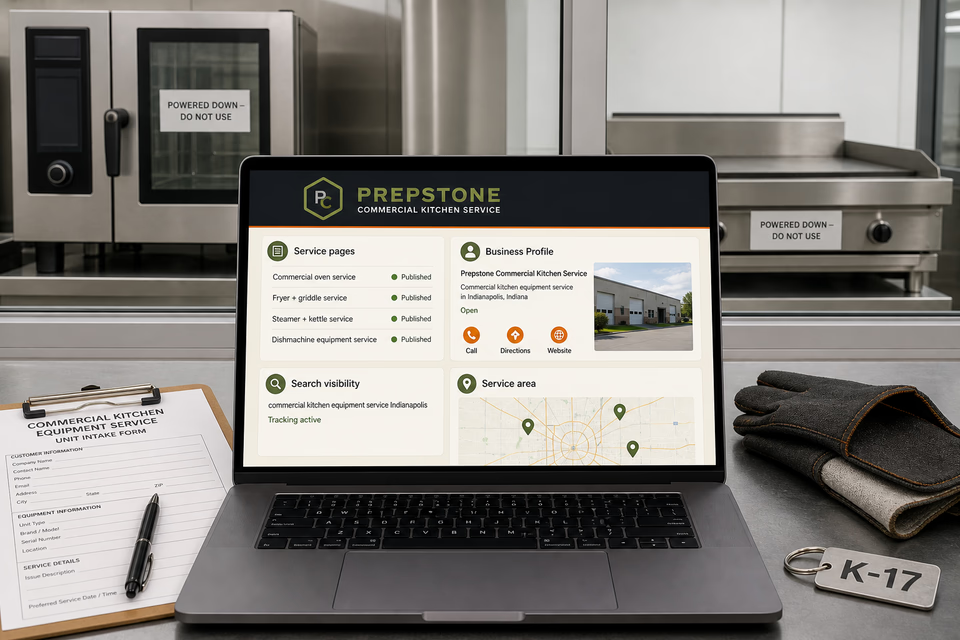
Build focused pages around the commercial foodservice equipment the company actually supports, the safeguarded diagnostic and authorization process, documented work, facility types, and communities covered. Keep local profiles accurate without ranking, emergency-response, fixed-price, parts, completion-time, factory-authorization, code, food-safety, energy-savings, sanitation, or repair-result claims.
Keep the site, unit, reported condition, powered-down status, and operating window together
Turn an operator or facility-manager message into a prepared commercial-equipment request with one owned record.
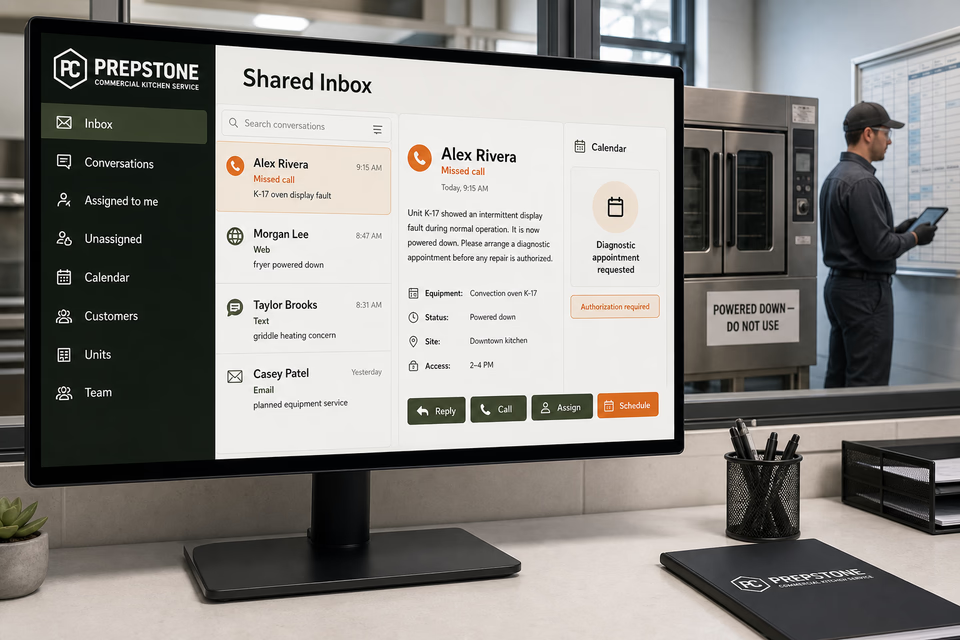
Account, location, site contact, equipment class, unit or asset ID, make and model, reported symptom, when it occurred, display message, energy source as reported, powered-down status, recent work, service records, safe closed-equipment photos, access and operating window, authorization limits, reply, assignment, and appointment request stay attached for the advisor and technician.
Close out with useful unit history and restrained interval planning
Make diagnostic observations, authorized work, parts, limitations, referrals, and the next planned equipment check easier to review.
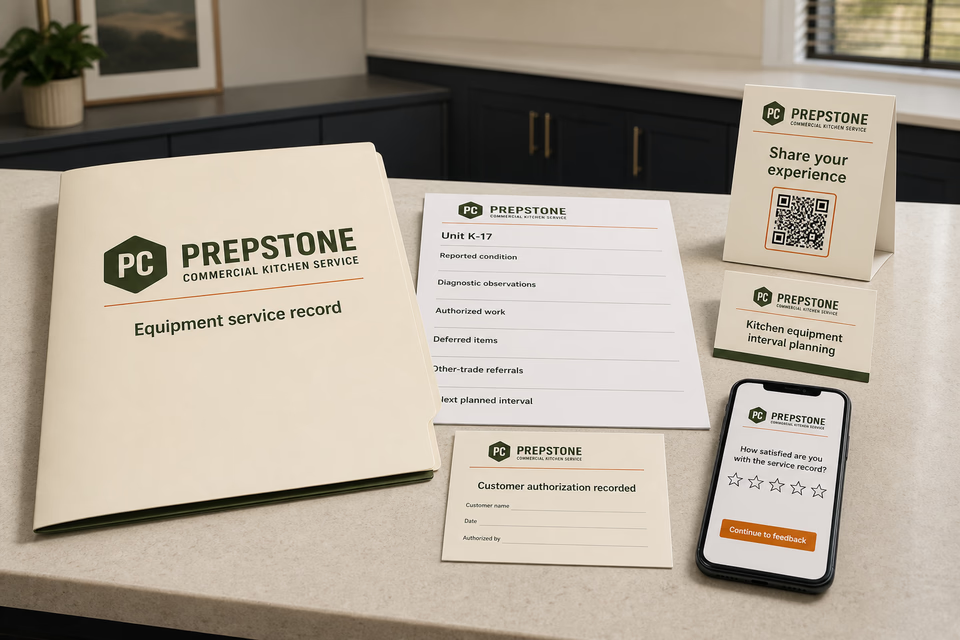
Provide an organized unit record with the operator-reported concern, equipment identity, safeguarded diagnostic observations, customer-authorized work, parts and labor entries, company-recorded checks, approved final photos, deferred items, other-trade referrals, and next planned interval. Send restrained planning check-ins without implying that a prior visit prevents future faults or assures food safety, uptime, compliance, cooking results, or equipment life.
Pages built around commercial kitchen units, operator-reported symptoms, and safeguarded service paths
One “services” page is not enough.
Commercial ovens, ranges, fryers, griddles, charbroilers, steamers, kettles, warming equipment, dishmachines, food-preparation equipment, controls, and planned service require different model details, energy sources, isolation, access, diagnostic equipment, parts, authorization, and documentation. Give each equipment class and service the company genuinely supports a focused request path while routing household appliances, refrigeration, HVAC, fire suppression and alarms, gas or water piping, drains, and other building systems to the appropriate distinct profession.
Commercial kitchen equipment diagnostics
Commercial convection + combination oven service
Commercial range + cooktop service
Commercial fryer service
Commercial griddle + charbroiler service
Commercial steamer + kettle service
Commercial holding + warming equipment service
Commercial dishmachine equipment service—building plumbing and drains excluded
Commercial food-preparation equipment service
Commercial kitchen electrical + control diagnostics—only within qualified equipment scope
Gas-fired commercial equipment assessment—only within qualified equipment scope and without public troubleshooting instructions
Planned commercial kitchen equipment service
Multi-location kitchen equipment records + planning
Service-area pages for the commercial markets you really cover
From search to the next job
The handoffs are the whole point.
The website should not end at a form, and a completed job should not end at an invoice. Each useful step gives the next person context.
01
They find the right service
A useful page or local listing matches the problem and gives the customer one obvious way to act.
02
The request stays alive
The call, form, or message lands in the same customer record with the service, location, and conversation attached.
03
A person owns the next step
The owner or office can reply, call, qualify, assign, and schedule with the history already in front of them.
04
The finished job keeps working
Feedback, reviews, print, referrals, and useful customer follow-up help one completed job create the next opportunity.
Commercial kitchen service questions, straight answers
Clear equipment intake. Safeguarded diagnostics. No remote food-safety or return-to-use promises.
01Is this just a commercial kitchen repair website package?
No. The website is the front door. The complete setup can connect calls, messages, account and location details, site contacts, equipment and unit IDs, reported symptoms, powered-down status, service records, safe photos, the shared inbox, appointments, safeguarded diagnostic observations, estimates, authorizations, parts updates, completed equipment records, reviews, local visibility, print, and planning follow-up around the way the company actually moves a commercial unit from reported concern to documented next step.
02Can the website diagnose the equipment or ask a kitchen employee to restart, ignite, move, open, or test it?
No. A reported symptom, display message, or closed-equipment photo can identify a starting point, but energy source, operating conditions, prior work, multiple faults, isolation, access, test results, and what the qualified technician observes can change the diagnosis and scope. The request path should never direct a customer to operate, heat, ignite, move, disconnect, open, remove a guard or panel from, reach behind, or troubleshoot the equipment.
03Can the page promise a price, response or completion time, parts availability, food safety, compliance, or readiness for use?
No. Price and timing can depend on diagnostic findings, access, isolation, authorized scope, parts, added conditions, operating windows, scheduling, and service capacity. Food safety, sanitation, code compliance, and return-to-use decisions depend on the actual equipment, facility practices, applicable requirements, and qualified review; marketing copy and a routine service record should not substitute for those determinations.
04How is commercial kitchen service different from appliance repair, refrigeration, HVAC, fire protection, and plumbing?
This route is for supported commercial cooking, warming, warewashing, and food-preparation equipment and its safeguarded service path. Household and light residential appliances, refrigerated systems, building heating and ventilation, suppression and alarm systems, and facility gas, water, and drain piping have different equipment, licenses, hazards, facilities, diagnostic methods, and authorities and should keep their own qualified profession pages and referrals.
Want to see the complete setup for your commercial kitchen service company?
Bring the old site. Or the lack of one.
We will show you how the website, calls, messages, local search, reviews, and follow-up can work as one practical customer system.