The complete customer system for commercial refrigeration companies
Name the equipment. Capture the temperature. Keep the service call moving.
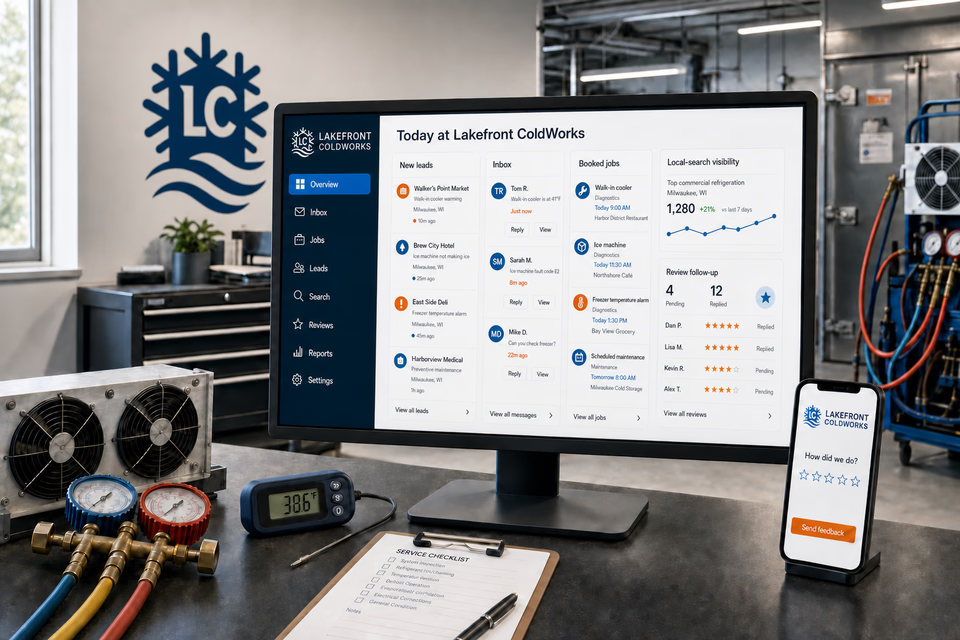
Commercial refrigeration calls arrive from restaurants, grocers, hospitality teams, and facility managers with different equipment, operating pressures, and service histories. We connect the website, calls, messages, local search, reviews, and follow-up so the team can capture the right details and set an honest next step without losing the account context.
Lakefront ColdWorksWebsite, response, search, reviews, and follow-up
What the complete setup should do
Be useful before, during, and after the service call.
Commercial refrigeration work mixes temperature concerns, equipment faults, planned replacements, ice-machine service, and scheduled maintenance. The system should keep the location, equipment, readings, contacts, and next action together from the first request onward.
01
Route a temperature concern without inventing certainty
The site should help a commercial caller share the current reading, equipment type, symptoms, and site contact without promising a diagnosis, response time, or food-safety outcome before the system is assessed.
02
Qualify the equipment before dispatch
A walk-in, ice machine, display case, or prep table may require different tools and parts. Model information, controller photos, readings, access notes, and prior work help the office prepare the right visit.
03
Keep every facility record connected
Calls, messages, equipment photos, temperature logs, estimates, and completed work should stay attached to the location and account so repeat service starts with useful history.
04
Turn service into a documented relationship
A clear closeout can collect feedback, document readings and work performed, invite a review, and support an appropriate maintenance conversation later.
The commercial refrigeration system
Three parts. One customer journey.
Each part is built around commercial cooler, freezer, ice-machine, control, installation, and maintenance work, and every service below links to the full explanation of what it does.
01
Get found for the commercial equipment you actually service
Separate coolers, freezers, ice machines, and planned work before the call.
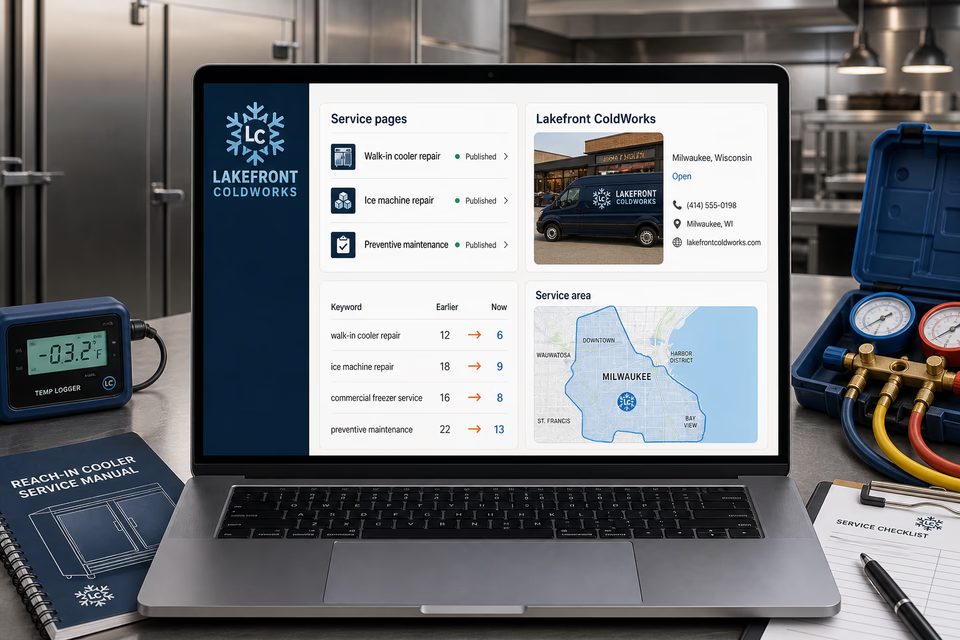
Build useful pages around walk-ins, reach-ins, display cases, prep equipment, ice machines, controls, installations, maintenance, and the commercial areas you truly cover. Keep the local listing and search work pointed at those same services.
Turn a missed facility call into a diagnostic visit the technician can prepare for.
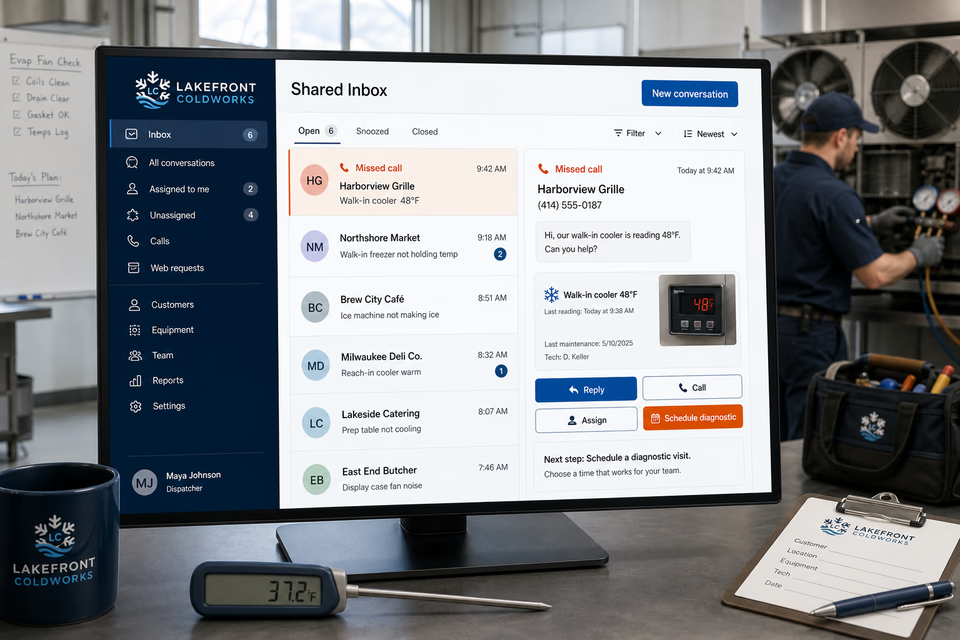
A missed call can open a normal text conversation. The business location, equipment type, current reading, controller photo, site contact, reply, and scheduling step stay together so the office can assign the next action without guessing.
Leave the facility with a clear record and a sensible next touchpoint.
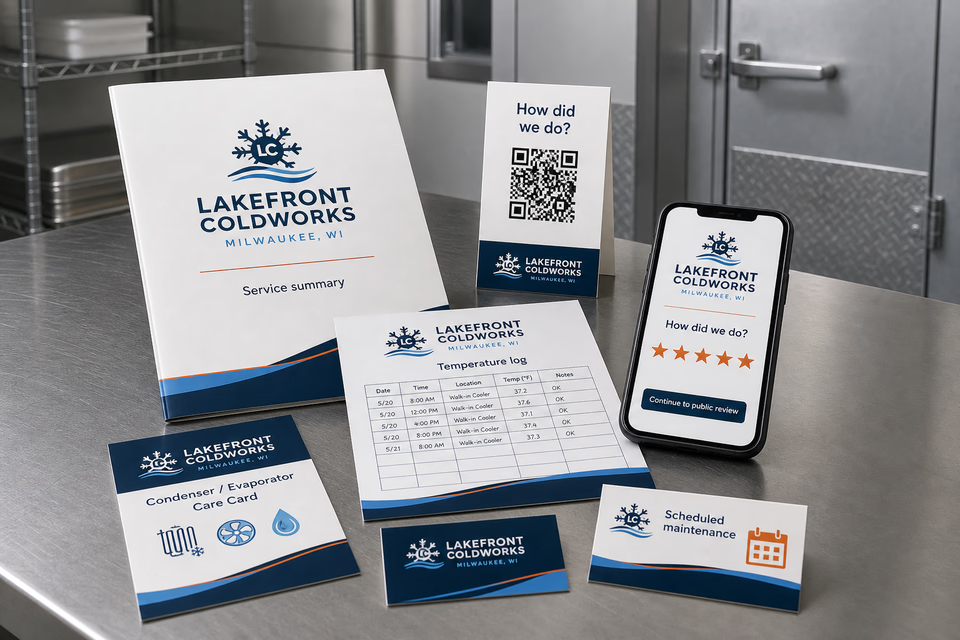
Ask how the visit went, make a five-star review easy, provide a service summary and temperature record, and follow up on documented maintenance or replacement opportunities with customers who agreed to hear from you.
Pages built around real commercial refrigeration calls
One “services” page is not enough.
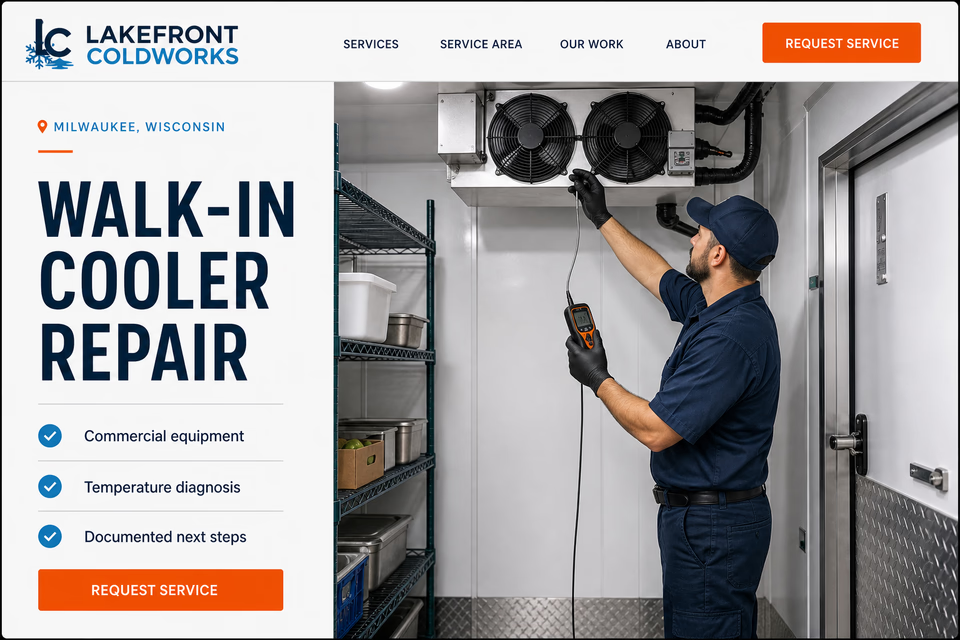
A walk-in cooler, reach-in freezer, ice machine, prep table, and multi-unit replacement are not the same request. Clear service pages help a commercial customer identify the equipment, understand the diagnostic process, and request the right next step.
Better equipment context. Clearer handoffs. No cold-storage promises you cannot prove.
01Should commercial refrigeration have its own profession page instead of living under HVAC?
Yes when the company primarily serves restaurants, grocers, hospitality teams, and facilities with walk-ins, reach-ins, ice machines, display cases, and related controls. That equipment mix, buyer, service history, and commercial response path are distinct from a residential heating-and-cooling call.
02Can the website advertise 24/7 commercial refrigeration service?
Only if the company truly staffs and delivers it. Otherwise the site should state the real call-back or scheduling process and avoid creating an immediate-response promise the team cannot reliably keep.
03Can the site promise that stored food is safe after a repair?
No. The company can document observed readings, work performed, and recommended next steps, but it should not make a food-safety determination for the operator or the relevant authority.
04Can the system handle several locations and pieces of equipment?
Yes. Requests and follow-up can preserve the account, site address, contact, equipment type, photos, readings, notes, and service history so a multi-location customer does not have to rebuild the context every time.
Want to see the complete setup for your commercial refrigeration company?
Bring the old site. Or the lack of one.
We will show you how the website, calls, messages, local search, reviews, and follow-up can work as one practical customer system.