The complete customer system for elevator service companies
Know the building. Identify the unit. Keep every assessment, approval, and record connected.
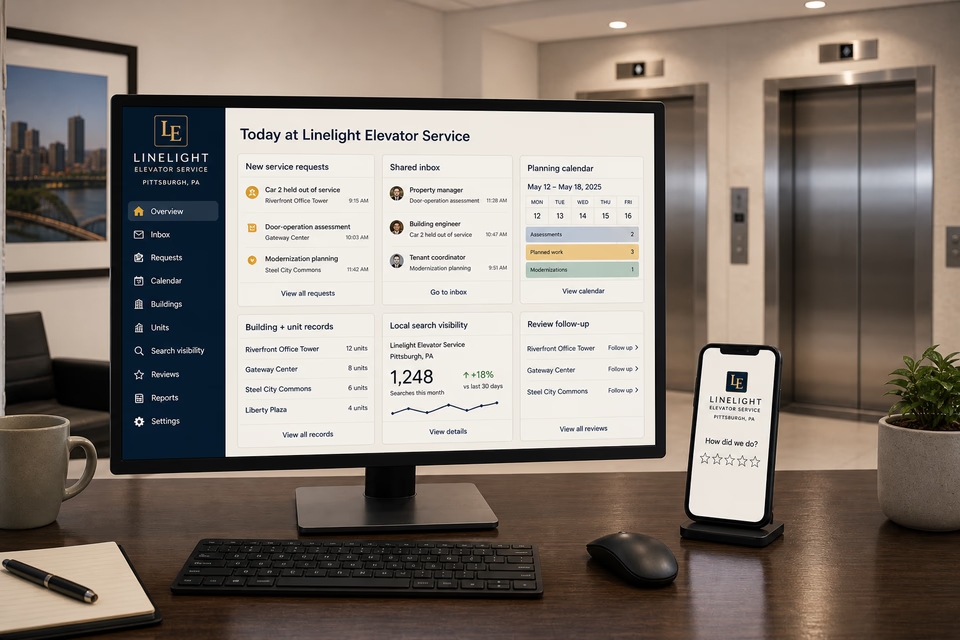
Elevator service requests begin with the property, building contact, exact unit, equipment type, floor or landing, current reported status, observed behavior, when it occurs, access controls, service history, photos, and planning needs. We connect the website, calls, messages, controlled assessment planning, estimates, approvals, parts updates, service records, reviews, and planned-maintenance follow-up without turning a message, photo, indicator, or customer description into a remote diagnosis, operation decision, work authorization, inspection outcome, code determination, parts confirmation, uptime promise, or exact completion time.
Linelight Elevator ServiceWebsite, response, search, reviews, and follow-up
What the complete setup should do
Be useful before, during, and after the service call.
A passenger elevator held out of service, intermittent door behavior, ride-quality concern, freight elevator request, planned maintenance review, modernization discussion, and inspection-coordination need each create a different operational path. The customer system should preserve the building and unit identity, customer-reported status, controlled access plan, onsite observations, conditional findings, authorization, parts decisions, schedule updates, and closeout record while keeping shafts, pits, roofs, open landings, exposed machinery, and specialized access out of public-facing imagery and customer self-service instructions.
01
Start with the property, exact unit, and reported behavior
Collect the property and building contact, unit or car number, equipment type, floor or landing, customer-reported status, observed behavior, when it occurs, recent service, and useful photos. Preserve that initial report separately from later onsite observations so the team can trace what was known at each step.
02
Plan controlled access before an onsite assessment
The intake should capture who controls building and equipment access, whether the unit is reported held out of service, whether doors are reported closed, whether anyone is reported inside, and any property scheduling limits. The service team confirms the actual access and equipment setup under its own procedures; the website should not instruct a customer to enter restricted areas or handle elevator equipment.
03
Keep findings conditional and work customer-authorized
Onsite observations, unresolved questions, recommended next steps, estimate details, parts choices and availability, customer decisions, and schedule updates should stay together. A message, indicator, photo, or initial observation should not be presented as a confirmed cause, complete scope, permission to operate, or authorization to proceed.
04
Close out with useful property and unit records
A practical handoff can organize the property and unit, customer-reported condition, controlled access status, onsite observations, authorized work, parts and labor entries, final closed-door photos, open items, and future planning. It should document the service path without certifying an inspection result, code status, future operation, or a particular maintenance outcome.
The elevator service system
Three parts. One customer journey.
Each part is built around planned elevator maintenance, passenger and freight elevator concerns, door-operation and ride-quality assessments, customer-authorized service, modernization planning, inspection coordination, building access, parts and schedule updates, and property and unit records, and every service below links to the full explanation of what it does.
01
Get found for the elevator service or planning path a property actually needs
Give passenger, freight, door-operation, ride-quality, system, maintenance, modernization, and coordination work distinct room to explain itself.
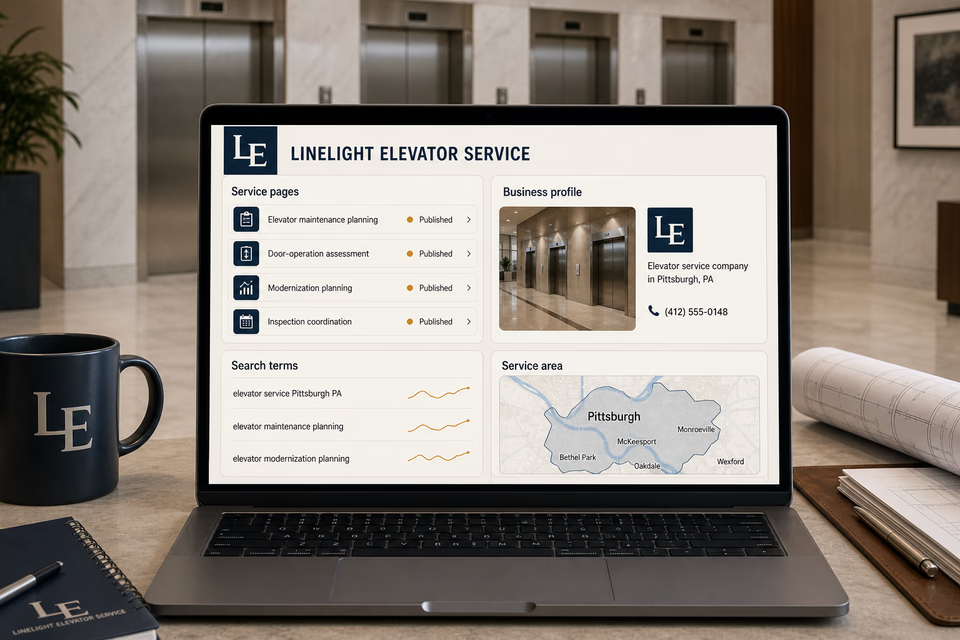
Build focused pages around the elevator types and services the company truly supports, the building and unit details needed to begin review, the communities covered, and the documented path from request to onsite assessment. Keep local profiles accurate without ranking, availability, diagnosis, inspection-result, code-status, parts, timing, certification, or uptime claims.
Keep the building, unit, access, and reported condition together
Turn a property message into a controlled, reviewable request with one owned record.
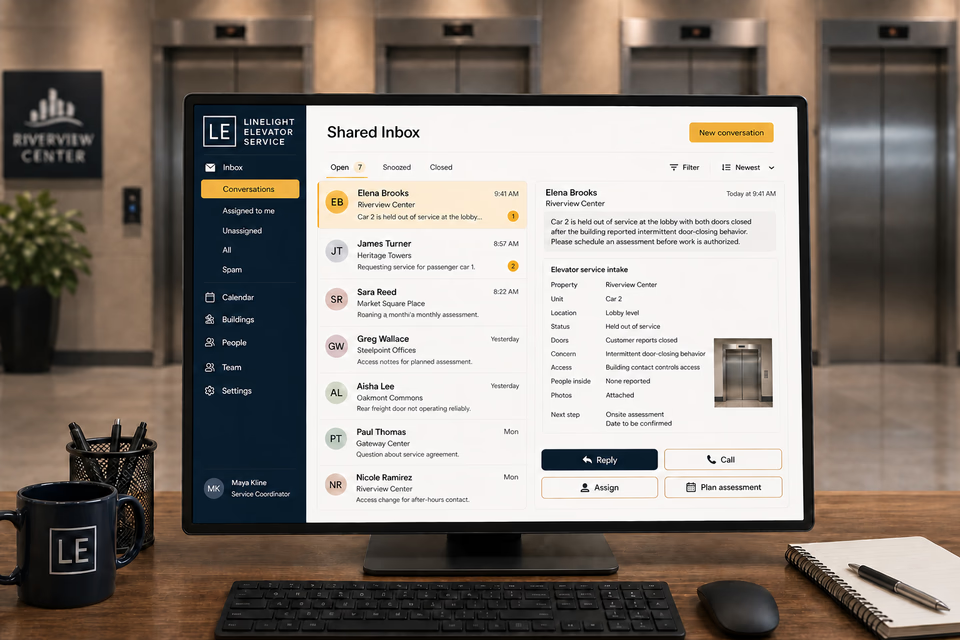
Property, building contact, exact unit, floor or landing, equipment type, customer-reported status and behavior, access controls, recent service, photos, reply, assignment, and next assessment step stay attached. The team can request missing facts and coordinate access before documenting onsite observations or presenting an estimate.
Make authorized work, open items, service records, and future planning easier to review.
Provide an organized record with the property and unit, reported condition, controlled access status, onsite observations, authorized work, parts and labor entries, final closed-door photos, unresolved items, and customer feedback. Send restrained planned-maintenance reminders without implying inspection outcomes, parts availability, priority scheduling, uptime, or future equipment performance.
Pages built around real elevator service and planning paths
One “services” page is not enough.
Passenger and freight elevators, door-operation concerns, ride-quality reports, controls and indicators, hydraulic and traction equipment, emergency communication systems, planned maintenance, modernization, and inspection coordination create different questions and records. Give each service the company genuinely supports a focused page that explains what begins the review, how building access is coordinated, how observations and approvals are documented, and where the scope stops. Keep escalators, moving walks, commercial doors, general industrial maintenance, and unrelated building systems on distinct paths unless the company actually supports them with a dedicated operating model.
Passenger elevator maintenance planning
Freight elevator service assessment
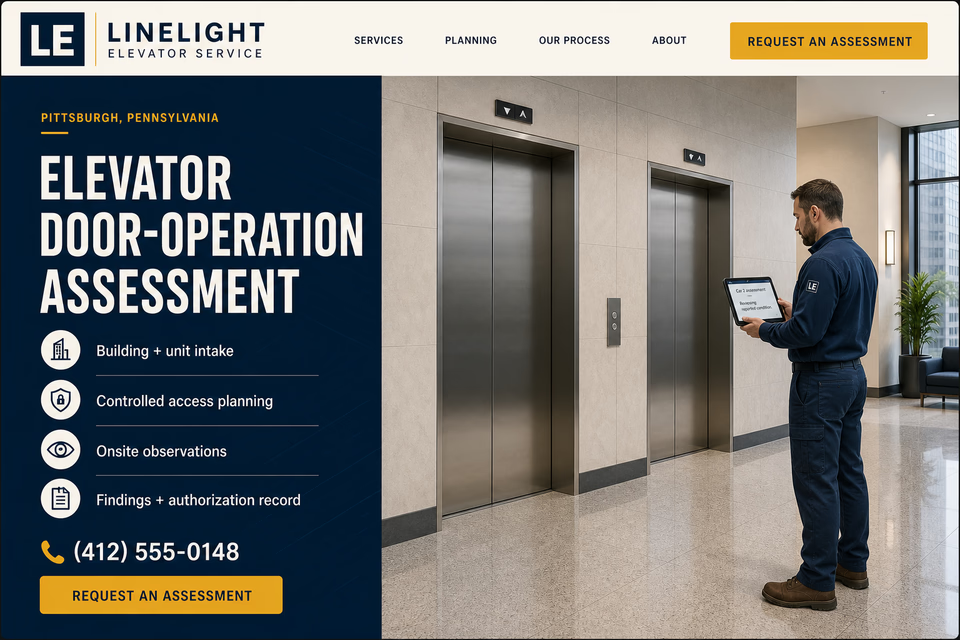
Elevator door-operation assessment
Ride-quality concern assessment
Elevator controls + indicator assessment
Hydraulic elevator service
Traction elevator service
Emergency communication system assessment
Planned maintenance reviews
Elevator modernization planning
Inspection coordination
Multi-property elevator service records
Building access + service planning
Service-area pages for the communities you really cover
From search to the next job
The handoffs are the whole point.
The website should not end at a form, and a completed job should not end at an invoice. Each useful step gives the next person context.
01
They find the right service
A useful page or local listing matches the problem and gives the customer one obvious way to act.
02
The request stays alive
The call, form, or message lands in the same customer record with the service, location, and conversation attached.
03
A person owns the next step
The owner or office can reply, call, qualify, assign, and schedule with the history already in front of them.
04
The finished job keeps working
Feedback, reviews, print, referrals, and useful customer follow-up help one completed job create the next opportunity.
Elevator service questions, straight answers
Clear building and unit intake. Controlled access. Conditional findings, approvals, parts, and schedules.
01Is this just an elevator service website package?
No. The website is the front door. The complete setup can connect calls, messages, property and unit intake, customer-reported conditions, access planning, closed-door photos, service history, onsite assessments, estimates, approvals, parts updates, unit records, reviews, local visibility, print, and planned-maintenance follow-up around the way the company moves each request to a documented next step.
02Can a message, indicator, photo, or building report confirm the diagnosis or whether an elevator should operate?
No. Those details can help organize the request, but the service company still needs to identify the exact unit, coordinate controlled access, review its condition and history, perform its actual onsite procedures, and document observations before discussing a cause, scope, or operation decision. Customers should not be directed to enter shafts, pits, roofs, open landings, equipment rooms, or exposed machinery areas.
03Can the page certify an inspection result or code status, or promise exact timing, parts, or uptime?
No. Inspection and code decisions belong to the responsible parties and applicable process. Service scope and timing can also change with onsite findings, access, current workload, parts, approvals, additional testing, and outside coordination. The system should communicate the present status and next decision without converting an early request into a fixed outcome.
04Should escalators, moving walks, commercial doors, and general industrial maintenance share this destination?
Only when the company genuinely supports those systems with the people, procedures, access controls, service records, and proof they require. This route is centered on passenger and freight elevator service. Escalators, moving walks, commercial doors, and broader industrial equipment have different service paths and should remain distinct when they are separate operating models.
Want to see the complete setup for your elevator service company?
Bring the old site. Or the lack of one.
We will show you how the website, calls, messages, local search, reviews, and follow-up can work as one practical customer system.