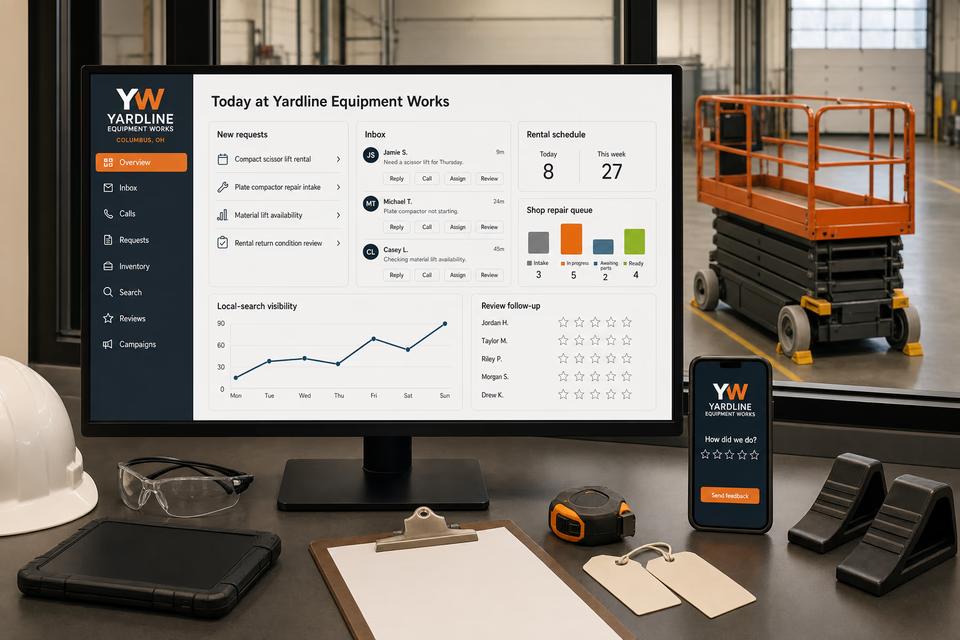
The complete customer system for equipment repair and rental companies
Know the project. Record the equipment. Keep every rental and repair decision connected.
Equipment-rental requests begin with the project, equipment interest, working height or capacity, surface and slope, access dimensions, indoor or outdoor setting, power source, requested dates, transport needs, operator-policy questions, and site notes. Repair requests add the asset ID or make and model, reported symptoms, current condition, service history, location, and authorization limits. We connect the website, calls, messages, fit and availability review, reservations, checkout records, shop assessments, estimates, approvals, parts updates, return inspections, reviews, and follow-up without turning a form or photo into confirmed equipment fit, inventory, rate, site suitability, operator qualification, diagnostic cause, repair scope, or timing.
Yardline Equipment WorksWebsite, response, search, reviews, and follow-up
What the complete setup should do
Be useful before, during, and after the service call.
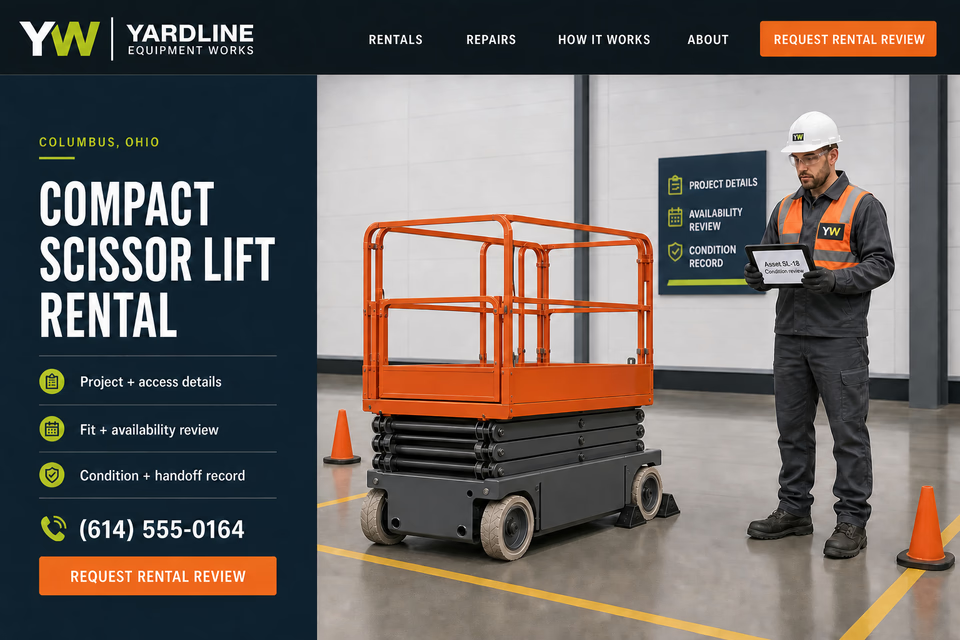
A compact scissor-lift request, material-lift rental, plate-compactor need, surface-preparation project, owned-equipment repair inquiry, and rental return each require different details. The customer system should separate a request from a reviewed reservation, organize the project and access constraints, connect the exact asset to outbound and return condition records, keep shop findings conditional, record customer authorization, and route engine-specialist work, commercial fleets, large off-road field service, agricultural machinery, recovery, and mobile repair to distinct operating paths.
01
Start with the project, access, and requested equipment class
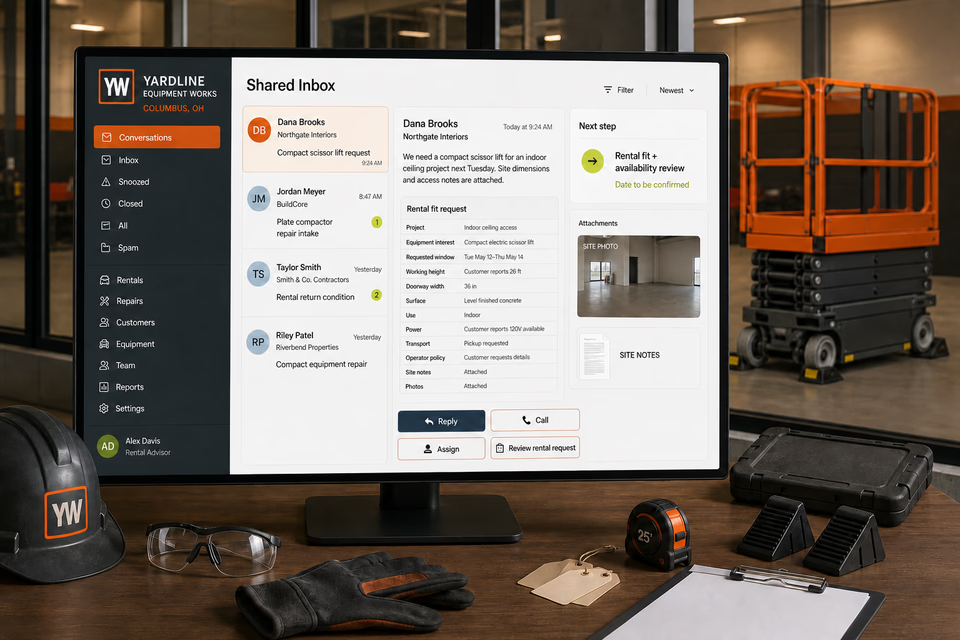
The request path should collect the intended task, working height or capacity, surface and slope, doorway and clearance dimensions, indoor or outdoor setting, power source, requested window, transport preference, operator-policy questions, and useful site notes. Those details support a fit and availability review but do not by themselves confirm the equipment, reservation, rate, or site.
02
Keep repair intake tied to the exact equipment record
For supported shop work, collect the asset ID or make and model, customer-reported symptoms, when the concern occurs, current condition, recent service, photos, accessories, and authorization limits. Advisor and technician observations, test results, access limits, parts considerations, and unresolved questions should remain separate from the initial customer report.
03
Document checkout, handoff, and return condition
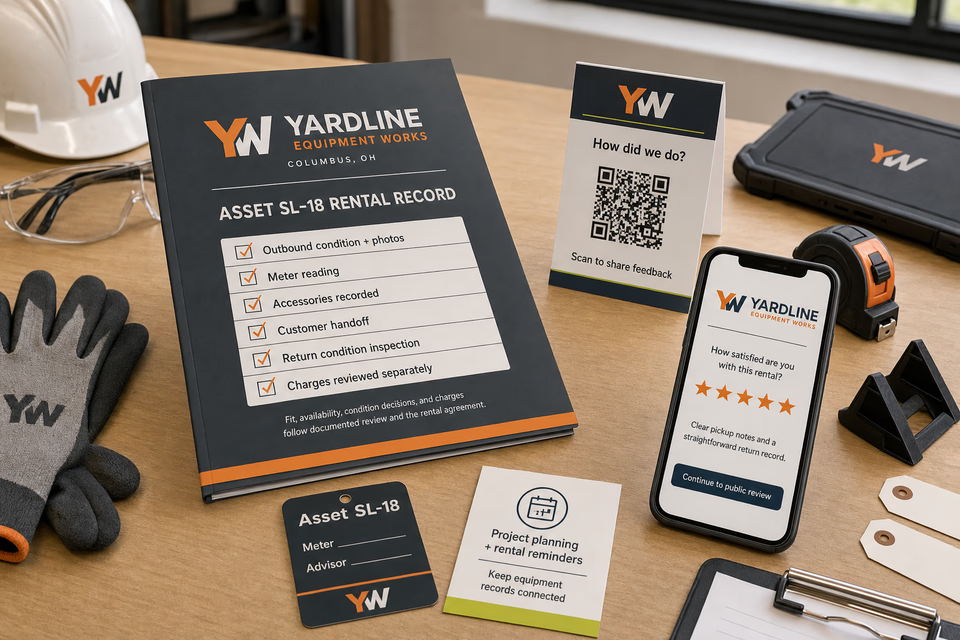
The selected asset, meter reading, accessories, outbound photos, customer handoff, agreement acknowledgments, return photos, return observations, and any condition or charge review should stay together. A reservation request or quick photo should not substitute for the company's documented checkout and return process.
04
Close out with a useful rental or repair record
A practical handoff can organize the project or reported concern, exact asset, diagnostic observations when applicable, authorized work, parts and labor entries, condition photos, customer decisions, return review, and future planning. It should document what was reviewed without certifying site suitability, operator capability, equipment performance on every project, or a permanent repair outcome.
The equipment repair and rental system
Three parts. One customer journey.
Each part is built around supported compact construction and access-equipment rentals, project and access intake, fit and availability review, checkout and return condition records, controlled shop diagnostics, customer-authorized repair, accessories, transport planning, and rental-fleet maintenance records, and every service below links to the full explanation of what it does.
01
Get found for the equipment class or shop service customers actually need
Give compact access rentals, material handling, compaction, surface preparation, compact earthmoving, return records, and genuine shop repair distinct room to explain themselves.
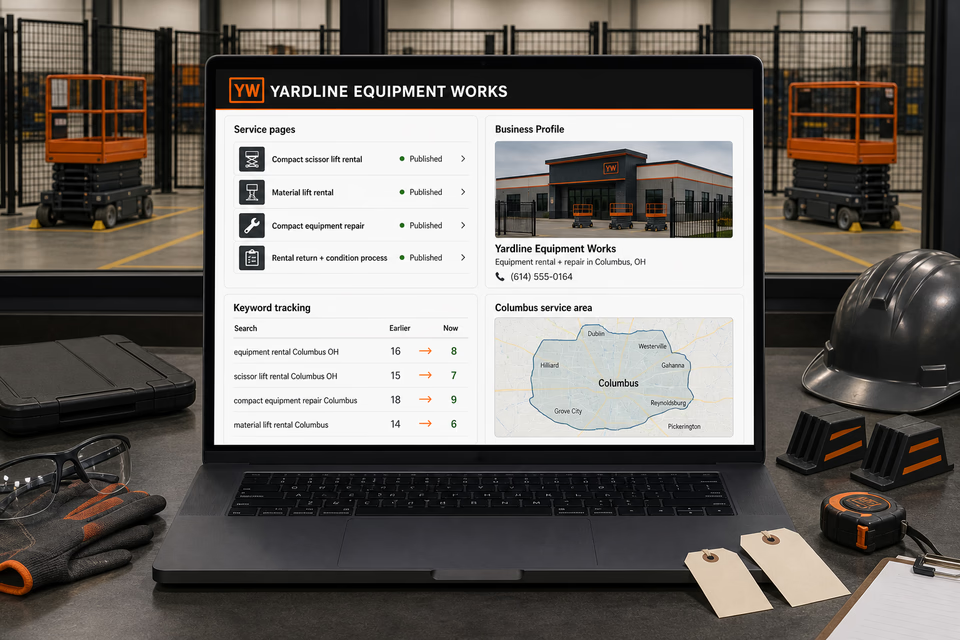
Build focused pages around the inventory classes and shop services the company truly supports, the project and access details needed for review, the rental or repair process, and the communities covered. Keep local profiles accurate without ranking, inventory, rate, timing, delivery, training, certification, site-fit, or repair-result claims.
Keep the project, site constraints, equipment request, and dates together
Turn a rental or repair message into a reviewable request with one owned record.
Project use, height or capacity, surface, slope, access dimensions, setting, power source, requested dates, transport, operator-policy questions, site notes, photos, exact equipment record, reported symptoms, reply, assignment, and next review step stay attached. The team can request missing facts before confirming a reservation or repair path.
Close out with useful condition and service records
Make checkout, return, approved work, and future project planning easier to review.
Provide an organized record with the exact asset, meter reading, accessories, outbound condition, customer handoff, return inspection, diagnostic observations and authorized work when applicable, photos, and customer feedback. Send restrained project-planning reminders without implying future availability, fit, or equipment performance.
Pages built around equipment classes, project fit, and documented rental or repair paths
One “services” page is not enough.
Compact access equipment, material lifts, compactors, concrete equipment, surface-preparation tools, trenchers, compact loaders, mini excavators, delivery planning, rental returns, and supported shop repair create different project questions. Give each rental class and shop service the company genuinely supports a focused page that explains the information needed for review, the condition-record process, and where the scope stops. Keep small-engine specialists, diesel and fleet shops, large heavy-equipment field service, agricultural service, towing, and mobile mechanics on their own profession routes.
Owned compact equipment shop assessment—only for supported equipment and scope
Service-area pages for the communities you really cover
From search to the next job
The handoffs are the whole point.
The website should not end at a form, and a completed job should not end at an invoice. Each useful step gives the next person context.
01
They find the right service
A useful page or local listing matches the problem and gives the customer one obvious way to act.
02
The request stays alive
The call, form, or message lands in the same customer record with the service, location, and conversation attached.
03
A person owns the next step
The owner or office can reply, call, qualify, assign, and schedule with the history already in front of them.
04
The finished job keeps working
Feedback, reviews, print, referrals, and useful customer follow-up help one completed job create the next opportunity.
Equipment repair and rental questions, straight answers
Clear project intake. Documented equipment records. Conditional fit, availability, findings, and charges.
01Is this just an equipment-rental website package?
No. The website is the front door. The complete setup can connect calls, messages, project and access details, site notes, equipment-class requests, fit and availability review, reservations, transport planning, exact asset records, checkout and handoff, shop-repair intake, estimates, approvals, return inspections, reviews, local visibility, print, and follow-up around the way the company moves each request to a documented next step.
02Can the website confirm the equipment fit, availability, rate, or delivery window from a form?
No. The request can collect the project, working height or capacity, surface, slope, access dimensions, setting, power source, dates, transport preference, and site notes. The company still needs to review the supported equipment, current inventory, agreement terms, site constraints, transport plan, and its actual operating policies before confirming the next step.
03How should checkout condition, return condition, and added charges be handled?
Keep the exact asset, meter reading, accessories, outbound photos, customer handoff, agreement acknowledgments, return photos, and return observations in one record. Any condition decision or added charge should follow the documented review and rental agreement rather than being implied by marketing copy or an isolated photo.
04Should small-engine repair, commercial fleets, heavy-equipment field service, agricultural machinery, towing, and mobile repair share this destination?
No. This route is for a rental-company model and controlled shop support for the compact equipment it genuinely serves. Engine-specialist benches, road-going commercial fleets, large off-road equipment diagnosis and rebuilding, farm machinery, vehicle recovery, and work performed at customer locations have different buyers, facilities, transport, safety controls, dispatch, and proof systems and should keep their own profession pages.
Want to see the complete setup for your equipment repair and rental company?
Bring the old site. Or the lack of one.
We will show you how the website, calls, messages, local search, reviews, and follow-up can work as one practical customer system.