Start with the building and system
The request path should collect the property, occupancy, system type, known issue, available records, and on-site contact before a visit is scheduled.

The complete customer system for fire protection companies
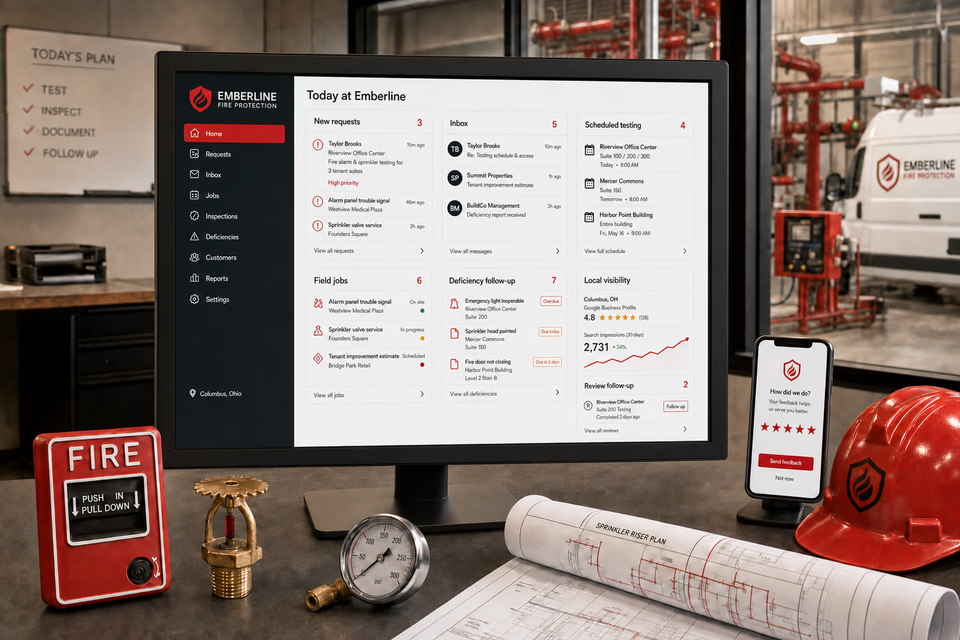
Fire protection work moves through property managers, facility teams, tenant contacts, system details, access windows, testing visits, deficiency documentation, and repair decisions. We connect the website, calls, messages, local search, reviews, and follow-up so every request reaches the right person with the building context intact.
What the complete setup should do
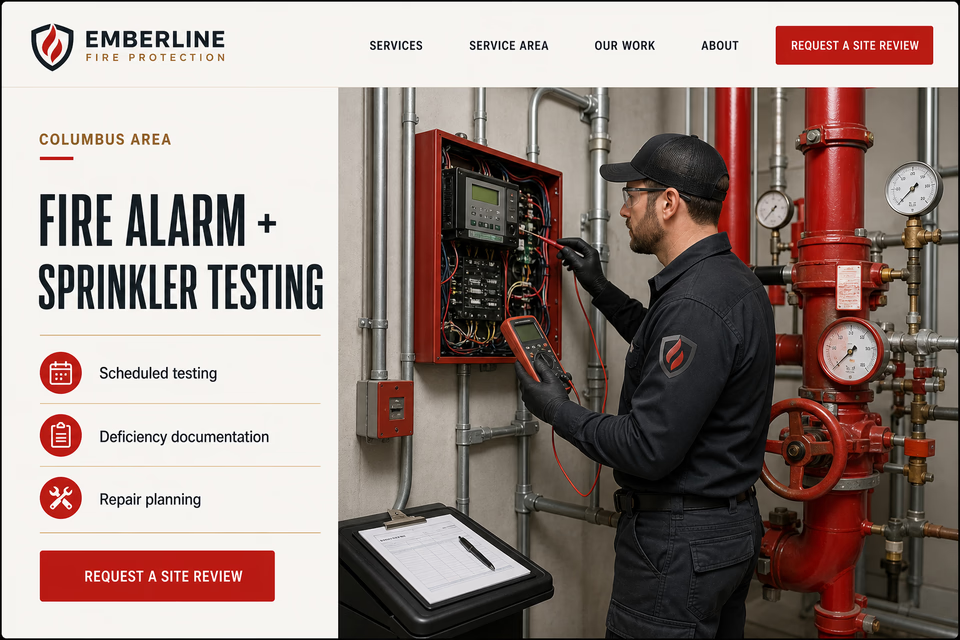
Commercial fire alarm and sprinkler work mixes scheduled testing, trouble signals, documented deficiencies, repair planning, tenant improvements, and multi-property relationships. The customer system should organize that work without making claims about compliance, approval, licensing, response, or outcomes that only qualified work and the proper authority can determine.
The request path should collect the property, occupancy, system type, known issue, available records, and on-site contact before a visit is scheduled.
Tenant windows, keys, panel and riser locations, notification plans, and property contacts should remain attached to one conversation from intake through field scheduling.
Scheduled testing, trouble calls, documented observations, repair scopes, upgrades, and tenant work need distinct pages and handoffs instead of one catch-all service claim.
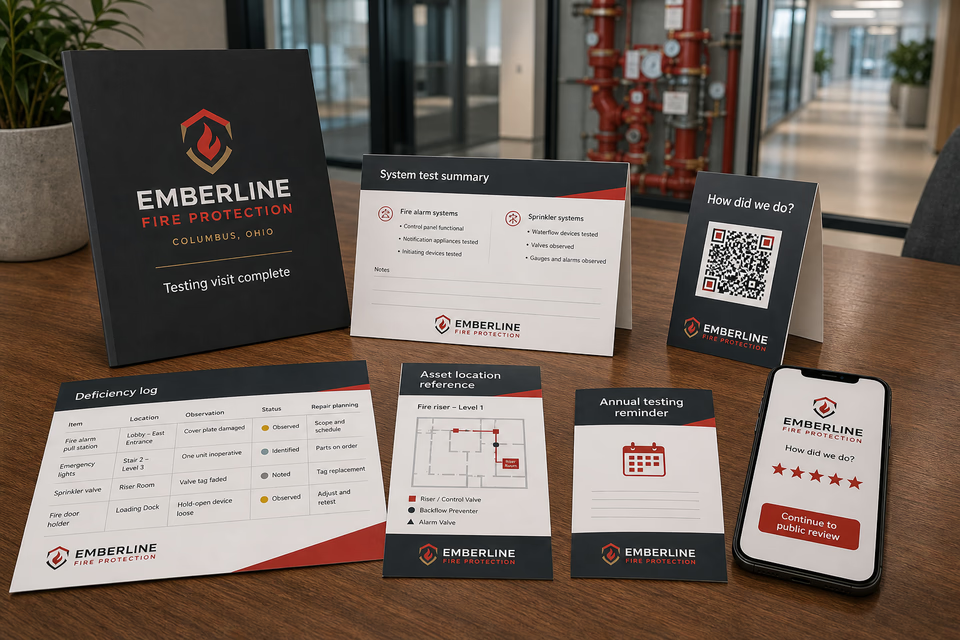
A clear closeout can organize the test summary, asset locations, observations, proposed next steps, customer feedback, and future planning dates for the property team.
The fire protection system
Each part is built around commercial fire alarm, sprinkler testing, deficiency documentation, and repair work, and every service below links to the full explanation of what it does.
Get found for the exact commercial scope
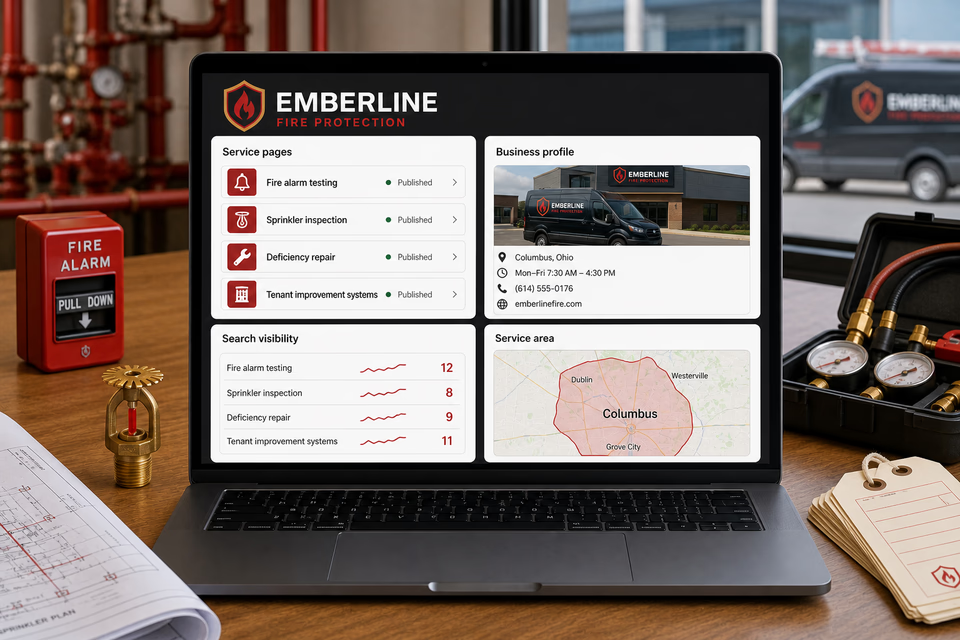
Build useful pages around fire alarm testing, sprinkler inspection, deficiency service, repairs, system upgrades, tenant improvements, and the places you truly serve. Keep the local listing, search work, and ads pointed at those same offers.
Keep every property detail attached
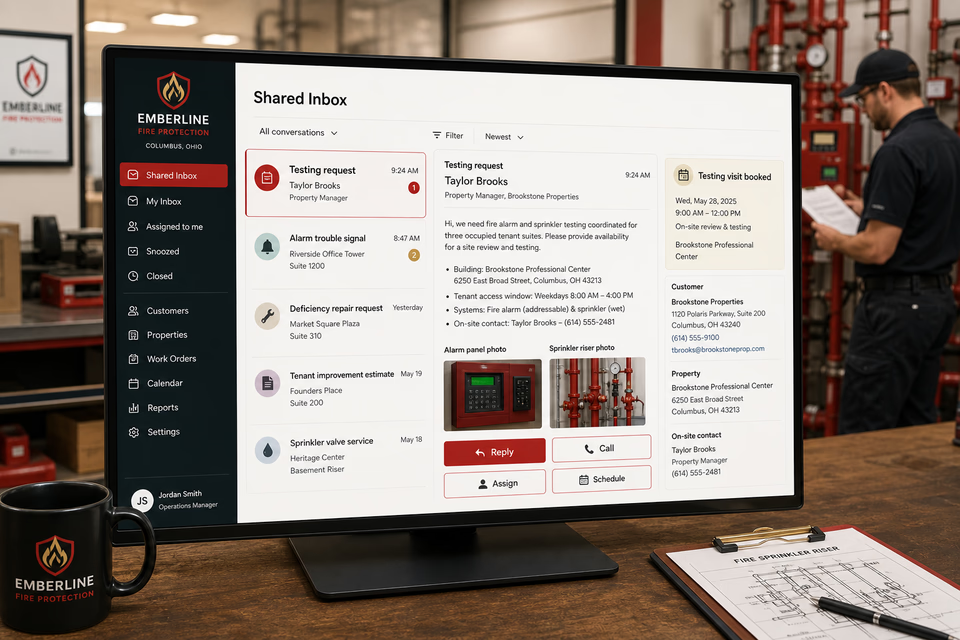
A call or form can become one owned conversation. The property, system types, panel and riser photos, access notes, on-site contact, reply, and testing window stay together so office and field teams share the same starting point.
Close out with neutral, usable records
Ask how the visit went, make a five-star review easy, deliver an organized test summary and observation log, and send restrained planning reminders to property contacts who agreed to hear from you.
Every part of the offer
These are the complete Worker Websites services that can support a fire protection company. Open any service for the deeper explanation.
Explain commercial fire alarm, sprinkler testing, deficiency documentation, and repair work, show the real service area, and make the next step easy on a phone.
See the service 02Acknowledge an allowed missed call while the customer is still deciding who to contact.
See the service 03Keep calls, texts, forms, email, chat, and social messages in one active customer conversation.
See the service 04Give the team one work number for calls, texts, and job photos without sharing a personal cell.
See the service 05Follow up on scheduled testing requests, documented repair opportunities, tenant-improvement estimates, and unanswered property questions without losing the human handoff.
See the service 06Survey the customer first, then make the public review path easy when they are fully satisfied.
See the service 07Send annual testing-planning check-ins, multi-property scheduling reminders, and useful repair follow-ups to past customers who agreed to hear from you.
See the service 08Improve the pages people find and keep the local listing complete, accurate, and tied to the right services.
See the service 09Track the searches that matter and keep improving useful fire protection company service and location content.
See the service 10Put paid search behind specific commercial fire alarm, sprinkler testing, deficiency documentation, and repair work, locations, landing pages, and clear tracking.
See the service 11Use service report folders, asset-location cards, observation summaries, QR feedback pieces, and property reference sheets and other practical pieces before and after the job.
See the service 12Make the website, service vans, technician apparel, proposals, reports, closeout materials, and customer messages look like the same fire protection company.
See the servicePages built around real fire protection scopes
Alarm testing, sprinkler inspection, deficiency repair, tenant-improvement work, system upgrades, and recurring property service are different requests. Each page should explain the scope, intake details, documentation, service territory, and next step without presenting the company as an approving authority.
From search to the next job
The website should not end at a form, and a completed job should not end at an invoice. Each useful step gives the next person context.
A useful page or local listing matches the problem and gives the customer one obvious way to act.
The call, form, or message lands in the same customer record with the service, location, and conversation attached.
The owner or office can reply, call, qualify, assign, and schedule with the history already in front of them.
Feedback, reviews, print, referrals, and useful customer follow-up help one completed job create the next opportunity.
Fire protection questions, straight answers
No. The website is the front door. The complete setup can connect requests, calls, texts, forms, photos, property records, the shared inbox, scheduling, follow-up, reviews, local search, ads, print, and branding around the way your fire protection company actually works.
No. The site can explain the company's testing, documentation, and repair process, but it should not pre-approve a property, issue a blanket compliance claim, or speak for an authority having jurisdiction.
It can collect the property address, occupancy, system types, panel or riser photos, known trouble or deficiency information, desired scope, tenant access windows, and on-site contact. A person still reviews the request and owns the next step.
Yes, when the timing comes from verified service records and the contact agreed to receive messages. A reminder supports planning; it does not replace required records, qualified service, or the property team's own obligations.
Want to see the complete setup for your fire protection company?
We will show you how the website, calls, messages, local search, reviews, and follow-up can work as one practical customer system.
Book the 20-minute demo