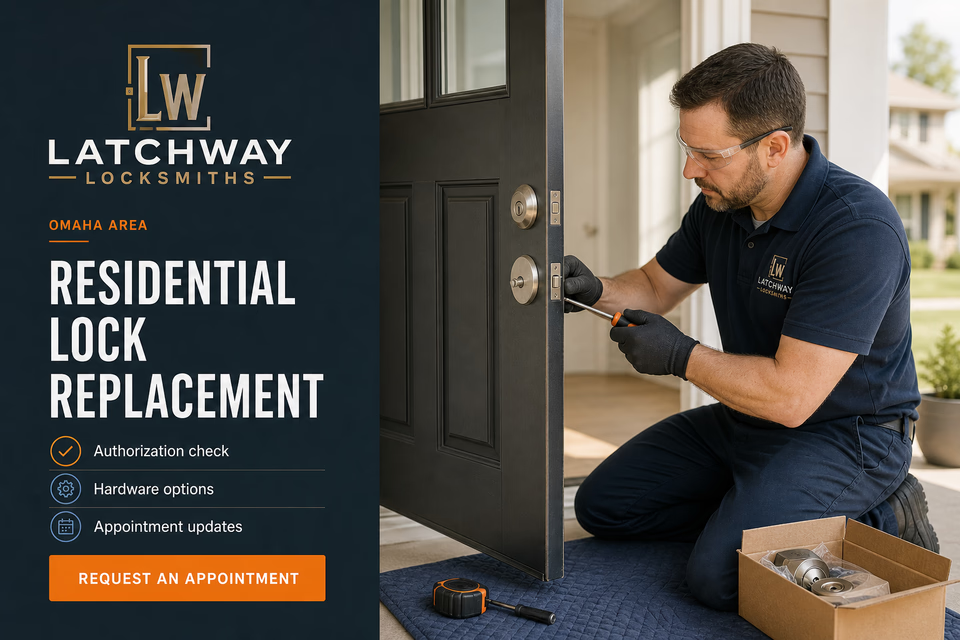
Confirm the authorization. Clarify the hardware. Keep every door and key record connected.
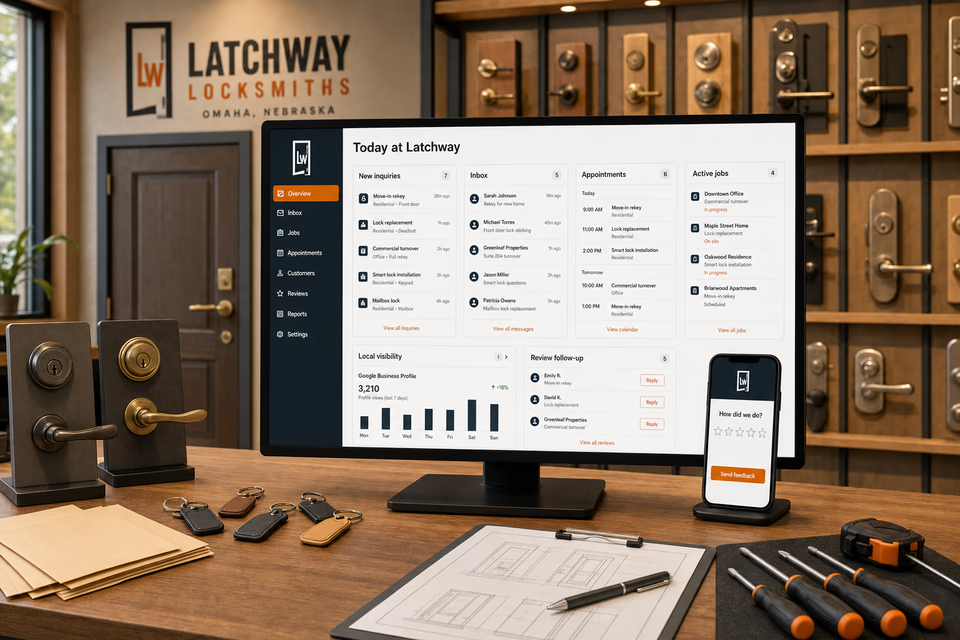
Locksmith customers may be planning a move-in rekey, replacing worn hardware, coordinating a commercial turnover, adding a smart lock, or requesting help with an access issue. We connect the website, calls, messages, authorization checks, appointments, door and hardware records, service updates, feedback, and follow-up so the customer understands the next step and the team keeps the property context attached without exposing sensitive access details.
Latchway LocksmithsWebsite, response, search, reviews, and follow-up
What the complete setup should do
Be useful before, during, and after the service call.
A useful locksmith request starts with identity and authorization, the property or vehicle location, service type, door or hardware photos when safe, door count, hardware condition, access context, and an appointment window. The customer system should organize those facts without promising a response time, guaranteed access, a security outcome, or publishing entry techniques, key patterns, access codes, or other operational security detail.
01
Verify authority before work begins
The request path should collect the customer's identity, ownership, occupancy, or property-manager authorization, the service location, and the requested work so the team can confirm an authorized party is directing the visit before discussing or performing access-sensitive work.
02
Separate rekeying, replacement, and access needs
A planned rekey, failed lock, smart-lock installation, property turnover, home lockout, automotive request, and safe lock request need distinct qualification paths. Gather the context needed to route the job without publishing tools, techniques, bypass steps, or guaranteed access outcomes.
03
Keep doors, hardware, and key records attached
Door photos, door count, hardware type and finish, door function, authorization notes, key-count requirements, access constraints, property contacts, and scheduling details should stay connected to the same customer and appointment rather than becoming scattered messages.
04
Hand off keys and records carefully
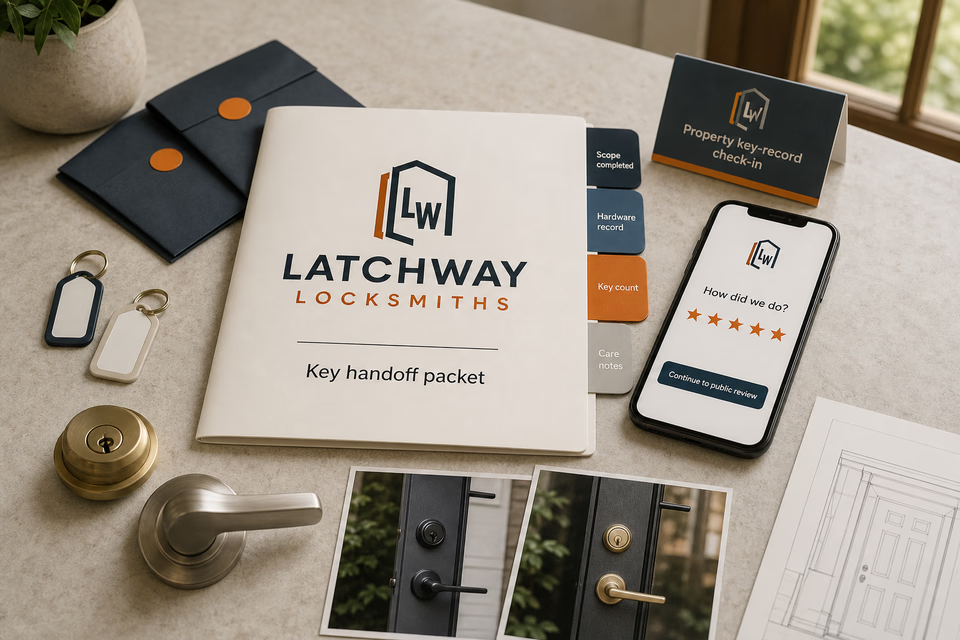
A thoughtful closeout can organize the completed scope, hardware record, confirmed key count, care guidance, and feedback request. Sensitive key details, access codes, credential data, and property-security information should remain out of public pages and routine public-facing messages.
The locksmithing system
Three parts. One customer journey.
Each part is built around residential rekeying, lock replacement, commercial door hardware, property turnover, smart-lock installation, and carefully scoped lockout service, and every service below links to the full explanation of what it does.
01
Get found for the authorized service customers need
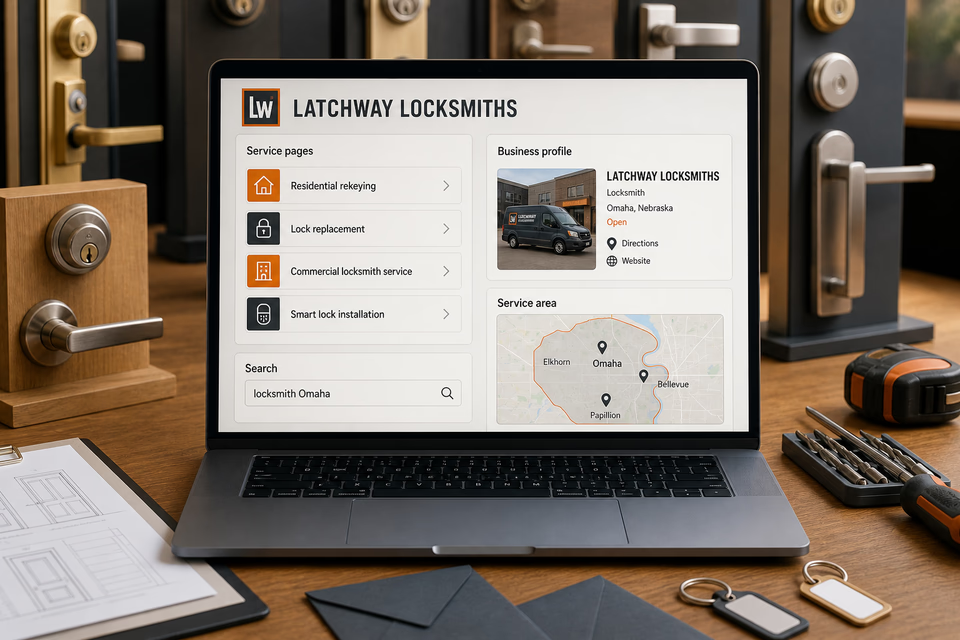
Give rekeying, replacement, commercial hardware, turnover, smart-lock, and lockout work distinct pages.
Build focused pages around the locksmith services you genuinely provide, the authorization customers should expect, and the communities you truly serve. Keep local visibility accurate without promising emergency response times, exact access outcomes, certifications, or security guarantees.
Turn an urgent or planned request into a verified appointment
Keep authorization, property context, doors, hardware, and scheduling together.
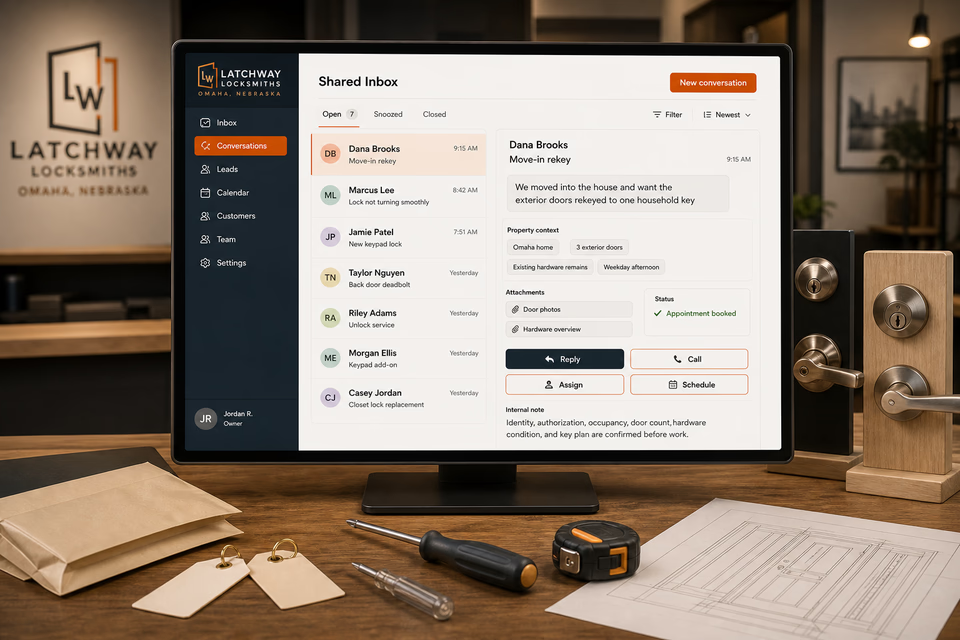
A form, missed call, or message can become one owned conversation. Identity and authorization checks, the property or vehicle context, safe photos, door count, hardware condition, requested work, reply, assignment, and appointment window stay attached without exposing access techniques or sensitive credentials.
Close out with careful hardware and key-count records
Make the completed work easier to confirm, maintain, and reference.
Provide an organized handoff with the completed scope, hardware record, confirmed key count, care notes, and a feedback path. Follow up with restrained property key-record or turnover check-ins only when appropriate, keeping access codes and sensitive key information out of public or promotional messages.
Pages built around the property, door, and authorization path
One “services” page is not enough.
Residential rekeying, lock replacement, commercial hardware, property turnover, smart-lock installation, mailbox locks, lockout service, automotive work, and safe lock service are different scopes. Give each genuine service a focused path that explains authorization, the information needed to prepare, and the next safe step without describing bypass methods or overstating response, access, certification, or security outcomes.
Residential rekeying
Move-in rekey service
Lock replacement + repair
Home lockout service—only during the hours you actually cover
Commercial rekeying
Commercial door hardware
Property-management turnover service
Smart-lock installation
Mailbox lock replacement
Master-key systems—only when genuinely offered and responsibly scoped
Automotive locksmith service—only when you truly offer it
Safe lock service—only when qualified and genuinely offered
Service-area pages for the communities you really cover
From search to the next job
The handoffs are the whole point.
The website should not end at a form, and a completed job should not end at an invoice. Each useful step gives the next person context.
01
They find the right service
A useful page or local listing matches the problem and gives the customer one obvious way to act.
02
The request stays alive
The call, form, or message lands in the same customer record with the service, location, and conversation attached.
03
A person owns the next step
The owner or office can reply, call, qualify, assign, and schedule with the history already in front of them.
04
The finished job keeps working
Feedback, reviews, print, referrals, and useful customer follow-up help one completed job create the next opportunity.
Locksmith questions, straight answers
Verified authorization. Clear hardware records. No response or security guarantees.
01Is this just a locksmith website package?
No. The website is the front door. The complete setup can connect calls, texts, forms, authorization checks, safe property and hardware context, the shared inbox, appointments, service updates, closeout records, reviews, local search, ads, print, and branding around the way your locksmith business actually handles authorized work. Sensitive keys, codes, credential data, and entry methods do not belong in public-facing records.
02Can the website promise 15-minute service, 24/7 coverage, or guaranteed access?
No. State only the service hours, coverage area, and appointment process the business can consistently support. Every access request still requires appropriate identity and authorization checks, and the result can depend on the property, hardware, condition, and scope found on site.
03Can a service page call a lock pick-proof, bump-proof, or guaranteed secure?
No. Use accurate manufacturer-supported information for the specific hardware and explain the service honestly. Do not turn a product feature into a universal security guarantee or imply that any lock, installation, or rekey makes a property immune to unauthorized entry.
04Should master-key, access-control, automotive, and safe work all appear as locksmith services?
Only when the company genuinely and responsibly provides them. Access control may overlap with security-systems or electrical work, automotive and safe service can require specialized equipment or qualifications, and public pages should explain scope and authorization without publishing techniques, codes, or bypass details.
Want to see the complete setup for your locksmith?
Bring the old site. Or the lack of one.
We will show you how the website, calls, messages, local search, reviews, and follow-up can work as one practical customer system.