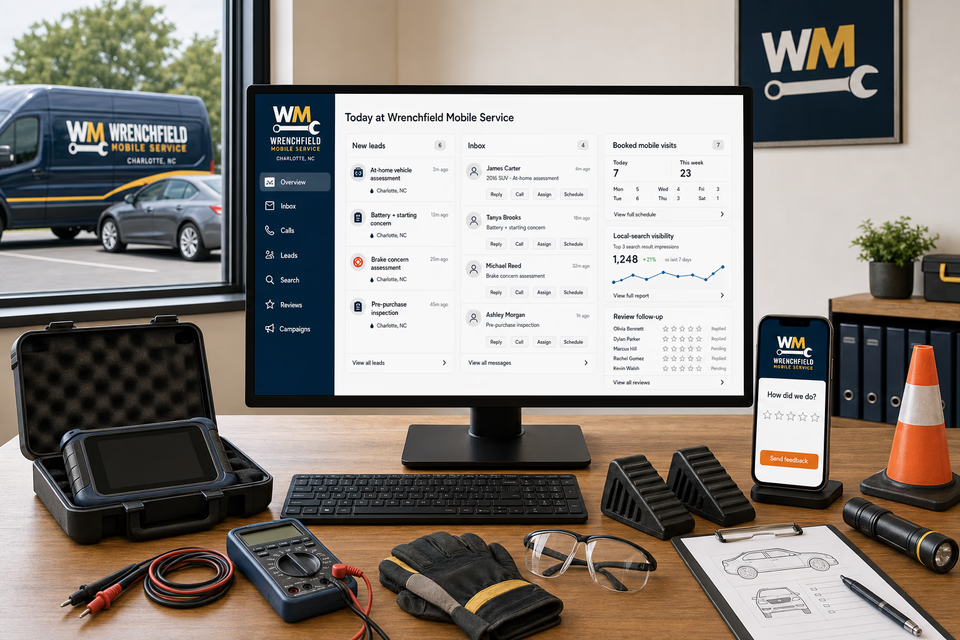
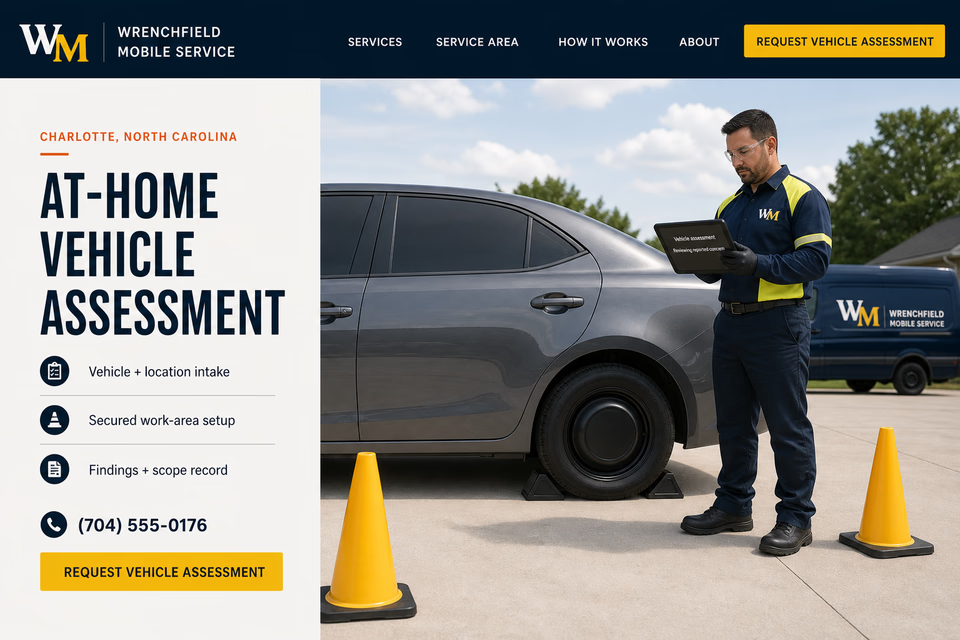
Know the vehicle. Secure the work area. Keep every assessment documented.
Mobile-mechanic requests begin with the vehicle year and general type, customer-reported symptoms, whether the vehicle starts or moves, the private-property location, surface and access conditions, key availability, parking-brake status, visible leak observations, recent service, and useful photos. We connect the website, calls, messages, location screening, scheduling, secured-work-area records, diagnostic observations, customer approvals, final photos, reviews, and follow-up so the mechanic and customer keep the same facts without turning an intake form into a diagnosis, repair promise, price, timing commitment, or statement about vehicle condition.
Wrenchfield Mobile ServiceWebsite, response, search, reviews, and follow-up
What the complete setup should do
Be useful before, during, and after the service call.
A no-start concern, warning indicator, brake concern, pre-purchase review, maintenance question, and small-fleet check require different intake and equipment. The customer system should move each request from vehicle and symptom details into location screening, a secured work-area plan, onsite observations, conditional scope, explicit customer approval, a documented closeout, and an appropriate next step while keeping work outside the mechanic's supported setting or capability clearly separated.
01
Start with the vehicle and the reported concern
The request path should collect the vehicle year and general type, mileage when known, warning indicators, sounds or symptoms, when the concern occurs, whether the vehicle starts or moves, recent service, and useful exterior photos. Those customer observations help prepare the visit but do not establish a confirmed cause or repair scope.
02
Screen the location before scheduling field work
Record whether the vehicle is on private property, the surface is level and stable, there is enough clear working space, access is permitted, keys are available, the parking brake is reported set, and any visible leak or obstruction has been reported. The mechanic should confirm whether the setting and requested work fit the company's field-service policy before the visit proceeds.
03
Keep observations and scope conditional
Customer descriptions, displayed codes, visual observations, and preliminary tests are starting information. Onsite findings, limitations, equipment needs, parts considerations, estimate assumptions, work options, and unresolved questions should be recorded before the customer approves a next step.
04
Close out with approval and a useful service record
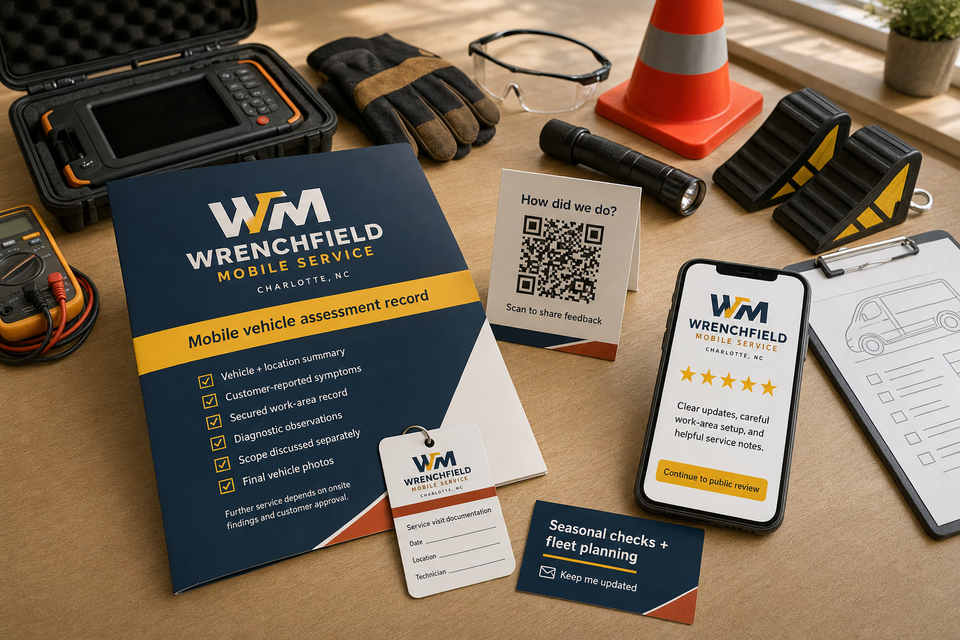
A practical handoff can organize the reported concern, secured-work-area record, diagnostic observations, scope discussed, customer decisions, work completed when applicable, final vehicle photos, deferred items, and future checks. It should document the visit without certifying future performance, universal vehicle condition, or a permanent resolution.
The mobile mechanic system
Three parts. One customer journey.
Each part is built around conditional at-home vehicle assessments, starting and electrical concern intake, brake concern assessments, pre-purchase inspections, small-fleet vehicle checks, secured work areas, diagnostic observations, customer approvals, and documented scope records, and every service below links to the full explanation of what it does.
01
Get found for supported mobile vehicle concerns
Give at-home assessments, starting concerns, brake concerns, pre-purchase reviews, and genuine fleet work distinct room to explain themselves.
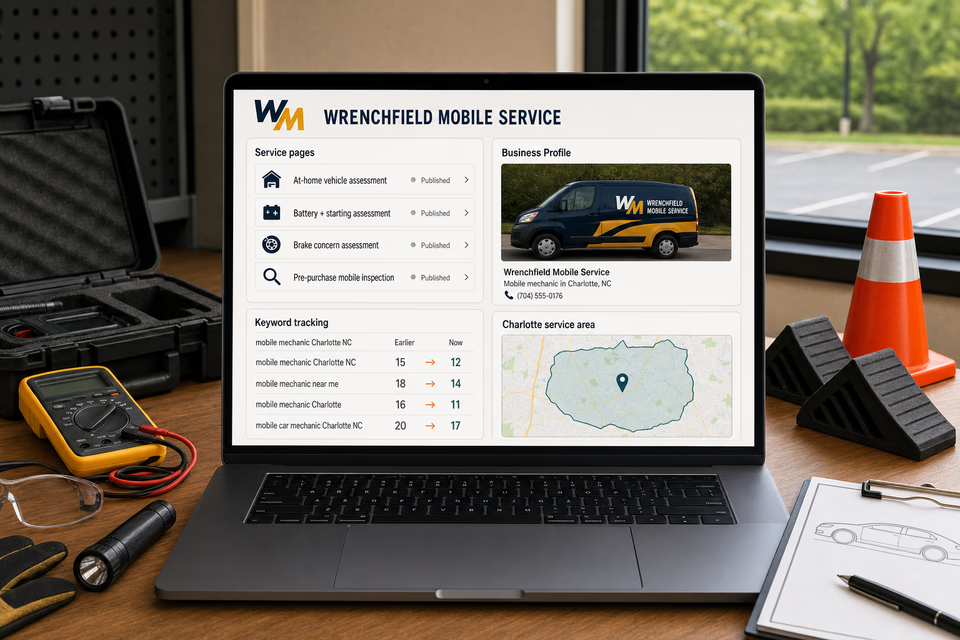
Build focused pages around the assessments the mechanic actually performs, the details customers can safely report, the mobile setting the company supports, and the communities genuinely covered. Keep search and local profiles accurate without diagnosis, ranking, response-time, fixed-price, repair-time, or outcome claims.
Keep the vehicle, location, and reported symptoms together
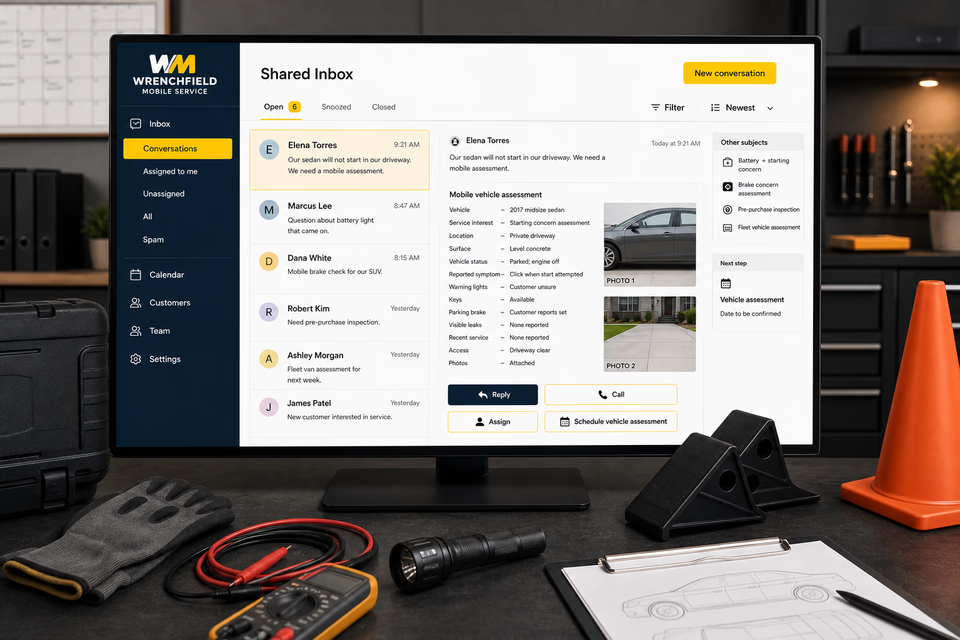
Turn a message into a screened mobile-assessment request with one owned record.
Vehicle details, reported concerns, starting and movement status, location and surface notes, property permission, safe exterior photos, access, key availability, reply, assignment, and an appointment window stay attached. The office can request missing facts and confirm whether the proposed setting fits policy before the mechanic is dispatched.
Close out with useful observations and customer decisions
Make the assessment, approved scope, final record, and next check easier to review.
Provide an organized record with the reported concern, secured-work-area notes, diagnostic observations, limitations, scope discussed, customer approvals, completed work when applicable, final photos, deferred items, and feedback. Send restrained seasonal or fleet-planning check-ins without promising that a prior visit prevents future faults.
Pages built around the vehicle concern and mobile assessment path
One “services” page is not enough.
At-home vehicle assessments, starting and charging concerns, brake concerns, pre-purchase reviews, warning indicators, maintenance questions, parked-vehicle electrical checks, and small-fleet visits require distinct details and preparation. Give each service the mobile mechanic genuinely supports a focused path that explains intake, location screening, secured setup, assessment, and authorization without implying that a message, photo, code, or preliminary observation confirms the cause or final scope.
At-home vehicle assessments
Battery + starting concern assessments
Brake concern assessments
Pre-purchase mobile inspections
Warning-indicator assessments
No-start vehicle assessments
Used-vehicle mobile inspections
Small-fleet vehicle assessments
Parked-vehicle electrical checks
Maintenance concern assessments
Private-property service planning
Service-area pages for the communities you really cover
From search to the next job
The handoffs are the whole point.
The website should not end at a form, and a completed job should not end at an invoice. Each useful step gives the next person context.
01
They find the right service
A useful page or local listing matches the problem and gives the customer one obvious way to act.
02
The request stays alive
The call, form, or message lands in the same customer record with the service, location, and conversation attached.
03
A person owns the next step
The owner or office can reply, call, qualify, assign, and schedule with the history already in front of them.
04
The finished job keeps working
Feedback, reviews, print, referrals, and useful customer follow-up help one completed job create the next opportunity.
Mobile mechanic questions, straight answers
Clear intake. Secured work areas. Conditional findings and explicit customer approval.
01What details help prepare a mobile vehicle assessment?
Share the vehicle year and general type, mileage when known, the symptoms or warning indicators, when the concern occurs, whether the vehicle starts or moves, recent service, the private-property location, the surface and available working space, access and key details, and safe exterior photos when useful. The mechanic can then confirm whether the request and setting fit the supported mobile-service process.
02Can a message, photo, or displayed code confirm the diagnosis and repair scope?
No. Customer observations and displayed information can help the mechanic prepare, but related systems, intermittent conditions, prior work, access, test results, and onsite findings can change the assessment and next step. The website should collect useful information without presenting a remote conclusion as confirmed.
03What locations are appropriate for a mobile assessment?
The request should identify a permitted private-property location with a level, stable surface and enough clear working space for the supported assessment. Access, vehicle position, surrounding conditions, and the requested work still need to be reviewed against the company's field-service policy before scheduling or proceeding.
04How is a mobile vehicle assessment different from a repair-shop visit?
A mobile mechanic brings a defined assessment process and supported field-service equipment to an approved location. Some testing, access needs, equipment, parts, or repair scopes may require a shop or another provider, so the page should explain the mobile process and record the appropriate next step rather than imply every concern can be completed in the field.
Want to see the complete setup for your mobile mechanic?
Bring the old site. Or the lack of one.
We will show you how the website, calls, messages, local search, reviews, and follow-up can work as one practical customer system.