Start with the property and the goal
A useful request path asks whether the customer needs intrusion detection, camera coverage, controlled entry, an upgrade, or service—and gathers the site type before jumping to a device list.

The complete customer system for security systems companies
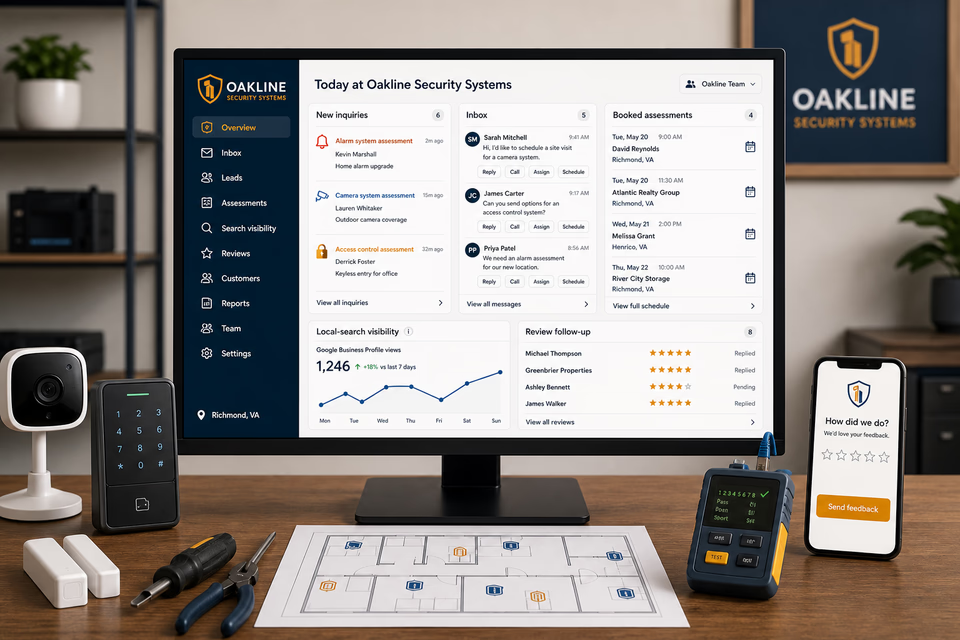
Security-system customers may be planning a home installation, adding cameras to a small business, controlling employee access, replacing older equipment, or asking for help with an existing setup. We connect the website, calls, messages, local search, reviews, and follow-up so the site details and next step stay organized without making promises the equipment cannot guarantee.
What the complete setup should do
Security-system work mixes assessments, installations, upgrades, user changes, monitoring questions, and ongoing service. The customer record should keep the property, goals, devices, access needs, contacts, and handoff history together.
A useful request path asks whether the customer needs intrusion detection, camera coverage, controlled entry, an upgrade, or service—and gathers the site type before jumping to a device list.
Door count, coverage areas, existing wiring and network, current equipment, user needs, and site photos help the office prepare a meaningful assessment without pretending every system is interchangeable.
The site should describe only the monitoring and support relationships the company actually offers, without promising police action, crime prevention, or a response time controlled by another party.
A finished installation should leave the customer with device locations, user and app guidance, service records, feedback options, and a clear path for future changes or support.
The security system system
Each part is built around alarm, camera, access-control, installation, integration, service, and support work, and every service below links to the full explanation of what it does.
Get found for the system the customer actually needs
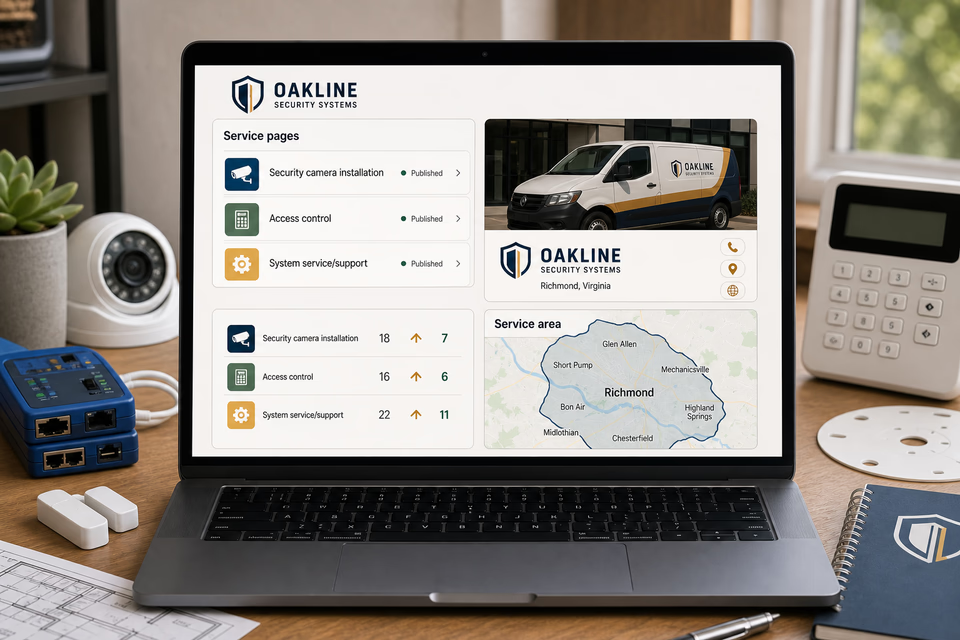
Build useful pages around residential alarms, small-business systems, camera planning, access control, intercoms, upgrades, service, and the communities you truly cover. Keep the local listing and search work pointed at those same offers.
Keep the site details with the request
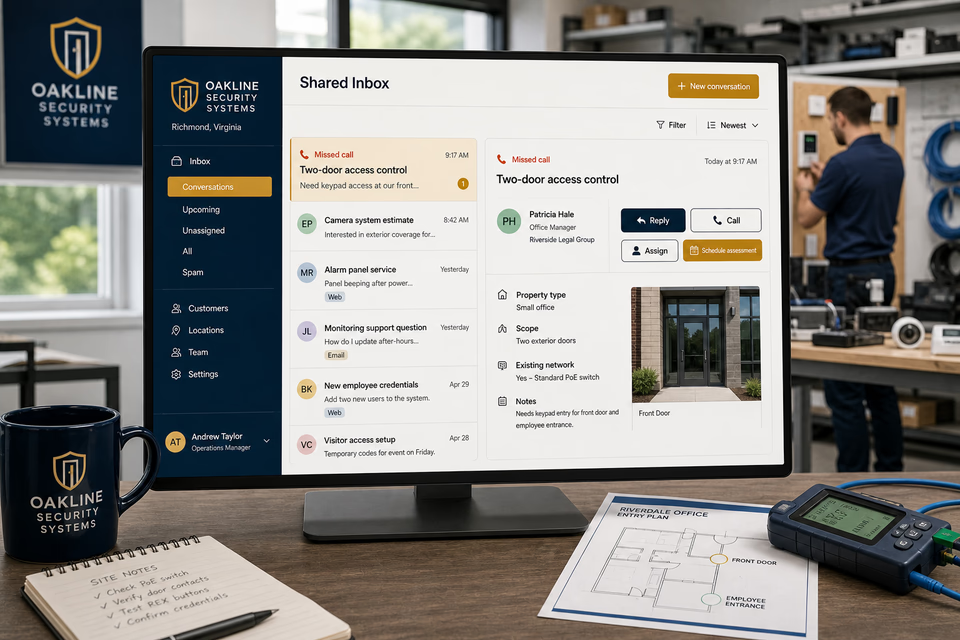
A missed call can open a normal text conversation. The property type, doors or coverage areas, existing network or panel, photos, site contact, reply, and scheduling step stay together so the office can assign a useful next action.
Support the system after installation
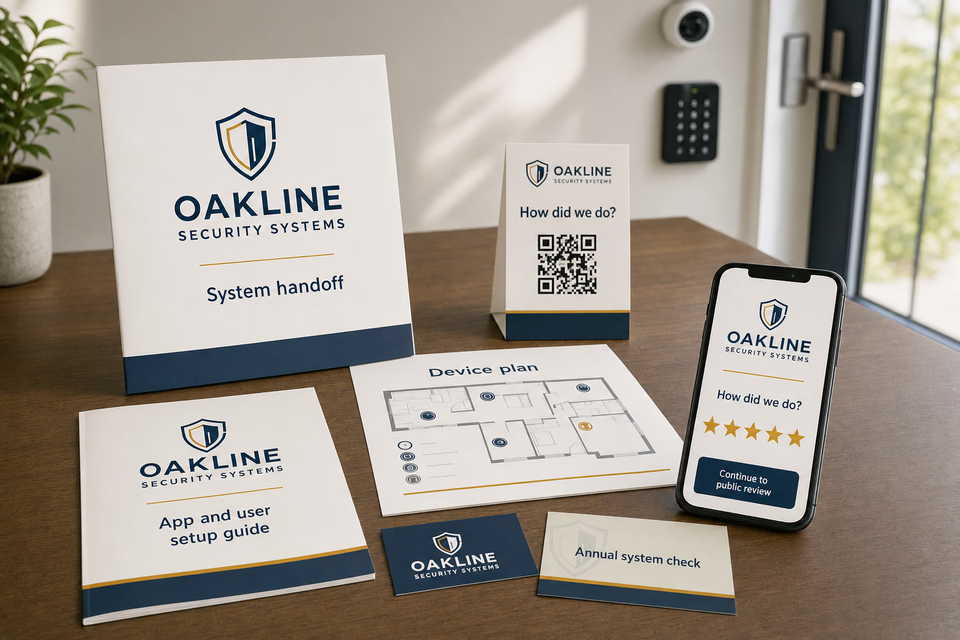
Ask how the project went, make a five-star review easy, provide a device plan and user setup guide, and follow up on documented service, user-change, or system-check needs with customers who agreed to hear from you.
Every part of the offer
These are the complete Worker Websites services that can support a security systems company. Open any service for the deeper explanation.
Explain alarm, camera, access-control, installation, integration, service, and support work, show the real service area, and make the next step easy on a phone.
See the service 02Acknowledge an allowed missed call while the customer is still deciding who to contact.
See the service 03Keep calls, texts, forms, email, chat, and social messages in one active customer conversation.
See the service 04Give the team one work number for calls, texts, and job photos without sharing a personal cell.
See the service 05Follow up on site-assessment requests, open installation proposals, documented upgrade needs, user changes, and unanswered support questions without losing the human handoff.
See the service 06Survey the customer first, then make the public review path easy when they are fully satisfied.
See the service 07Send annual system-check reminders, user-and-access reviews, camera-care guidance, and thoughtful past-customer check-ins to past customers who agreed to hear from you.
See the service 08Improve the pages people find and keep the local listing complete, accurate, and tied to the right services.
See the service 09Track the searches that matter and keep improving useful security systems company service and location content.
See the service 10Put paid search behind specific alarm, camera, access-control, installation, integration, service, and support work, locations, landing pages, and clear tracking.
See the service 11Use system-handoff folders, device plans, user setup guides, equipment labels, QR feedback cards, and support leave-behinds and other practical pieces before and after the job.
See the service 12Make the website, installation vans, technician uniforms, proposals, device plans, handoff folders, and customer messages look like the same security systems company.
See the servicePages built around real security-system projects
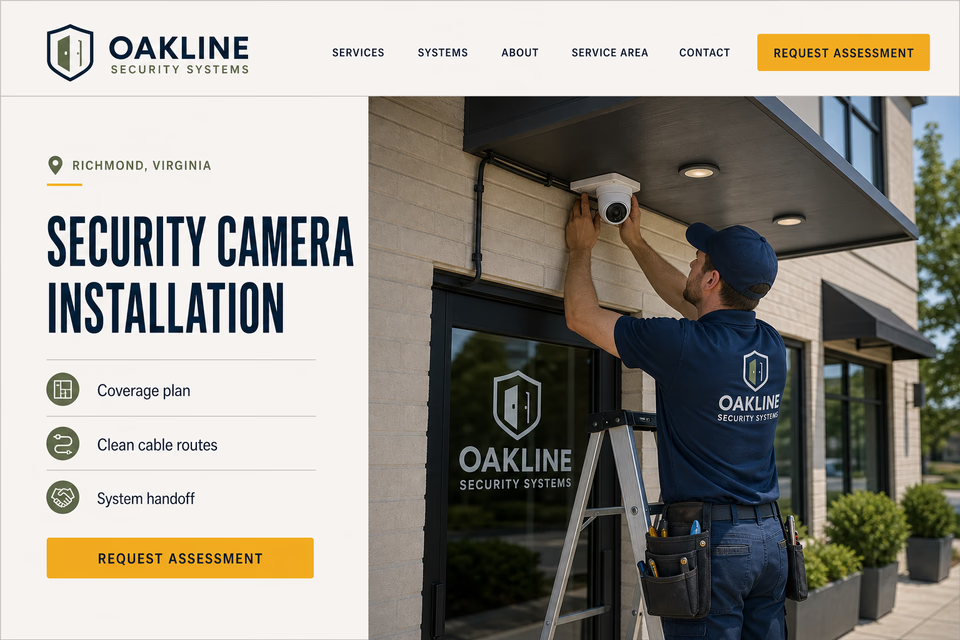
Alarm systems, camera coverage, access control, intercoms, panel upgrades, and support calls require different site details and explanations. Each page should describe the planning process, what the company actually installs or services, and one clear way to request an assessment.
From search to the next job
The website should not end at a form, and a completed job should not end at an invoice. Each useful step gives the next person context.
A useful page or local listing matches the problem and gives the customer one obvious way to act.
The call, form, or message lands in the same customer record with the service, location, and conversation attached.
The owner or office can reply, call, qualify, assign, and schedule with the history already in front of them.
Feedback, reviews, print, referrals, and useful customer follow-up help one completed job create the next opportunity.
Security system questions, straight answers
Yes when the company is built around alarms, cameras, access control, intercoms, system integration, user handoff, and ongoing support. That buyer journey and equipment lifecycle are distinct from general electrical repair and installation work.
No. The site can explain the equipment, installation process, customer controls, and any real monitoring relationship, but it should not promise that an incident will not occur or that a third party or public agency will respond in a particular way.
Describe only the actual service provider, customer responsibilities, communication path, and support scope that apply. Avoid inventing response times, certifications, or outcomes controlled by a monitoring center, carrier, or authority.
Yes, when the company truly evaluates or services existing equipment. The page should explain that compatibility, account access, wiring, device condition, and available parts must be reviewed before promising a takeover, repair, or upgrade path.
Want to see the complete setup for your security systems company?
We will show you how the website, calls, messages, local search, reviews, and follow-up can work as one practical customer system.
Book the 20-minute demo