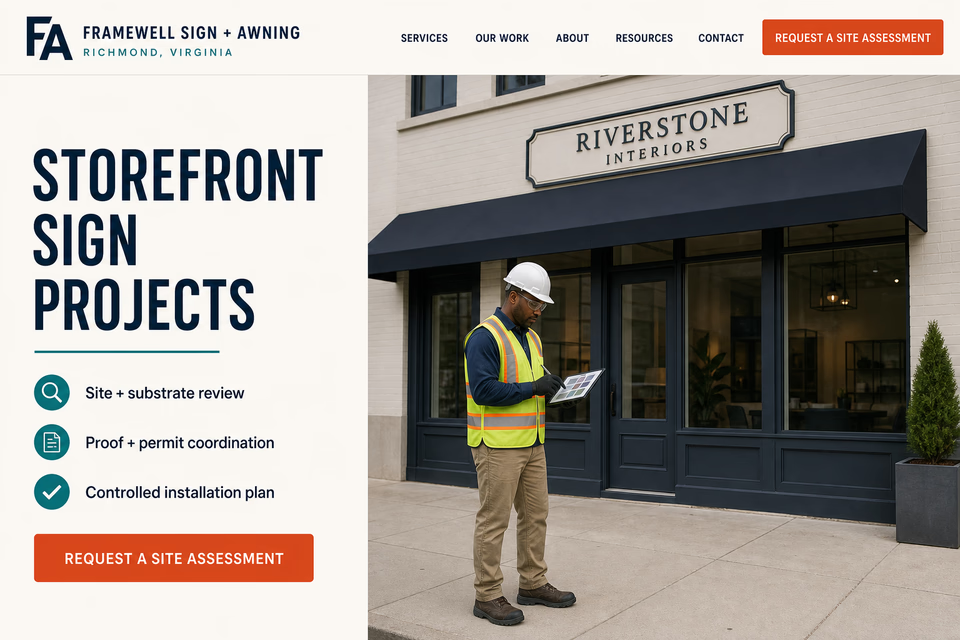
The complete customer system for sign and awning companies
Show the work clearly. Qualify the site. Keep every decision connected.
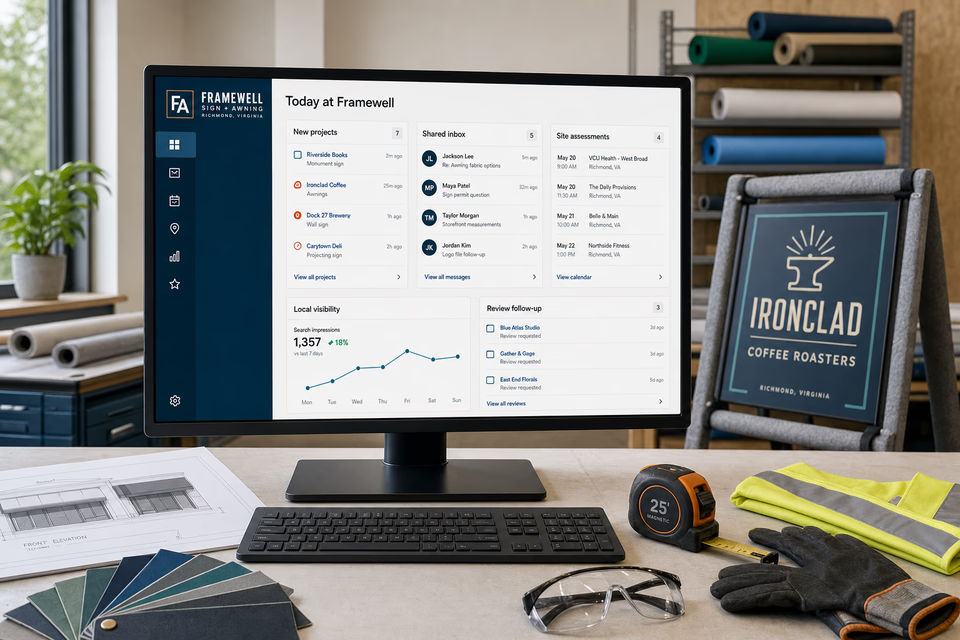
Business owners, property managers, and multi-location teams compare design capability, materials, proof, permit coordination, installation planning, and serviceability before they move a sign or awning project forward. We connect the website, calls, messages, local search, reviews, and follow-up so the project details reach the right person without turning a first request into an unverified approval.
Framewell Sign + AwningWebsite, response, search, reviews, and follow-up
What the complete setup should do
Be useful before, during, and after the service call.
Sign and awning work joins design, site conditions, property approvals, fabrication, scheduling, and controlled field work. The system should help a buyer understand the process while keeping drawings, photos, materials, review notes, and next steps in one useful record.
01
Explain the project before promising the result
Useful pages should show supported sign types, awning work, service territory, process, and completed examples while leaving substrate, access, electrical, engineering, landlord, and permit questions for qualified review.
02
Qualify the property before the site visit
The address, property type, sign or awning need, façade photos, available drawings, dimensions, mounting surface, electrical-feed status, approval path, access conditions, and schedule constraints help the team prepare a useful assessment.
03
Keep proof, fabrication, and field notes together
Calls, messages, artwork, color and material decisions, property comments, permit status, site-review notes, and scheduled next steps should remain in one owned project conversation.
04
Close out with a usable project record
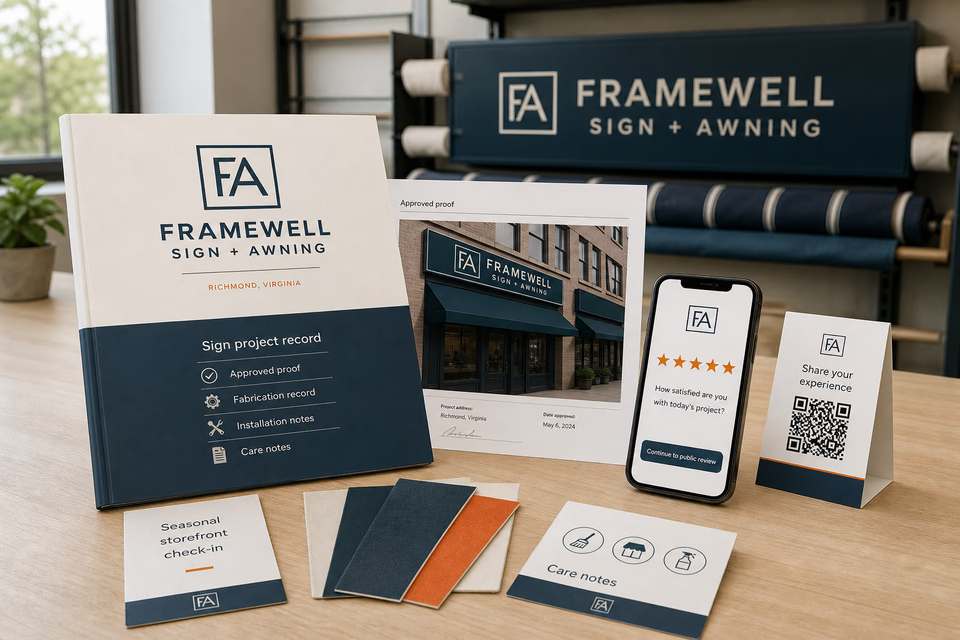
Approved proofs, fabrication records, installation notes, care information, feedback, and future service requests are easier to manage when the customer receives one organized handoff.
The sign and awning system
Three parts. One customer journey.
Each part is built around site review, proof and permit coordination, fabrication, controlled installation planning, repair, refacing, awning work, project closeout, and ongoing service for supported commercial sign and awning projects, and every service below links to the full explanation of what it does.
01
Get found for the project they are planning
Give each sign, awning, and service line enough room to set expectations.
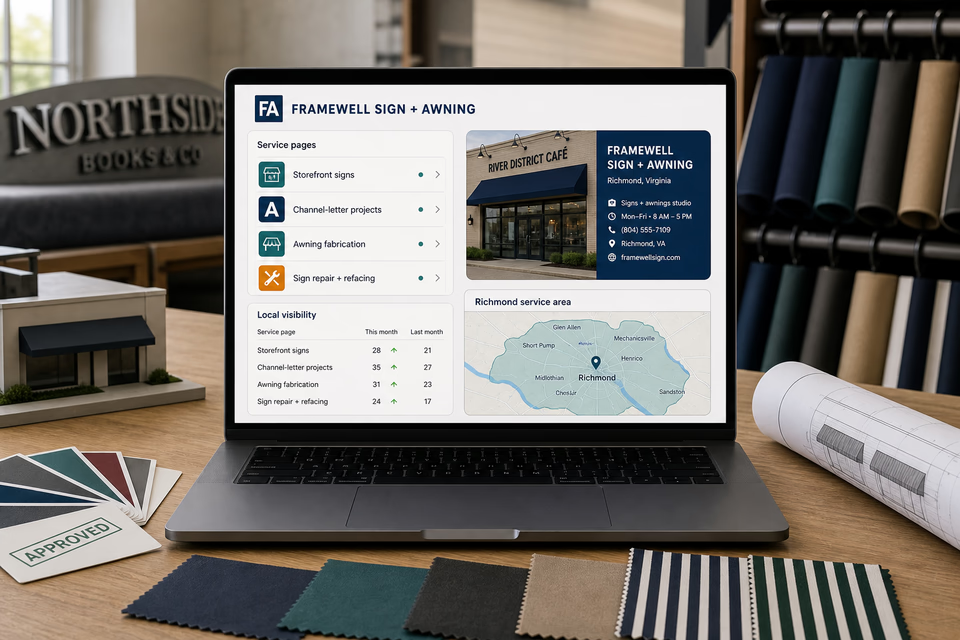
Build useful pages around storefront signs, supported channel-letter projects, wayfinding, awning fabrication and replacement, refacing, repair, tenant changeovers, and the places you truly serve. Keep the local listing, search work, and ads aligned with those real offers.
Keep the façade photos, drawings, approval path, and next visit together.
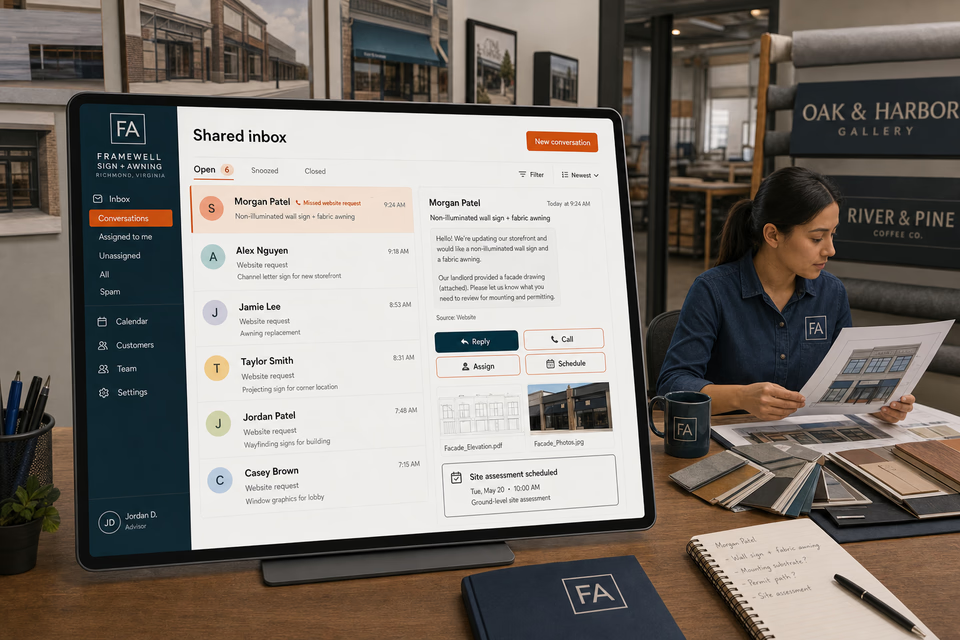
A missed call or website form can become one owned conversation. Property details, attachments, sign or awning type, mounting questions, electrical-feed notes, reply, assignment, and ground-level site-assessment window stay together so a person can review the next step.
Make the approved proof, closeout notes, feedback, and future service easy to find.
Deliver an organized project record, ask how the work went, make a five-star public review easy, and send restrained seasonal storefront check-ins only to customers who agreed to hear from you.
Storefront signs, channel-letter projects, wayfinding, awning fabrication, refacing, and repair are different buying decisions. Each page should explain fit, review steps, proof, and the next action without promising permits, code acceptance, structural adequacy, electrical safety, installation timing, visibility, or sales results that have not been verified.
Storefront sign projects
Non-illuminated wall signs
Channel-letter sign projects—when you truly offer them
Monument and freestanding sign projects—when supported
Interior and exterior wayfinding signs
Awning design and fabrication
Awning fabric replacement and repair
Sign repair, face replacement, and refacing
Tenant sign and awning changeovers
Multi-location sign and awning programs
Site, substrate, access, and approval review process
Service-area pages for the communities you really serve
From search to the next job
The handoffs are the whole point.
The website should not end at a form, and a completed job should not end at an invoice. Each useful step gives the next person context.
01
They find the right service
A useful page or local listing matches the problem and gives the customer one obvious way to act.
02
The request stays alive
The call, form, or message lands in the same customer record with the service, location, and conversation attached.
03
A person owns the next step
The owner or office can reply, call, qualify, assign, and schedule with the history already in front of them.
04
The finished job keeps working
Feedback, reviews, print, referrals, and useful customer follow-up help one completed job create the next opportunity.
Sign and awning questions, straight answers
Clear project context. Controlled next steps. No unsupported approvals.
01Is this just a website package for sign shops?
No. The website is the front door. The complete setup can connect project requests, calls, texts, façade photos, drawings, the shared inbox, site-assessment follow-up, reviews, local search, ads, print, and branding around the way your sign and awning company actually works.
02Can the request path collect drawings and property details before a site assessment?
Yes. It can ask for the address, property type, sign or awning need, available dimensions, façade photos, drawings, landlord or property contacts, known permit status, electrical-feed notes, access conditions, and timing constraints. A qualified person still reviews the information and owns the next step.
03Can the page promise permit approval, code compliance, structural fit, or installation timing?
No blanket promise is honest. The page can explain your review and coordination process, but permit decisions, landlord approval, code requirements, engineering, mounting conditions, electrical scope, access, weather, and installation timing depend on project details that must be verified.
04Should electrical sign work, roofing, or lift work be presented as automatic parts of every project?
No. Only describe the work your company is qualified, equipped, and contracted to perform. Energized sign work, structural engineering, roof work, traffic control, lifting, and work at height need their own reviewed scope, qualified people, equipment, and site controls; the customer system should never imply those conditions are already cleared.
Want to see the complete setup for your sign and awning company?
Bring the old site. Or the lack of one.
We will show you how the website, calls, messages, local search, reviews, and follow-up can work as one practical customer system.