Start with the rooms and routines
A homeowner should be able to share the property type, project stage, rooms, daily goals, plans, and existing equipment before the first design conversation.

The complete customer system for smart home + AV companies
Residential technology projects begin with rooms, routines, plans, equipment, and expectations—not a generic gadget list. We connect the website, calls, messages, local search, reviews, and follow-up so consultation, design, installation, and owner handoff stay part of one clear customer journey.
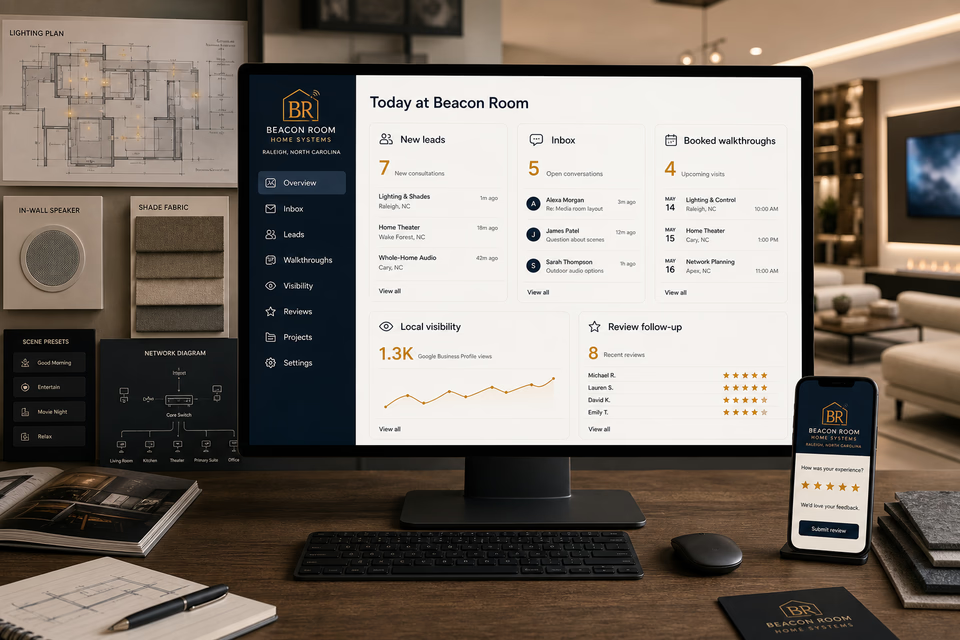
What the complete setup should do
Smart home and AV work spans new construction, finished-home retrofits, focused room upgrades, network planning, and later support. The system should collect the right context without promising that every product or property will work the same way.
A homeowner should be able to share the property type, project stage, rooms, daily goals, plans, and existing equipment before the first design conversation.
A theater refresh, shade project, network improvement, and new-construction automation plan need different questions, proof, coordination, and next steps.
Calls, texts, room photos, floor plans, equipment notes, proposals, revisions, and scheduling details should stay in one customer record while the design becomes an installable project.
A strong handoff can document room controls, network and equipment locations, everyday scenes, project contacts, feedback, and the real process for requesting future help.
The smart home + AV system
Each part is built around residential automation, lighting and shade control, audio/video, networking, and system documentation, and every service below links to the full explanation of what it does.
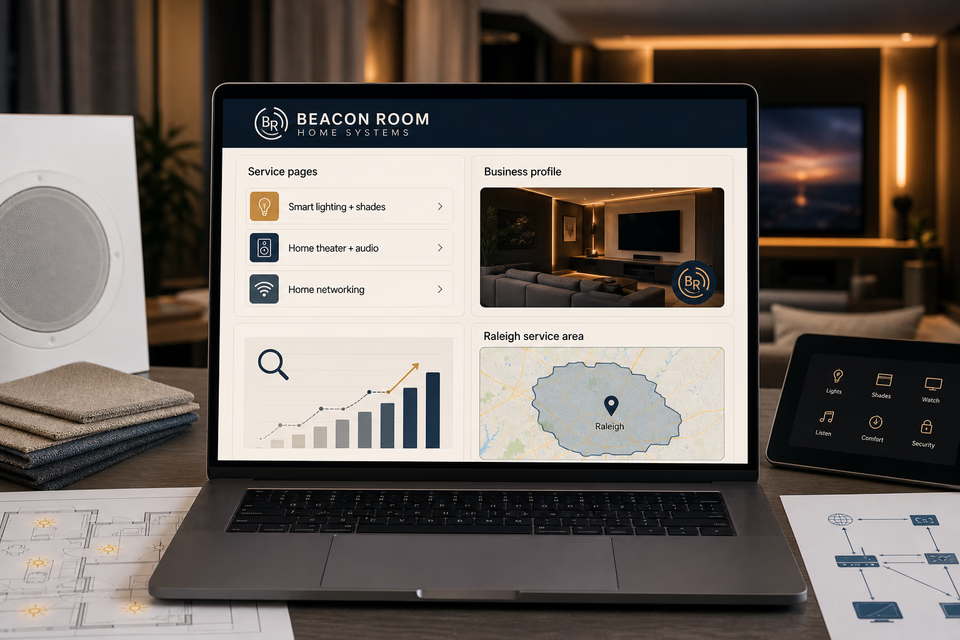
Get found for the project the homeowner is planning
Build useful pages around the technology you genuinely design and install, the new-build or retrofit process, finished rooms, and the communities you serve. Connect local search and ads to relevant project proof instead of a generic smart-home claim.
Qualify before the design meeting
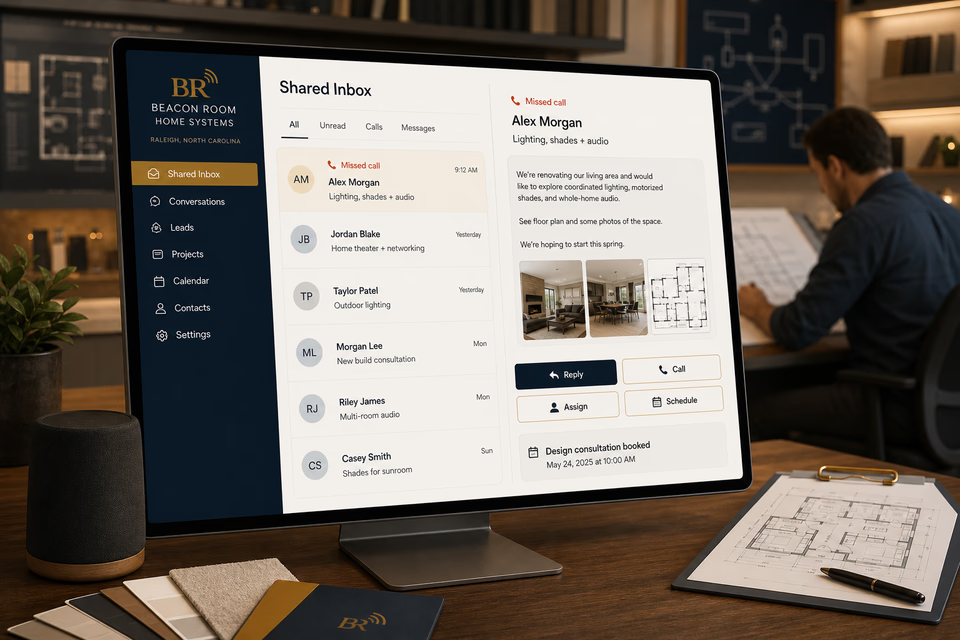
A missed call can become a normal text conversation. The project stage, spaces, desired experiences, existing equipment, timing, and files stay together so the team can schedule a better-informed consultation.
Finish with documentation the owner can use
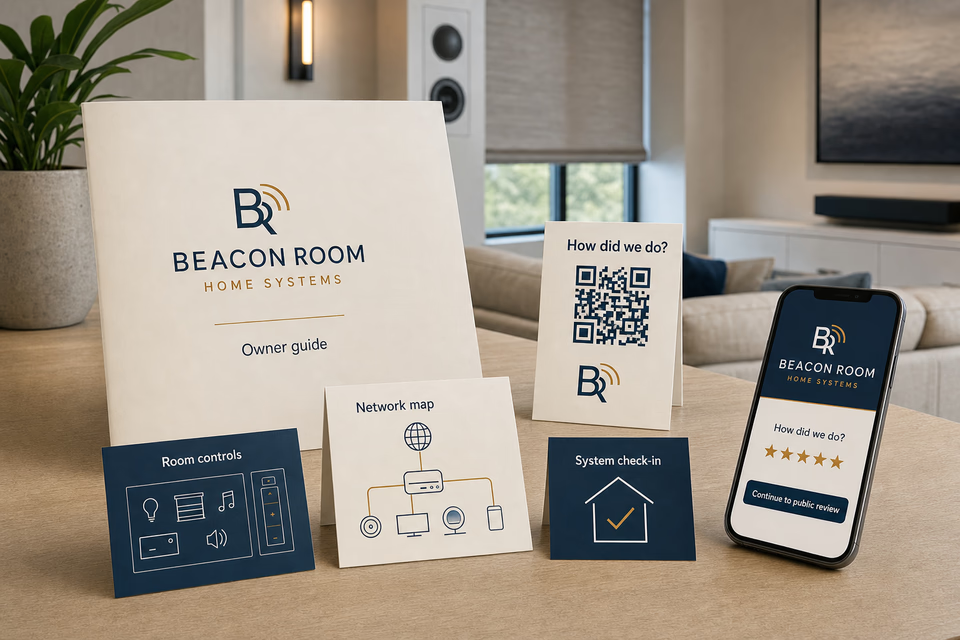
Ask how the project went, make a five-star review easy, hand over a clear owner guide and room-control notes, and provide a restrained path for future questions or project phases without promising response times.
Every part of the offer
These are the complete Worker Websites services that can support a smart home + AV company. Open any service for the deeper explanation.
Explain residential automation, lighting and shade control, audio/video, networking, and system documentation, show the real service area, and make the next step easy on a phone.
See the service 02Acknowledge an allowed missed call while the customer is still deciding who to contact.
See the service 03Keep calls, texts, forms, email, chat, and social messages in one active customer conversation.
See the service 04Give the team one work number for calls, texts, and job photos without sharing a personal cell.
See the service 05Follow up on design consultations, open proposals, equipment decisions, later project phases, and unanswered support requests without losing the human handoff.
See the service 06Survey the customer first, then make the public review path easy when they are fully satisfied.
See the service 07Send owner-guide reminders, thoughtful system check-ins, project-phase follow-ups, and referral requests to past customers who agreed to hear from you.
See the service 08Improve the pages people find and keep the local listing complete, accurate, and tied to the right services.
See the service 09Track the searches that matter and keep improving useful smart home + AV company service and location content.
See the service 10Put paid search behind specific residential automation, lighting and shade control, audio/video, networking, and system documentation, locations, landing pages, and clear tracking.
See the service 11Use owner guides, room-control quick-start cards, simplified network maps, QR feedback pieces, and project folders and other practical pieces before and after the job.
See the service 12Make the website, design studio, vehicles, team apparel, proposals, plans, owner guides, and customer messages look like the same smart home + AV company.
See the servicePages built around real rooms and technology projects
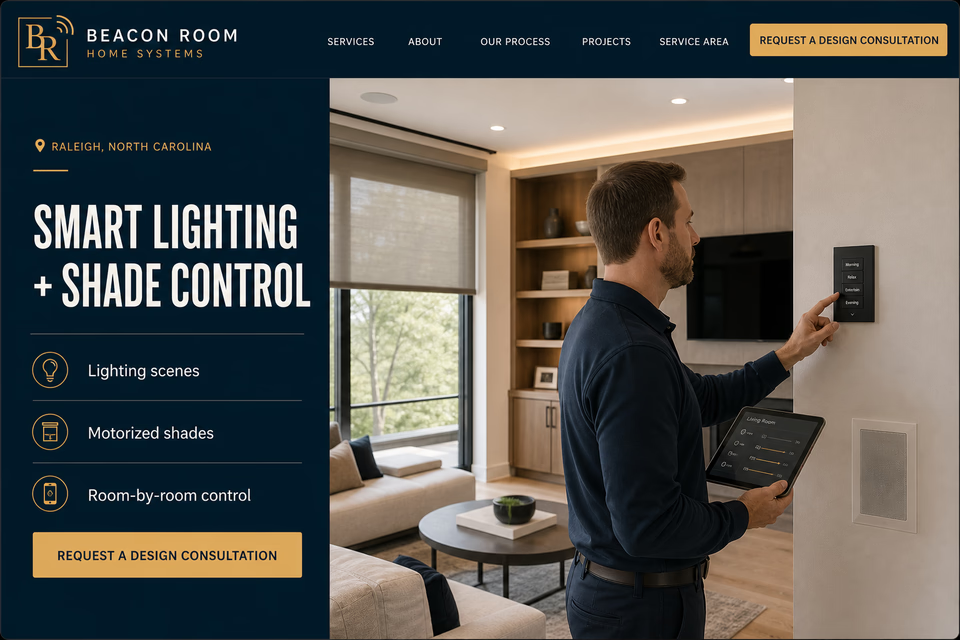
Lighting and shades, home theater, whole-home audio, networking, and automation solve different problems. Focused pages help homeowners understand the planning process, see relevant finished work, and request a useful design conversation.
From search to the next job
The website should not end at a form, and a completed job should not end at an invoice. Each useful step gives the next person context.
A useful page or local listing matches the problem and gives the customer one obvious way to act.
The call, form, or message lands in the same customer record with the service, location, and conversation attached.
The owner or office can reply, call, qualify, assign, and schedule with the history already in front of them.
Feedback, reviews, print, referrals, and useful customer follow-up help one completed job create the next opportunity.
Smart home + AV questions, straight answers
No. Compatibility depends on the specific equipment, software versions, wiring, network, property, and intended design. The site can explain the verification and planning process without guaranteeing a system before those details are reviewed.
They can enter the same customer system, but they need different questions. New construction may require plans, milestones, and trade coordination, while a finished-home retrofit needs room photos, access conditions, existing equipment, and disruption expectations.
That depends on the company's real scope and local requirements. The site should state what the team performs directly, where other qualified trades are involved, and how coordination works without implying credentials it does not hold.
Show finished rooms, discreet installation details, plans or rack documentation, owner handoff materials, and a short explanation of the customer's goals. Avoid a wall of unlabeled screens or claims that a photographed product works in every home.
Want to see the complete setup for your smart home + AV company?
We will show you how the website, calls, messages, local search, reviews, and follow-up can work as one practical customer system.
Book the 20-minute demo