Start with the property and site map
A useful inquiry identifies the address, property type, parking lot, drive, sidewalk, loading, or entrance areas, customer-supplied hours, site contact, and available map or photos.

The complete customer system for snow removal companies
Snow removal inquiries begin with the property type, service areas, site map, priority zones, obstacles, snow-storage locations, gates and access, overnight parking, customer-supplied hours, site contacts, photos, and seasonal scope. We connect the website, calls, messages, local search, reviews, and follow-up so each request reaches dispatch with useful context and each service record stays attached to the right property.
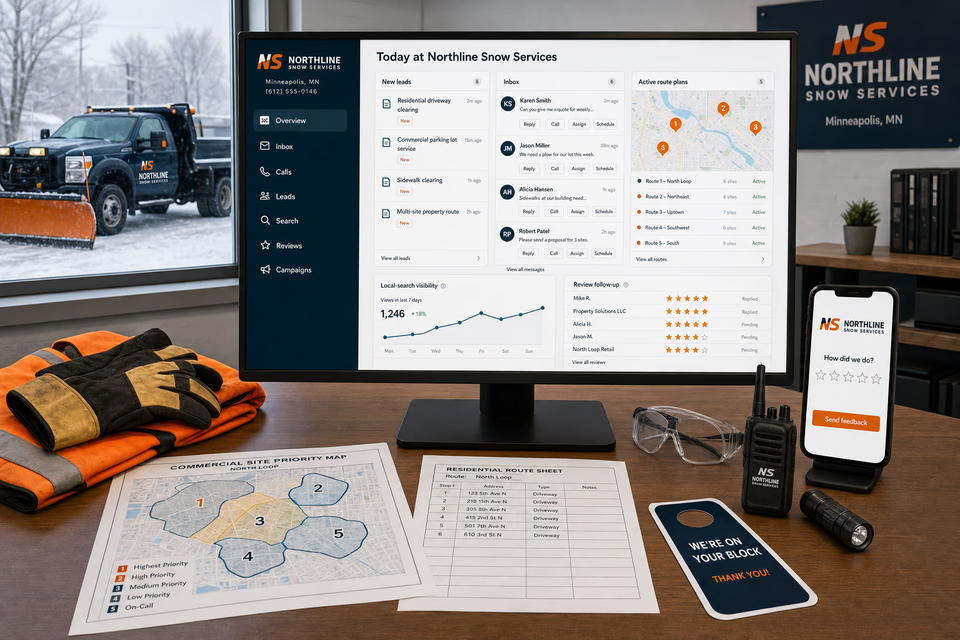
What the complete setup should do
A residential, commercial, or multi-site snow request should move from service-area fit and site information through a site assessment, route planning, priority and storage notes, access coordination, storm communication, visit records, final photos, and preseason review without losing the details dispatch and operators need.
A useful inquiry identifies the address, property type, parking lot, drive, sidewalk, loading, or entrance areas, customer-supplied hours, site contact, and available map or photos.
Main drives, accessible spaces, entrances, cart corrals, light poles, curbs, loading areas, gates, parked vehicles, and proposed snow-storage edges should stay visible in one site record.
Route status, access changes, overnight parking, property contacts, weather-dependent updates, service notes, and open scope questions belong in the same conversation without assigning certainty to conditions outside the company's control.
A coordinated handoff can preserve the site summary, route and priority record, areas serviced, snow-storage note, conditions and visit notes, final photos, feedback request, and future site-review details.
The snow removal company system
Each part is built around residential driveways, commercial parking lots, sidewalks, loading areas, and multi-site storm routes, and every service below links to the full explanation of what it does.
Get found for the snow work the property actually needs
Build useful pages around the snow services you genuinely perform, the site information customers should gather, representative property types, route planning, seasonal availability, and the communities you serve. Connect local search and campaigns to a relevant service instead of one generic winter page.
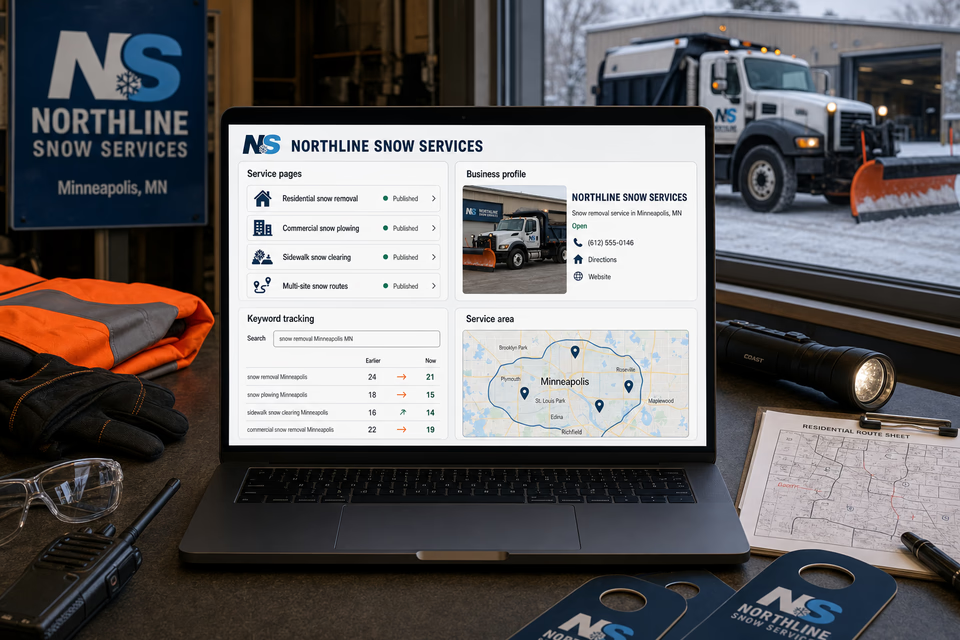
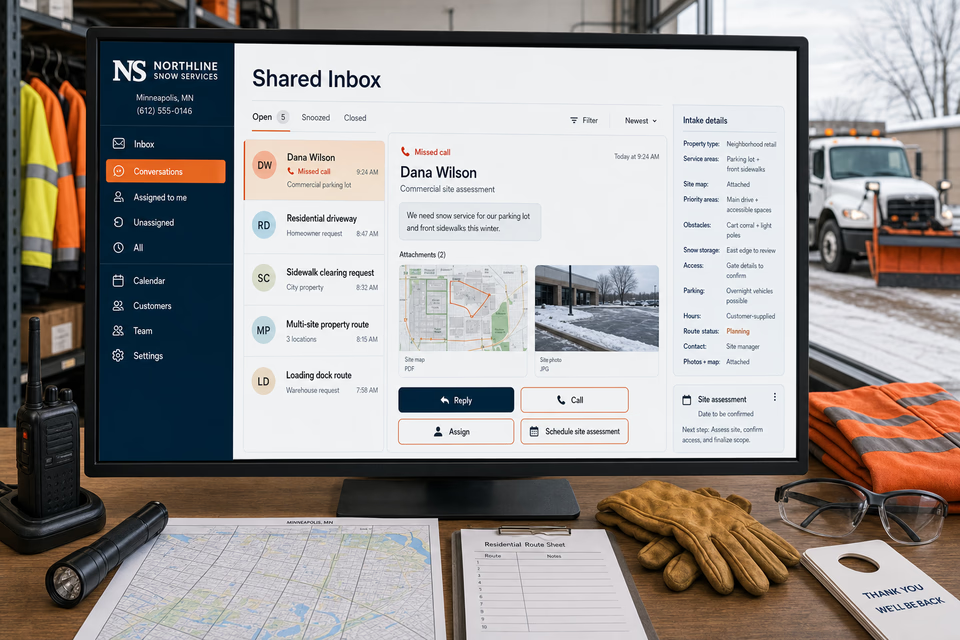
Turn a missed call into a prepared site assessment
A missed call can become a normal text conversation. Property type, service areas, site map, priority zones, obstacles, snow storage, gates and access, parking patterns, customer-supplied hours, site contacts, photos, and route status stay attached so the office can schedule a better-informed assessment.
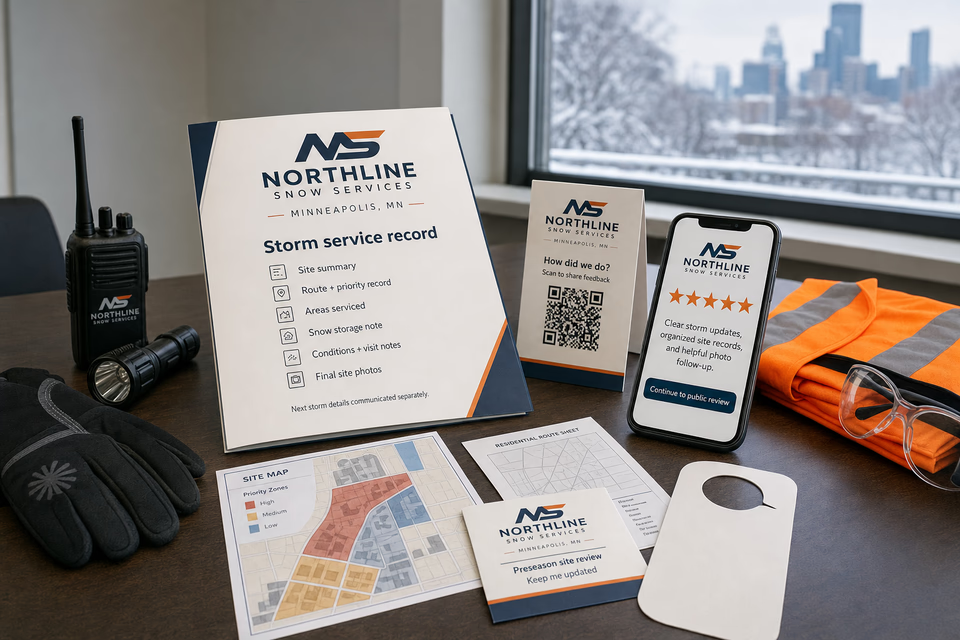
Make storm records useful after every visit
Share the site summary, route and priority record, areas serviced, snow-storage note, conditions and visit notes, and final photos. Then collect feedback and offer preseason site review to customers who choose to hear from you.
Every part of the offer
These are the complete Worker Websites services that can support a snow removal company. Open any service for the deeper explanation.
Explain residential driveways, commercial parking lots, sidewalks, loading areas, and multi-site storm routes, show the real service area, and make the next step easy on a phone.
See the service 02Acknowledge an allowed missed call while the customer is still deciding who to contact.
See the service 03Keep calls, texts, forms, email, chat, and social messages in one active customer conversation.
See the service 04Give the team one work number for calls, texts, and job photos without sharing a personal cell.
See the service 05Follow up on site-assessment requests, missing maps or photos, open priority-area questions, snow-storage decisions, gate or access details, overnight-parking notes, customer-supplied hours, site contacts, and multi-property coordination without losing the human handoff.
See the service 06Survey the customer first, then make the public review path easy when they are fully satisfied.
See the service 07Send preseason site reviews, route-opening announcements, site-map update requests, property-contact check-ins, and service-photo or referral requests to past customers who agreed to hear from you.
See the service 08Improve the pages people find and keep the local listing complete, accurate, and tied to the right services.
See the service 09Track the searches that matter and keep improving useful snow removal company service and location content.
See the service 10Put paid search behind specific residential driveways, commercial parking lots, sidewalks, loading areas, and multi-site storm routes, locations, landing pages, and clear tracking.
See the service 11Use site folders, priority maps, route sheets, snow-storage diagrams, access cards, storm service records, door hangers, QR feedback pieces, and site-assessment leave-behinds and other practical pieces before and after the job.
See the service 12Make the website, trucks, plow blades, operator apparel, dispatch maps, site folders, route sheets, service records, door hangers, and customer messages look like the same snow removal company.
See the servicePages built around real snow-service sites
Residential driveways, commercial lots, sidewalks, loading areas, and multi-site routes involve different maps, obstacles, storage areas, access notes, parking patterns, and customer contacts. Focused pages help property owners and managers recognize the relevant service and request a useful site assessment.

From search to the next job
The website should not end at a form, and a completed job should not end at an invoice. Each useful step gives the next person context.
A useful page or local listing matches the problem and gives the customer one obvious way to act.
The call, form, or message lands in the same customer record with the service, location, and conversation attached.
The owner or office can reply, call, qualify, assign, and schedule with the history already in front of them.
Feedback, reviews, print, referrals, and useful customer follow-up help one completed job create the next opportunity.
Snow removal questions, straight answers
Ask for the property address and type, service areas, site map, priority zones, entrances, sidewalks, obstacles, proposed snow-storage locations, gates and access, overnight parking, customer-supplied hours, site contacts, and photos.
Residential work usually centers on a driveway, walk, access notes, parked vehicles, and one property contact. Commercial work adds parking patterns, entrances, accessible areas, loading zones, obstacles, storage locations, customer-supplied hours, maps, and more route coordination.
No. The site can collect property details and explain the communication process, while route progress and visible conditions depend on the actual storm, the site, access, parked vehicles, selected scope, and the company's operating plan.
Usually yes. Sidewalk work focuses on entrances, walking paths, steps, obstacles, and access. Multi-site routes add several maps, property contacts, priority lists, storage notes, and route-level coordination. Separate pages make those customer journeys easier to understand.
Want to see the complete setup for your snow removal company?
We will show you how the website, calls, messages, local search, reviews, and follow-up can work as one practical customer system.
Book the 20-minute demo